Settings Connections Settings 232
n
Set Hotspot Timeout Settings:FromtheHotspotwindow,tapMore options >Timeout
settings,selectanoption,andtapOK.
l IPAddressappearsbelow“IPAddress”.
Using Wi-Fi Sharing
YourWi-Finetworkmaybesharedwithotherdevices.Beawarethatyourdevicemayswitch
betweenyoursavedWi-Finetworkswithoutnotice.
1.
Fromhome,tapApps >Settings .
2.
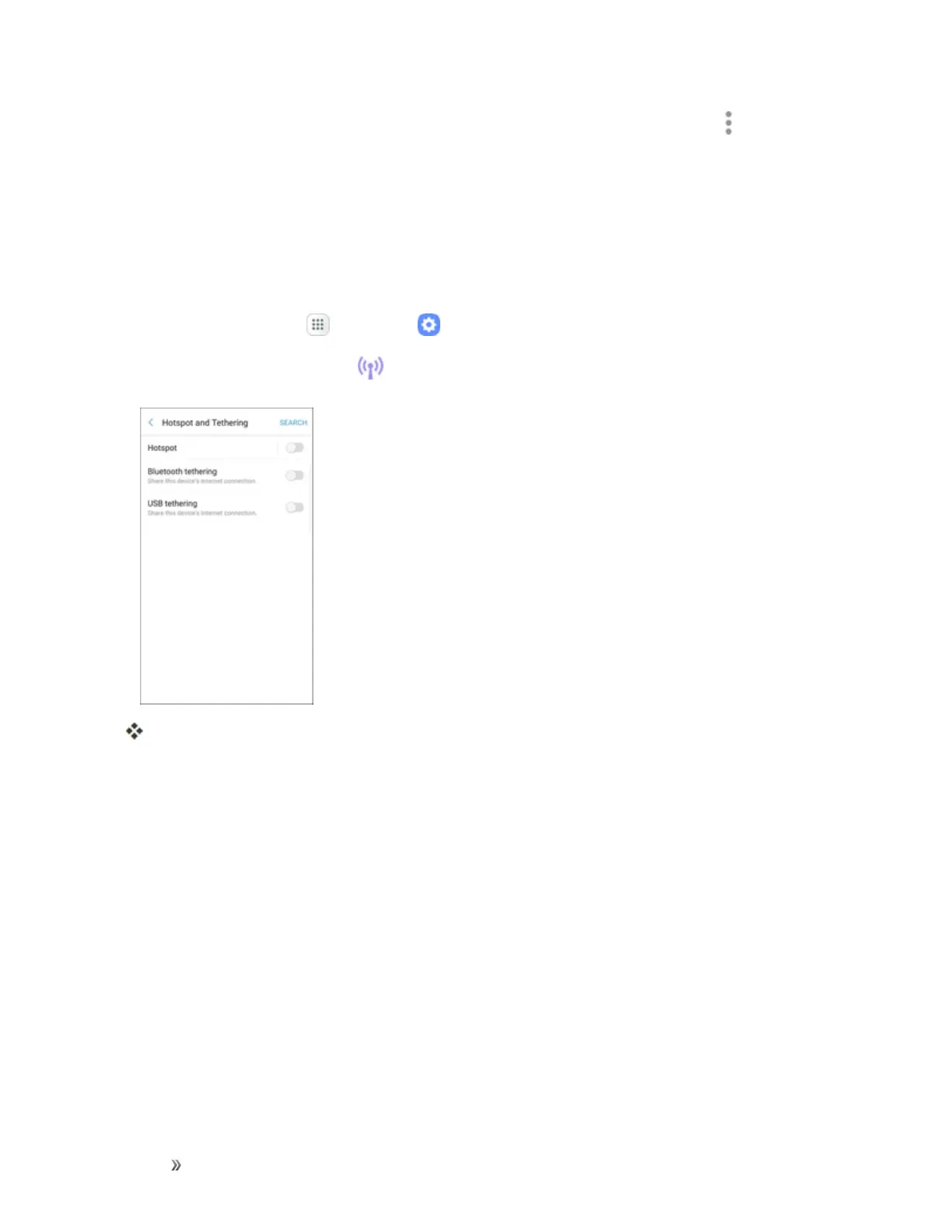
TapHotspotand Tethering >Hotspot.
TheHotspotwindowopens.
3. TapMore >Wi-Fi sharingforthefollowingoptions:
l TurnonWi-Fisharing
l TurnoffWi-Fisharing
Tethering Settings
UseTetheringtoshareyourdevice’sInternetconnectionwithacomputerthatconnectstoyour
deviceusingaUSBcableorbyBluetooth.
Formoreinformation,seeTethering.
Note:Usingthetetheringfeatureconsumesbatterypowerandusesdataservices.














 To Next Page