Settings Connections Settings 233
1.
Fromhome,tapApps >Settings .
2.
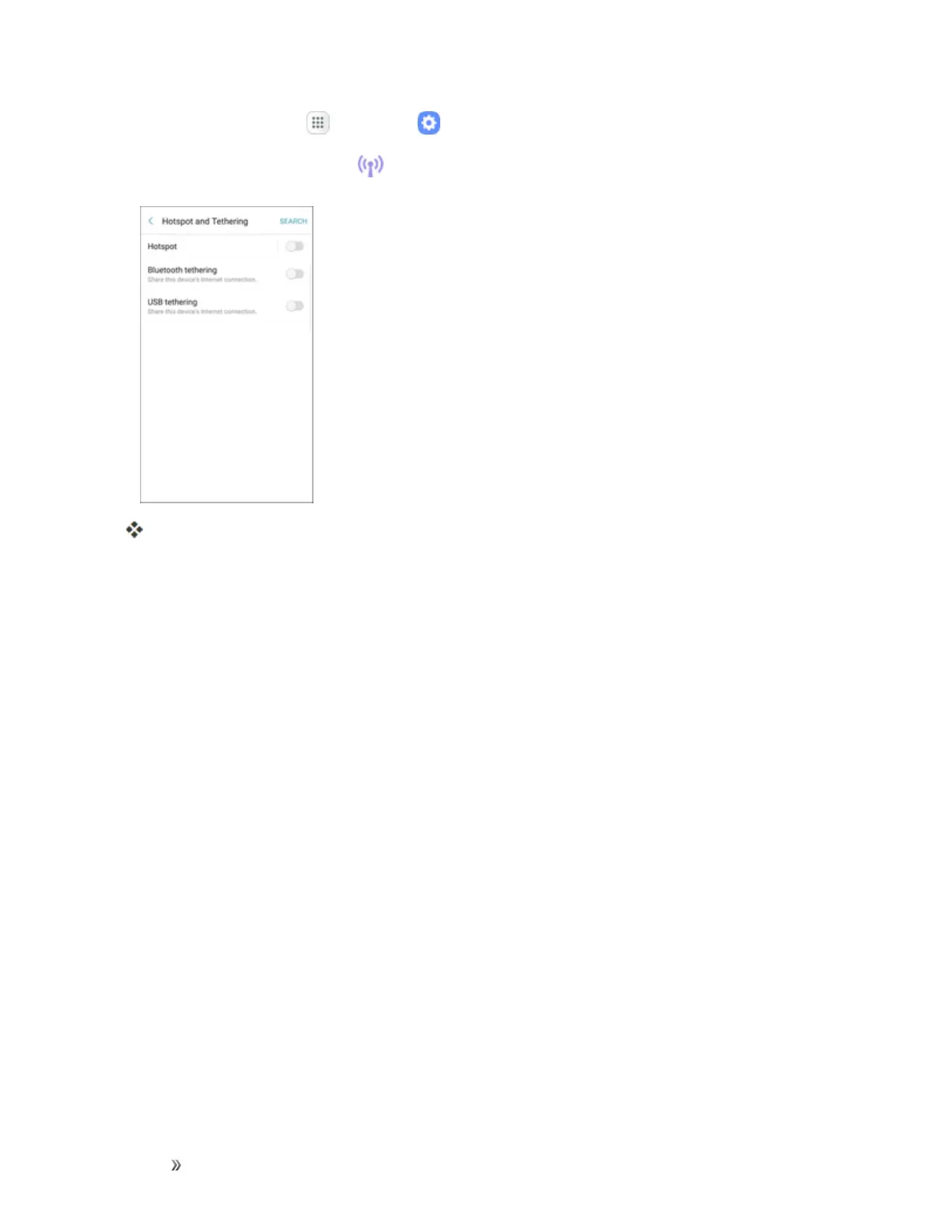
TapHotspotand Tethering .
TheHotspotandtetheringwindowopens.
3. Chooseanoption
l Bluetooth tethering:PairyourdevicewiththecomputerusingBluetooth.Consultthe
computer’sdocumentationformoreinformationaboutconfiguringyourcomputertopair
usingBluetooth.TapBluetooth tetheringtoturntetheringon.
l USB tethering:ConnectthecomputertoyourphoneusingaUSBcable,andthentapUSB
tetheringtoturntetheringon.














 To Next Page