Making Connections Contacts 101
Mark Contacts as Favorites
1.
Fromhome,tapApps >Contacts .
2.
Tapacontact,andthentapDetails .
3.
TapFavorite toturnthestaryellow .
Remove Contacts from Favorites
1.
Fromhome,tapApps >Contacts .
2.
Tapacontact,andthentapDetails .
3.
TapFavorite toturnthestarwhite .
4. TapDone.
Make a Call from Favorites
1.
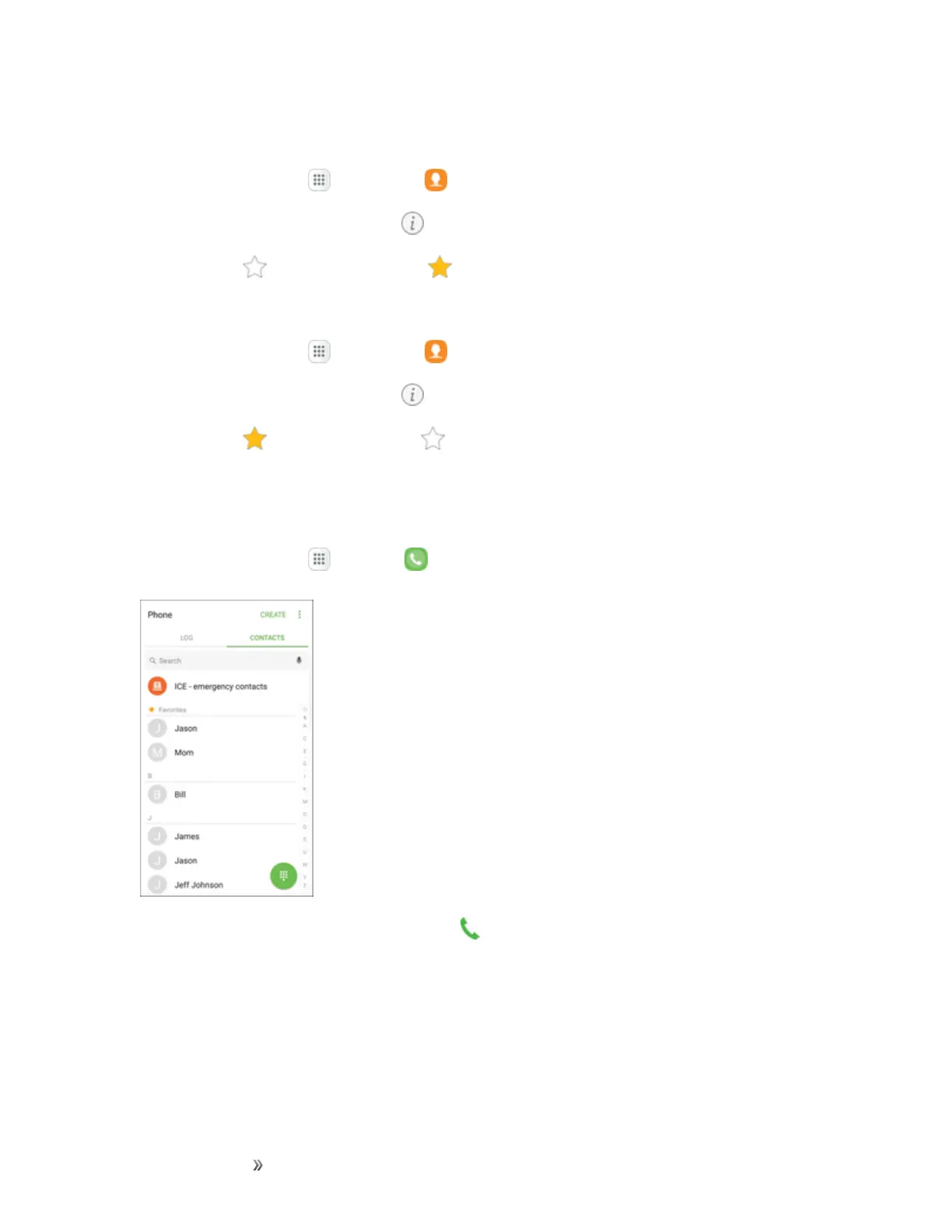
Fromhome,tapApps >Phone >Contacts tab.
2.
Tapacontacttodisplayit,andthentapCall .
Groups
Youcanusegroupstoorganizeyourcontacts.Yourphonecomeswithpreloadedgroups,andyou
cancreateyourown.Youmightcreateagroupforyourfamily,forcoworkers,orateam.Groups
makeiteasytofindcontacts,andyoucansendmessagestothemembersofagroup.














 To Next Page