Apps and Entertainment Entertainment and
Activities
205
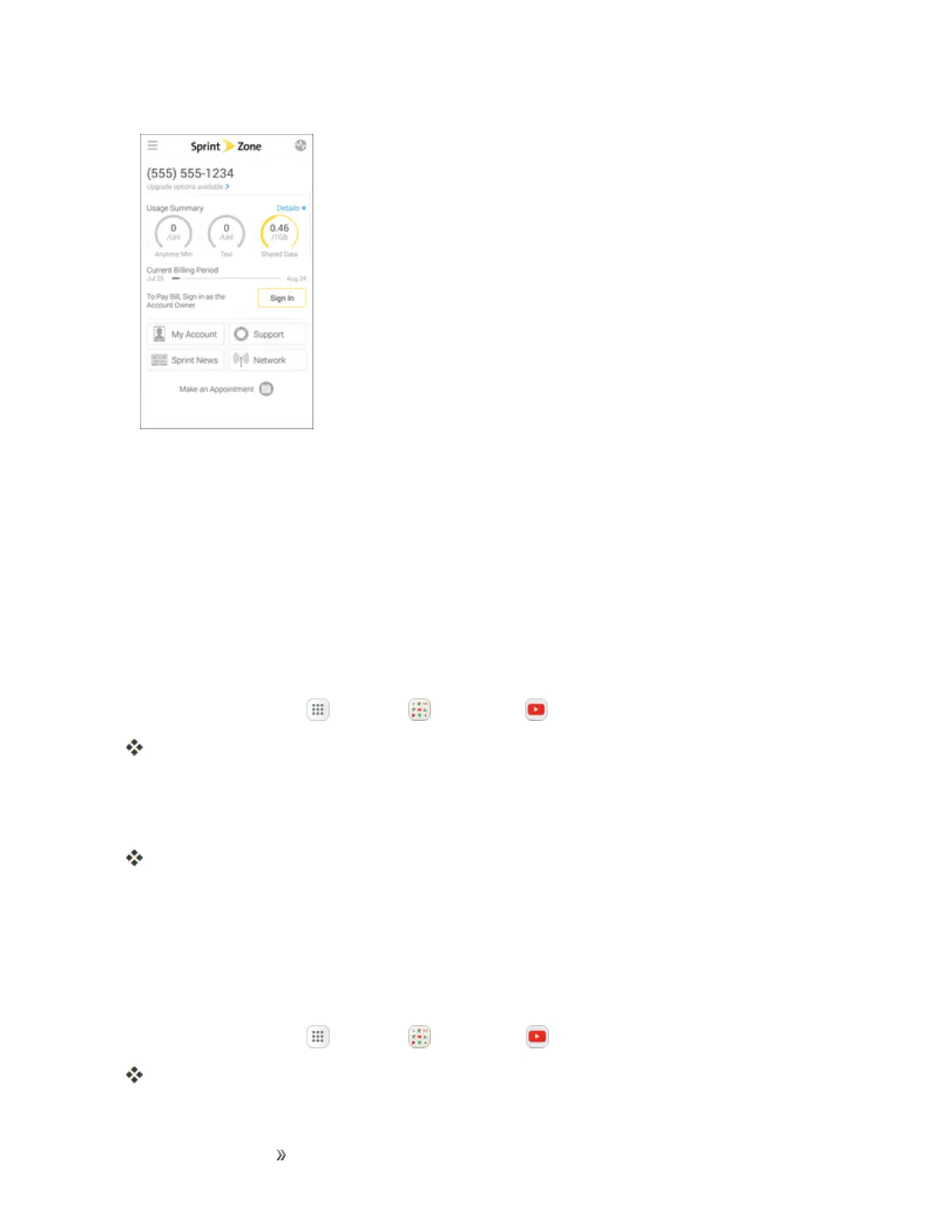
Note:SprintZonecategoriesandoptionsaresubjecttochange.Checkbackfrequentlyfornew
contentandupdates.
YouTube
ViewanduploadYouTubevideosfromyourdevice.
View YouTube Videos
YoucanusetheYouTubeapptoviewvideosonYouTubeevenifyouaren’tsignedintoaYouTube
account.
1.
Fromhome,tapApps >Google >YouTube .
TheYouTubeapplaunches.
l Ifyouarepromptedtoprovideconfirmationtousethesite,followthepromptstocontinue.
2. SearchthroughtheYouTubechannelsandtapavideoyouwanttosee.
Thevideoplaysonyourphonescreen.
l Tapthescreentopauseorresumeplaywhilewatching.
Post a Video to YouTube
YoucanpostvideostoyourYouTubeaccountfromyourphone.Beforeposting,youmustsetupa
YouTubeaccountandsignintoitonyourphone.
1.
Fromhome,tapApps >Google >YouTube .
TheYouTubeapplaunches.














 To Next Page