Settings Connections Settings 214
n
Canceling pairing:FromBluetoothsettings,tapSettings nexttoapaireddevicename,
andthentapUnpair.
l ThissettingisavailablewhenBluetoothisenabled.
n
Enable service from paired device:FromBluetoothsettings,tapSettings nexttoa
paireddevicename,andthentapthelistingunderProfiles.
l Ifaconfirmationpromptappears,followtheprompts.
l ThissettingisavailablewhenBluetoothisenabled.
l Thissettingisavailablewhenthepaireddeviceisprovidingaservice.
l TapthesettingtotoggleOn/Off.
n Search for other devices:FromBluetoothsettings,tapScan.
l ThissettingisavailablewhenBluetoothisenabled.
n Check files received usingBluetooth transfer:FromBluetoothsettings,tap More options
>Received files,andthenfollowtheprompts.
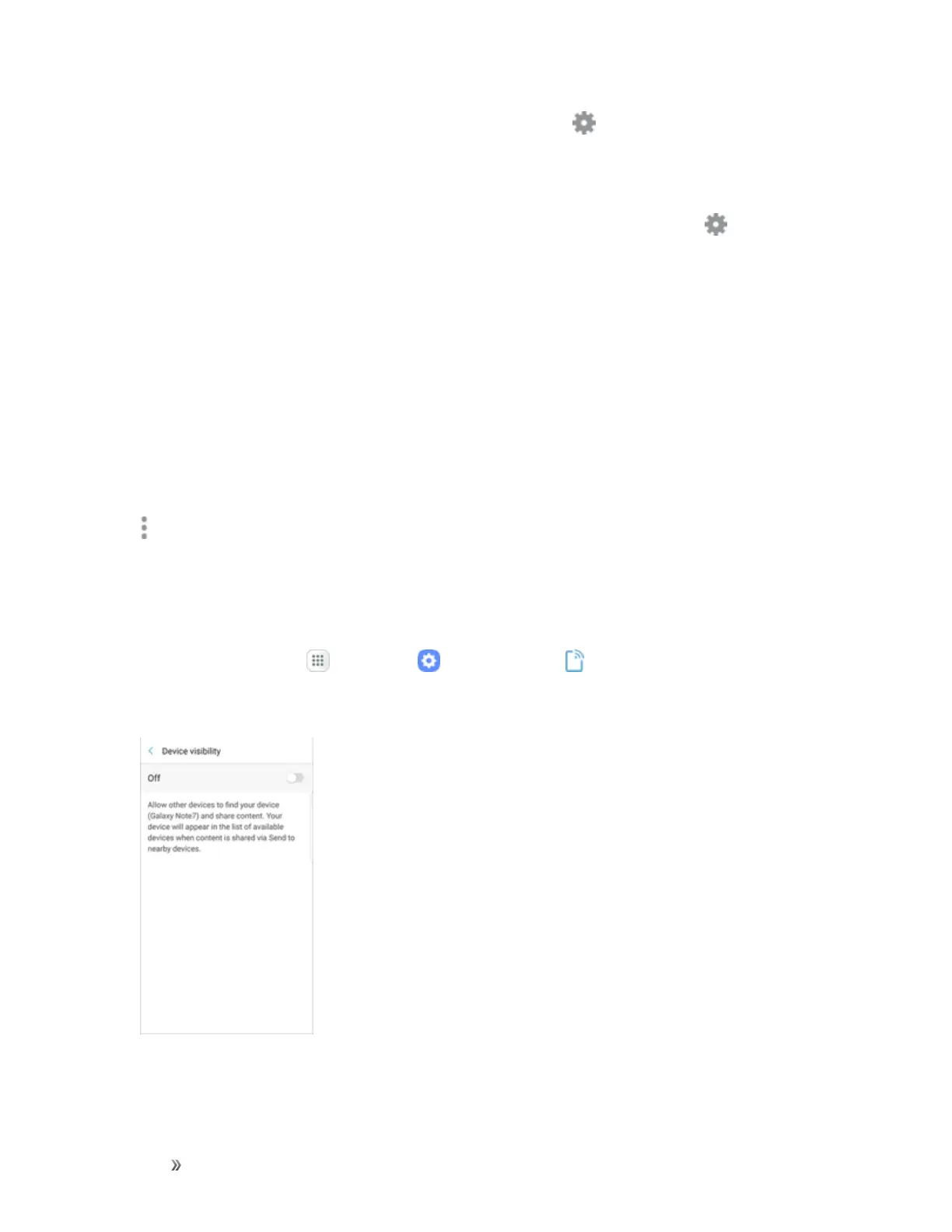
Device Visibility
Makeyourdevicevisibletoallowotherdevicestofinditandsharecontent.
1.
Fromhome,tapApps >Settings >Connections .
2. TapDevice visibility,andthentapOn/Offtoturnonvisibility.














 To Next Page