Settings Device Settings 254
1.
Fromhome,tapApps >Settings >Display .
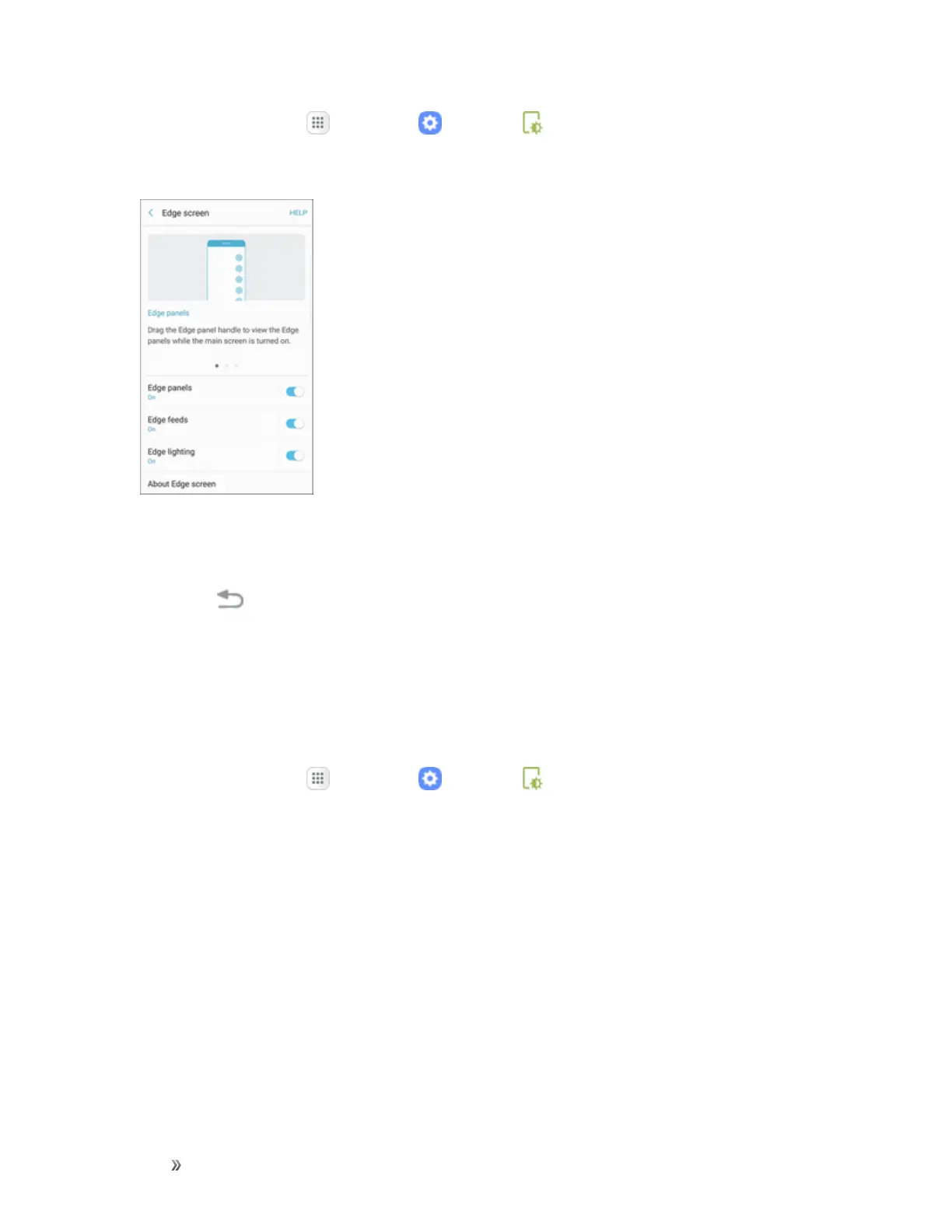
2. TapEdge screen.
3. TapEdge lighting.
4. TapOn/Offtoturnonthefeature.
5.
TapBack tosavechanges.
Quick Reply Settings
Quickreplyallowsyoutorejectanincomingphonecallwithatextmessagebyplacingyourfingeron
theheartratesensorfortwoseconds.Thecallisrejected,andapresetmessageissenttothecaller.
ToturnonandconfigureQuickreply:
1.
Fromhome,tapApps >Settings >Display .














 To Next Page