Settings System Settings 300
Access Language and Input Setting Options
1.
Fromthehomescreen,tapApps >Settings .
2.
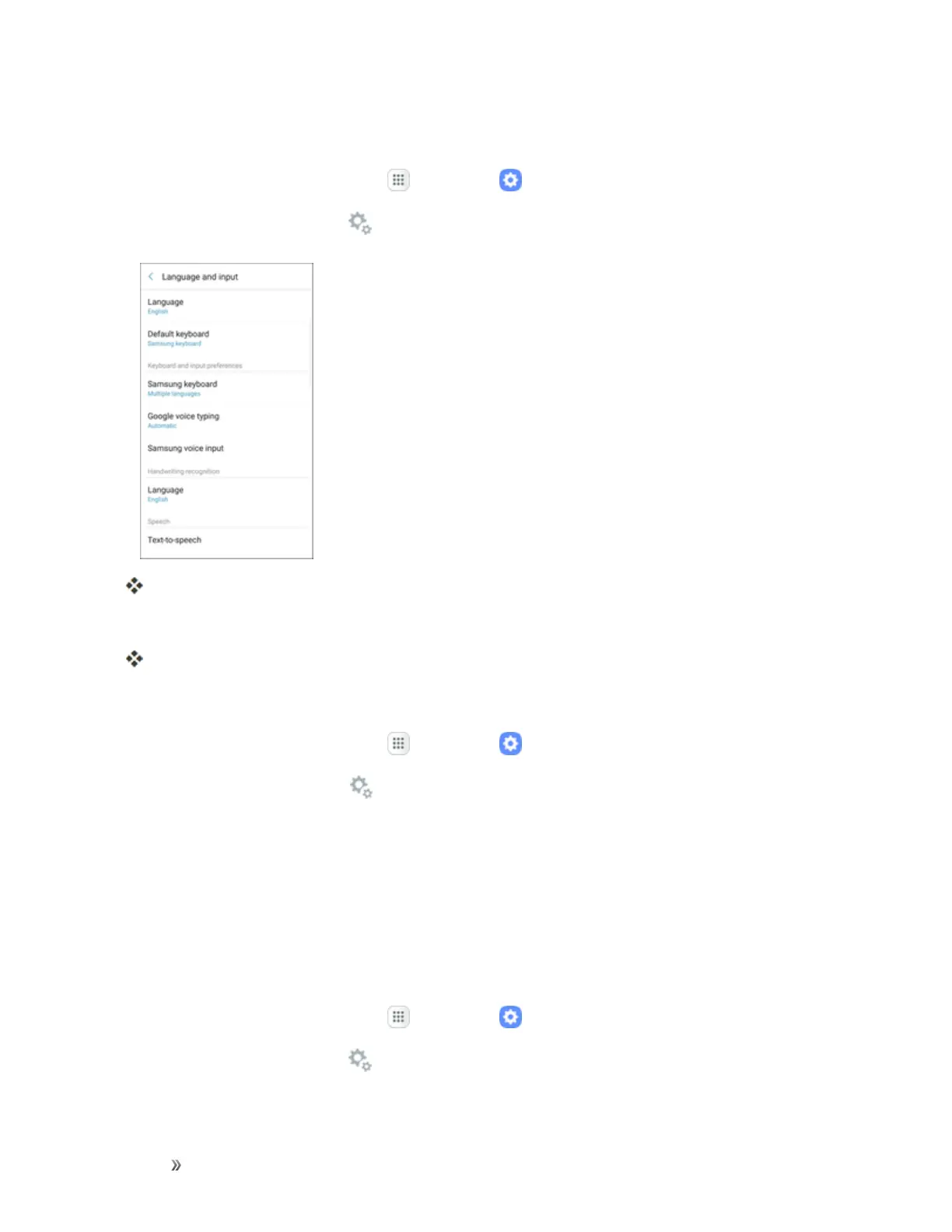
TapGeneral management > Language and input.
TheLanguageandinputsettingsmenuopens.
3. Setoptions.
Thelanguageandinputsettingsareappliedandsaved.
Select the Default Language for Your Phone
1.
Fromthehomescreen,tapApps >Settings .
2.
TapGeneral management > Language and input.
3. TheLanguageandinputsettingsmenuopens.
4. TapLanguage.
5. Tapanavailablelanguage.
Language and Input Options
Someofthelanguageandinputoptionsaredetailedbelow.
1.
Fromthehomescreen,tapApps >Settings .
2.
TapGeneral management > Language and input.
3. Setoptions:














 To Next Page