3 – 36 HS40 Service Manual
■ Set Measurement on Unfreeze
You can enable or disable the function that automatically completes measurements when the
image switches to Scan Mode while a measurement is being taken.
3.6.10.5. Cursor
■ Type
Select the shape of the default caliper cursor displayed on the screen. Select between
‘Cross’ shape (+) and ‘X’.
■ Arrow Head Marker
Show or hide the Head Marker when measuring a small area.
■ Size
Select the size of the default caliper cursor displayed on the screen. Select Small, Medium,
or Large.
Library
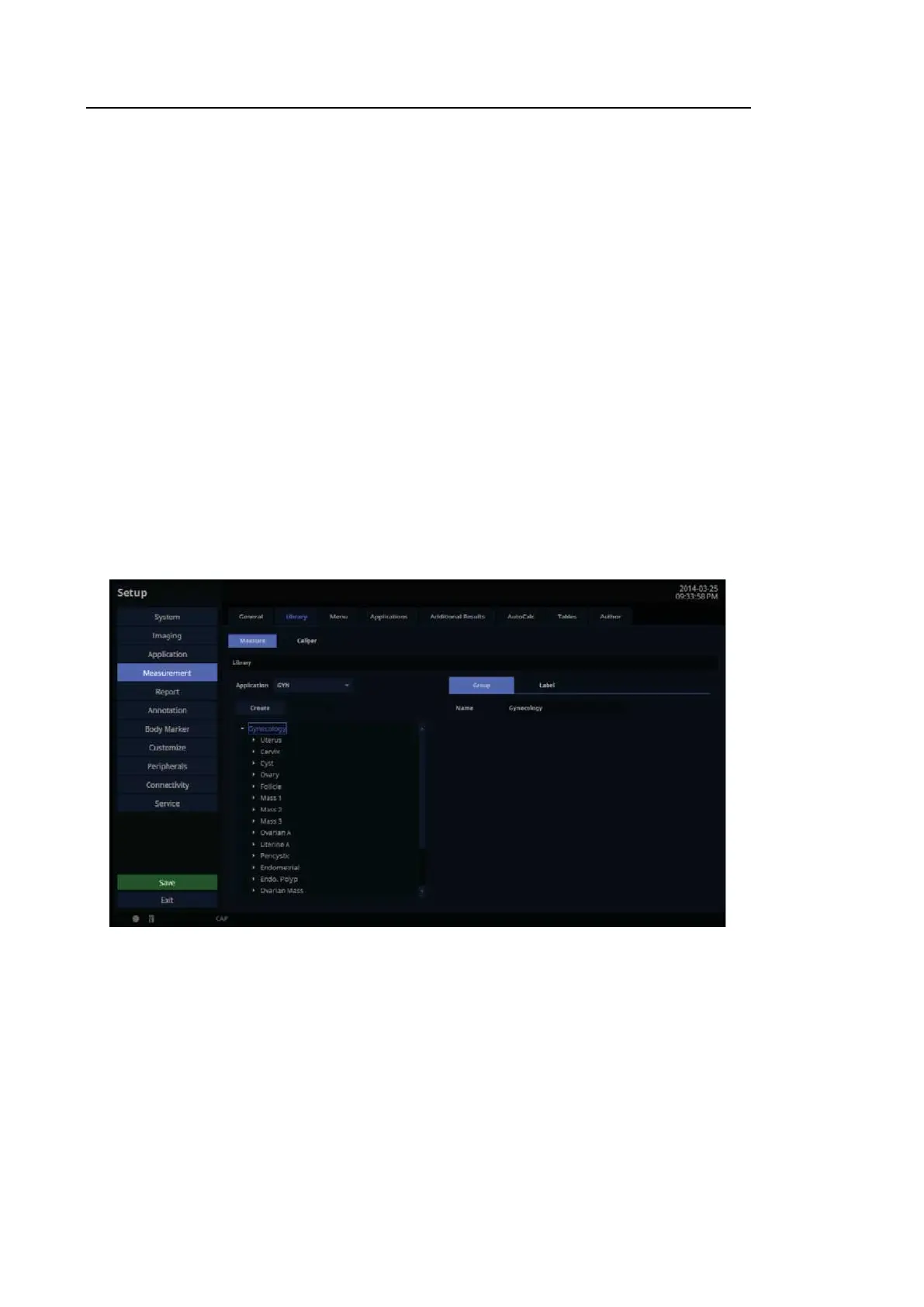
In the Setup screen, select the Library tab in the Measurement category.
[Figure 3.21 Setup – Measurement – Library]



 To Next Page