3 – 38 HS40 Service Manual
Menu
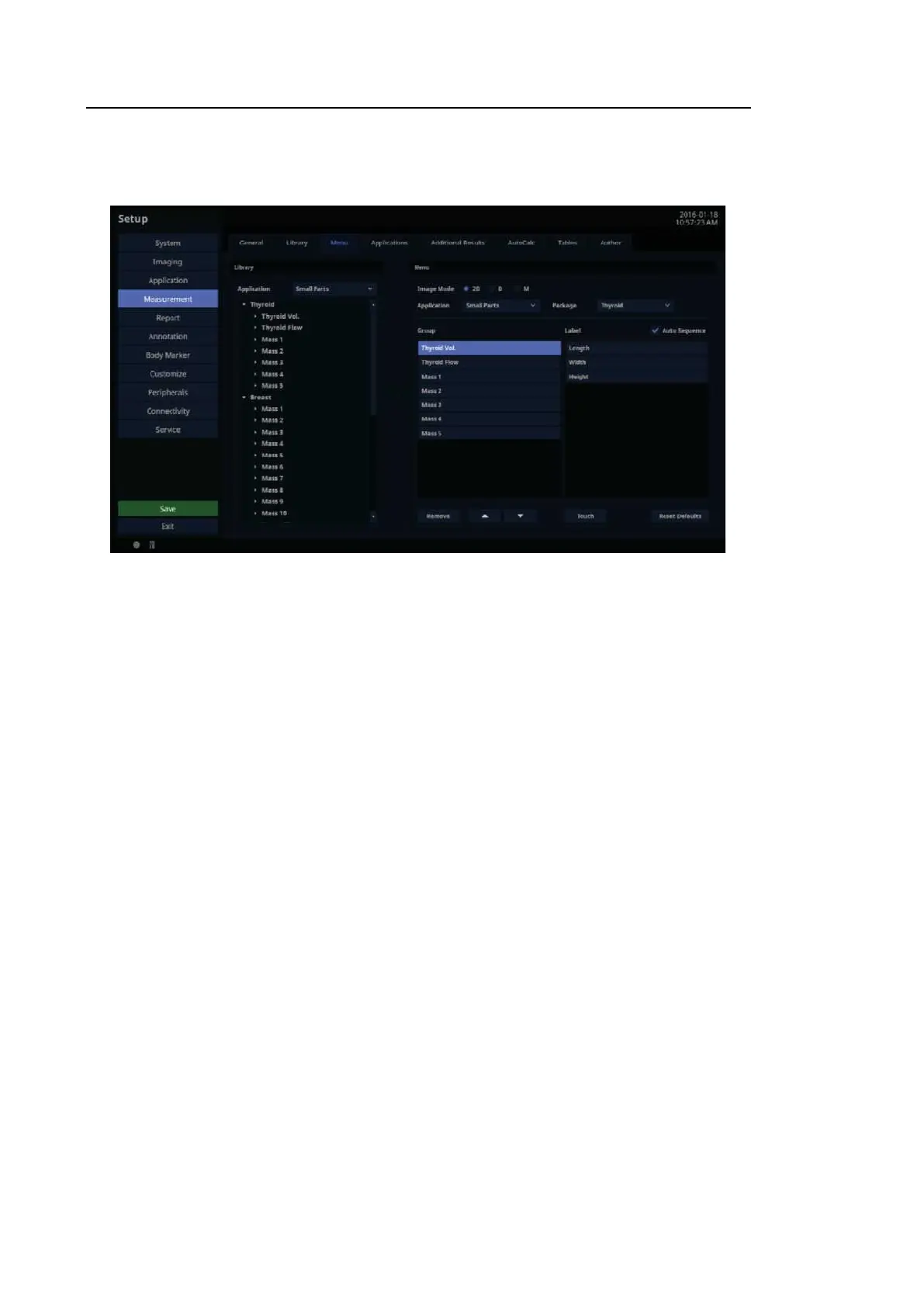
In the Setup screen, select the Menu tab in the Measurement category.
[Figure 3.22 Setup – Measurement – Menu]
3.6.10.8. Library
Measurement items provided for each application are shown in a list.
3.6.10.9. Menu
■ Package
Select the Packages that are supported by each application.
■ Image Mode
View the Menu and the Touch Menu for each Image mode.
■ Group View
Group View lists the groups shown in the Menu. By enabling Group View, you can delete or
move a displayed Group.
■ Label View
Label View lists the items shown in the Menu. By enabling Item View, you can delete or
move a displayed Item.



 To Next Page