7.13
Date Code 20080918 Instruction Manual SEL-749M Relay
Communications
SEL ASCII Protocol Details
CEVENT Command (Compressed Event Report)
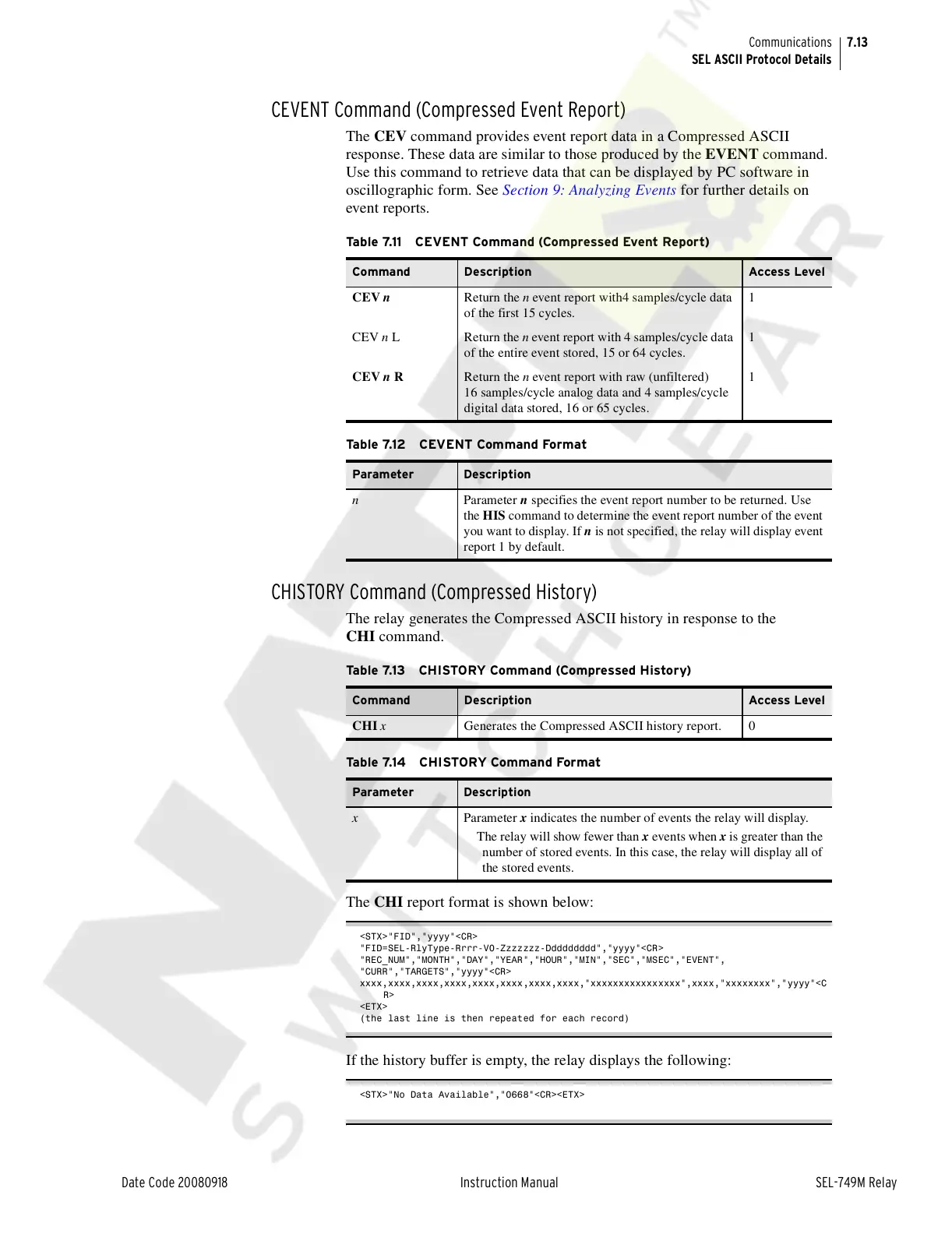
The CEV command provides event report data in a Compressed ASCII
response. These data are similar to those produced by the EVENT command.
Use this command to retrieve data that can be displayed by PC software in
oscillographic form. See Section 9: Analyzing Events for further details on
event reports.
CHISTORY Command (Compressed History)
The relay generates the Compressed ASCII history in response to the
CHI command.
The CHI report format is shown below:
<STX>"FID","yyyy"<CR>
"FID=SEL-RlyType-Rrrr-V0-Zzzzzzz-Ddddddddd","yyyy"<CR>
"REC_NUM","MONTH","DAY","YEAR","HOUR","MIN","SEC","MSEC","EVENT",
"CURR","TARGETS","yyyy"<CR>
xxxx,xxxx,xxxx,xxxx,xxxx,xxxx,xxxx,xxxx,"xxxxxxxxxxxxxxxx",xxxx,"xxxxxxxx","yyyy"<C
R>
<ETX>
(the last line is then repeated for each record)
If the history buffer is empty, the relay displays the following:
<STX>"No Data Available","0668"<CR><ETX>
Table 7.11 CEVENT Command (Compressed Event Report)
Command Description Access Level
CEV n Return the n event report with4 samples/cycle data
of the first 15 cycles.
1
CEV n L Return the n event report with 4 samples/cycle data
of the entire event stored, 15 or 64 cycles.
1
CEV n R Return the n event report with raw (unfiltered)
16 samples/cycle analog data and 4 samples/cycle
digital data stored, 16 or 65 cycles.
1
Table 7.12 CEVENT Command Format
Parameter Description
n Parameter n specifies the event report number to be returned. Use
the HIS command to determine the event report number of the event
you want to display. If n is not specified, the relay will display event
report 1 by default.
Table 7.13 CHISTORY Command (Compressed History)
Command Description Access Level
CHI x Generates the Compressed ASCII history report. 0
Table 7.14 CHISTORY Command Format
Parameter Description
x Parameter x indicates the number of events the relay will display.
The relay will show fewer than x events when x is greater than the
number of stored events. In this case, the relay will display all of
the stored events.
Courtesy of NationalSwitchgear.com



 To Next Page