8.4
SEL-749M Relay Instruction Manual Date Code 20080918
Front-Panel Operations
Human-Machine Interface
See PASSWORD Command (View/Change Passwords) on page U.7.19 for the
list of default passwords and for more information on changing passwords.
Front-Panel Timeout
To help prevent unauthorized access to password-protected functions, the
SEL-749M provides a front-panel timeout, setting FP_TO. A timer is reset
every time a front-panel pushbutton is pressed. Once the timeout period has
expired, the access level is reset to Access Level 1. Manually reset the access
level by selecting
Reset Access Lvl from the MAIN menu.
Front-Panel Menus
and Screens
Navigating the Menus
The SEL-749M front panel gives you access to most of the information that
the relay measures and stores. You can also use front-panel controls to view or
modify relay settings.
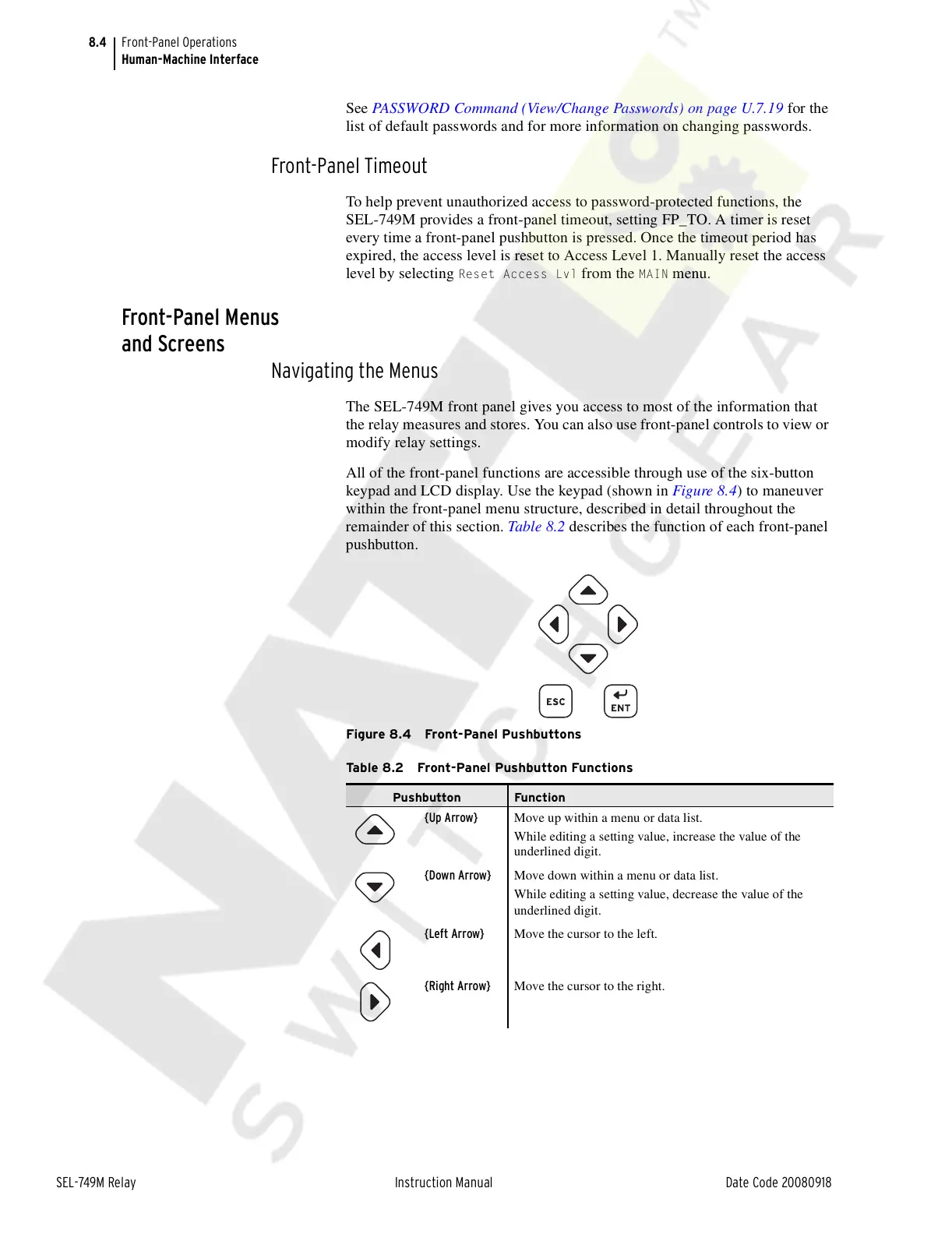
All of the front-panel functions are accessible through use of the six-button
keypad and LCD display. Use the keypad (shown in Figure 8.4) to maneuver
within the front-panel menu structure, described in detail throughout the
remainder of this section. Table 8.2 describes the function of each front-panel
pushbutton.
Figure 8.4 Front-Panel Pushbuttons
Table 8.2 Front-Panel Pushbutton Functions
Pushbutton Function
{Up Arrow} Move up within a menu or data list.
While editing a setting value, increase the value of the
underlined digit.
{Down Arrow} Move down within a menu or data list.
While editing a setting value, decrease the value of the
underlined digit.
{Left Arrow} Move the cursor to the left.
{Right Arrow} Move the cursor to the right.
Courtesy of NationalSwitchgear.com



 To Next Page