SEEDMASTER 2023
68
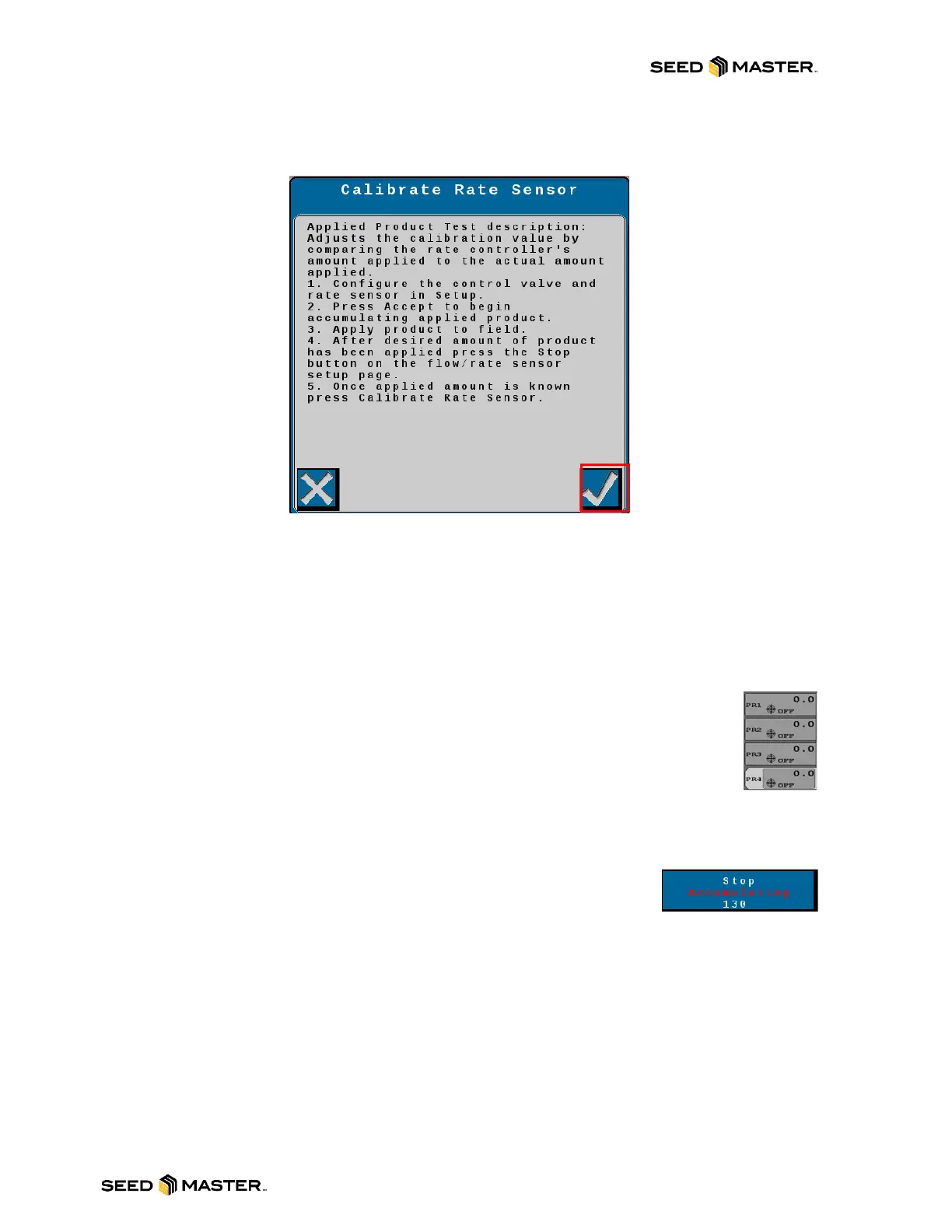
7. Please read / review the Applied Product test description. Then touch the check mark to
begin an applied product calibration.
8. The SmartCal (Applied Product) calibration is now active.
9. Touch the Check Mark to exit.
10. Multiple Applied Product calibrations can be done at the same time. Simply repeat 2 to 10
for each product.
NOTE: It is important that the machine is in the field and ready to apply product before initiating
an Applied Product Calibration.
11. Return to the home screen and continue to apply product as per usual.
12. After applying a recommended minimum of 15 acres for higher rate product
and/or 50 acres for lower rate products, return to the Applied Product
Calibration screen.
13. Park the machine as level as possible and turn OFF the master switch. Ensure
the scales are still before proceeding.
14. Select the correct product.
15. Touch the tank in the middle of the screen.
16. Touch Applied Product button.
17. Touch the “Stop Accumulating” button. The amount of product that
was accumulated will display in the button.
NOTE: If the button just says Accumulating, this means the
master switch has not been shut off.
18. The Applied Product Test description will appear on the screen. Please read through the
description before continuing.



 To Next Page