SEEDMASTER 2023
95
20. After the meter has stopped, remove the pail from the catch position and weigh how much
product was expelled.
NOTE: If using a digital scale please remember to tare the weight of the pail or weigh the pail
beforehand. This allows the weight of the pail to be subtracted from the total weight.
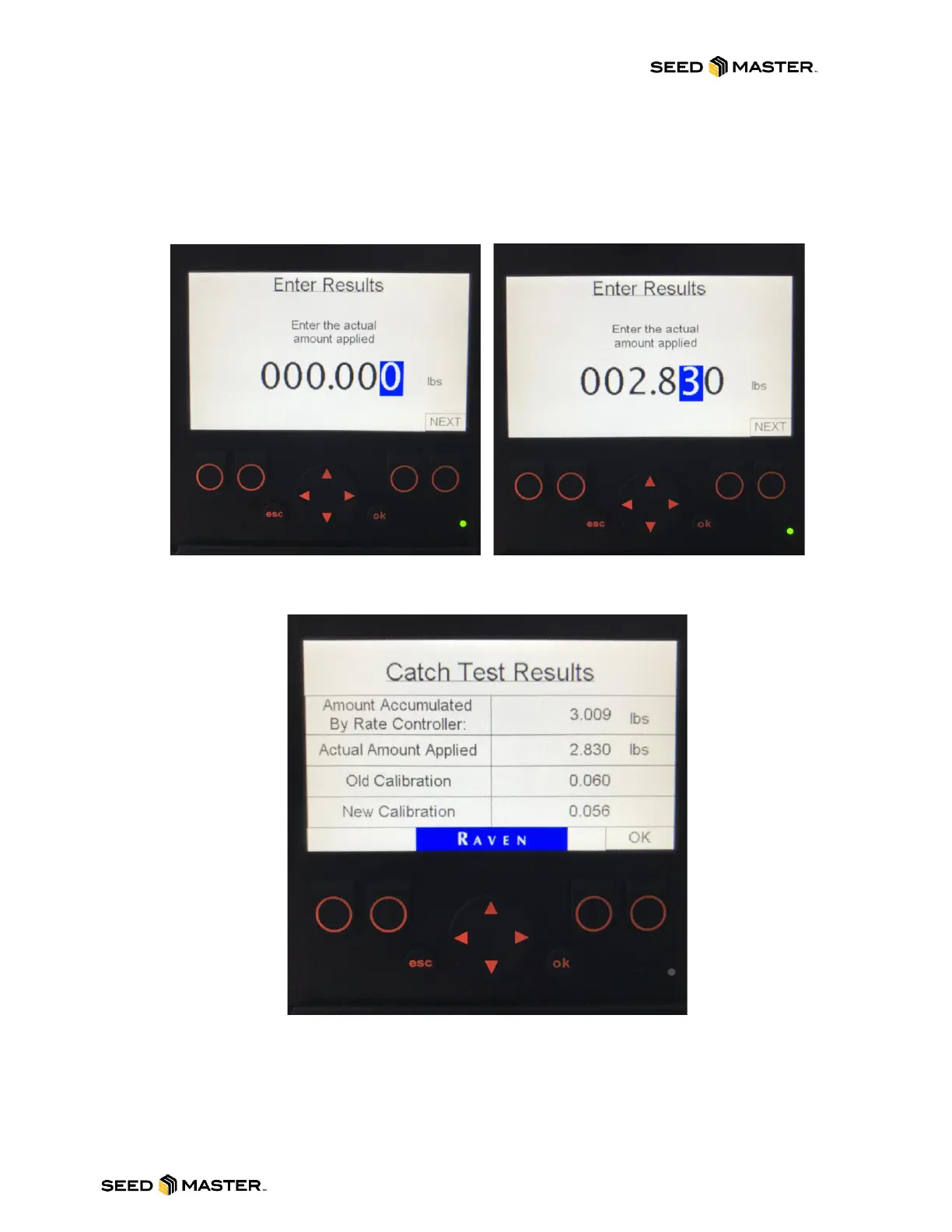
21. Using the LEFT/RIGHT and UP/DOWN arrows, enter the actual amount of product applied.
When the desired value is entered, press the “ok” button.
22. The Catch Test Results will be displayed. To accept the results, press the “ok” button. To
cancel the results, press the “esc” button.
23. Repeat steps 5 thru 22 to repeat the calibration or to perform on a different product.
24. When the calibrations are complete, press the “esc” button to return to the main menu.



 To Next Page