Using the EM 6000
99
System menu item
In the System menu item, you can configure all of the cross-system set-
tings. The System menu item is located in the menu of the channel CH 1.
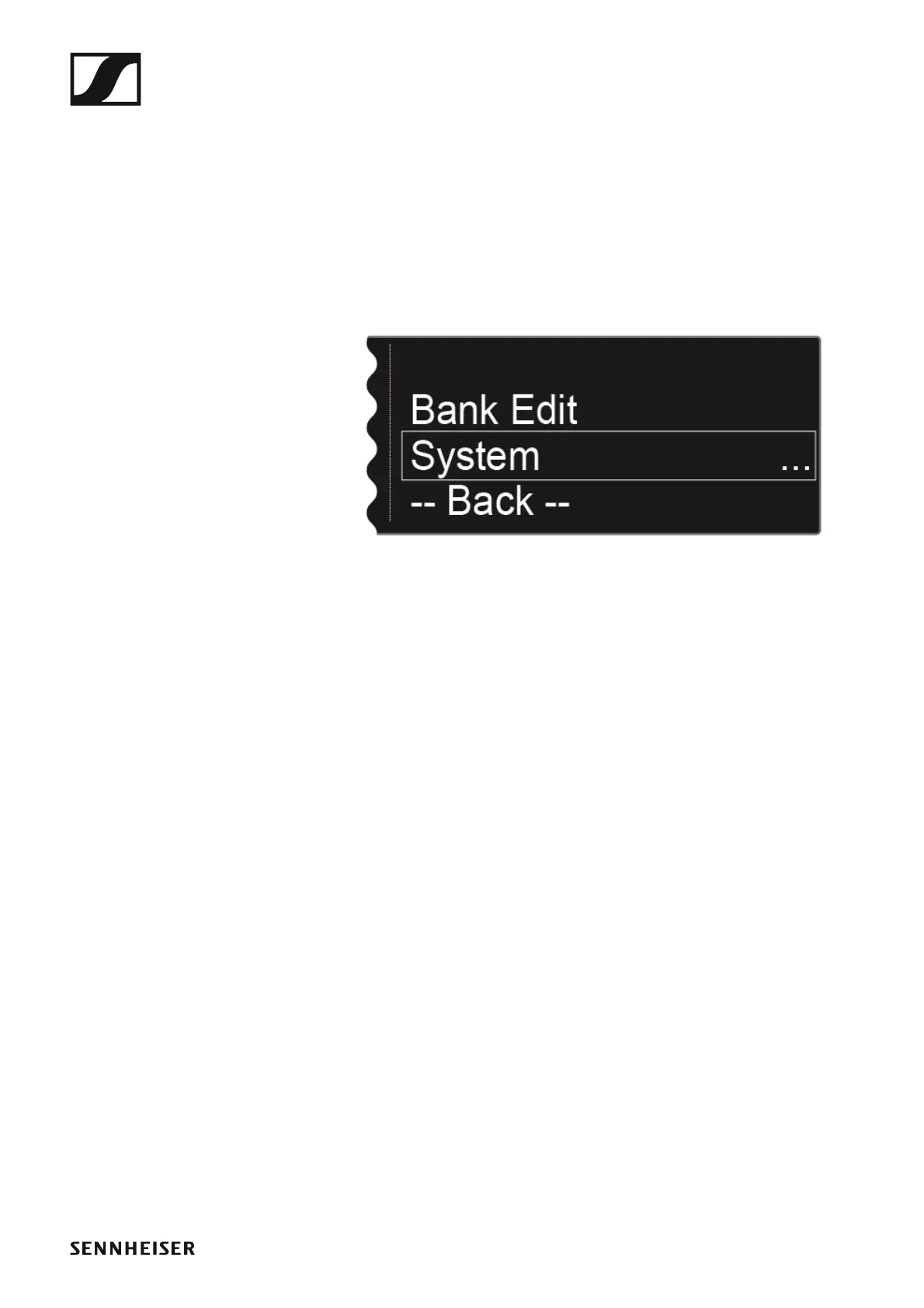
To open the System menu item:
▷ On the home screen, press the jog dial to open the operating menu.
▷ Turn the jog dial until the System menu item appears in the selection
frame:
►
▷ Press the jog dial to open the menu.














 To Next Page