Using the EM 6000
101
Network
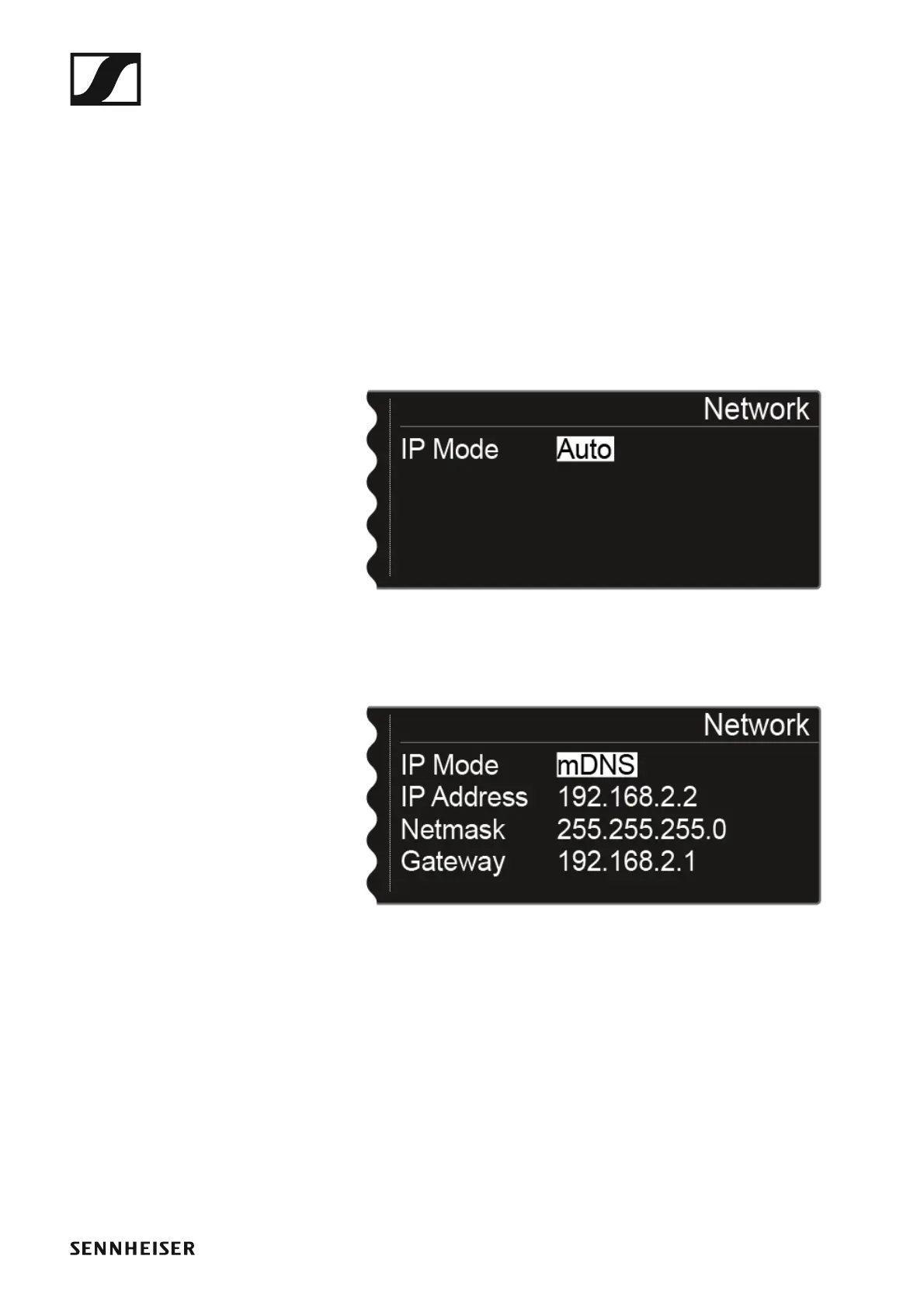
In this menu item, you can configure the settings for the network connec-
tion.
To open the Network menu item:
▷ Turn the jog dial in the System menu item until the Network menu item
appears in the selection frame.
▷ Press the jog dial to open the menu.
The display shows you the option that is currently selected.
▷ Turn the jog dial to choose between the following options:
• IP Mode Auto: The network configuration is performed automatical-
ly.
►
• IP Mode mDNS: If you use mDNS for device identification on the net-
work, you can manually set the IP address, netmask, and gateway.
►
• IP Mode Manual: You can manually set the IP address, netmask, and
gateway.














 To Next Page