Using the EM 6000
109
Auto Setup
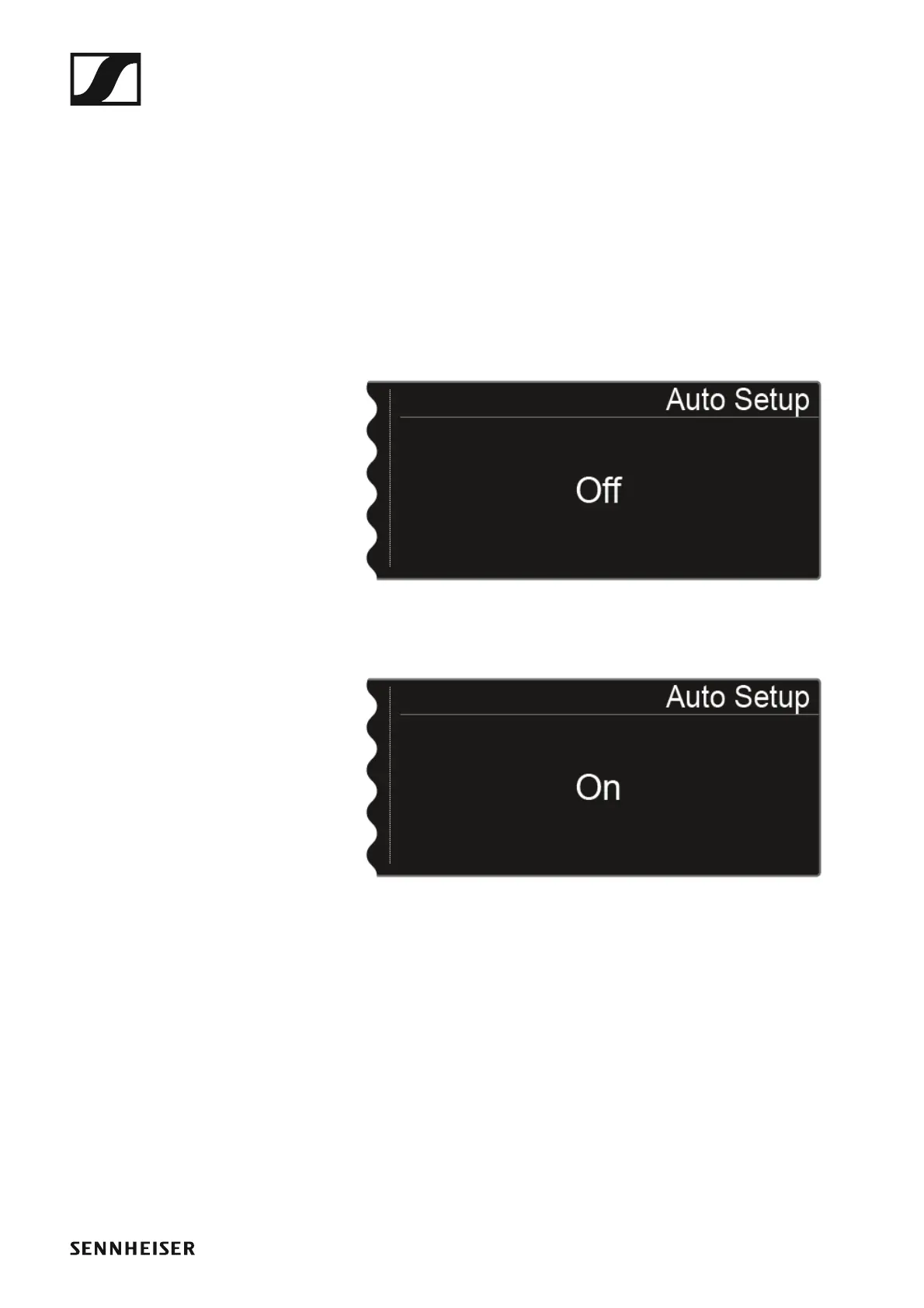
In this menu item, you can activate the auto setup function for the
EM 6000. If the function is activated here, an automatic frequency setup
can be performed for this EM 6000. See “Scan & Auto-Setup menu item”.
To open the Auto Setup menu item:
▷ Turn the jog dial in the System menu item until the Auto Setup menu
item appears in the selection frame.
▷ Press the jog dial to open the menu.
The following view is shown on the display.
►
▷ Turn the jog dial to choose between the On and Off options.
►
▷ Press the SAVE button to save your selection.














 To Next Page