Using the EM 6000
104
Dante Settings (only EM 6000 DANTE)
In this menu item, you can configure the network settings for the Dante™
network. This menu item is available only with the product version
EM 6000 DANTE.
To open the Dante Settings menu item:
▷ Turn the jog dial in the System menu item until the Dante Settings
menu item appears in the selection frame.
▷ Press the jog dial to open the menu.
In the Dante Settings menu items, 3 additional menu items are available:
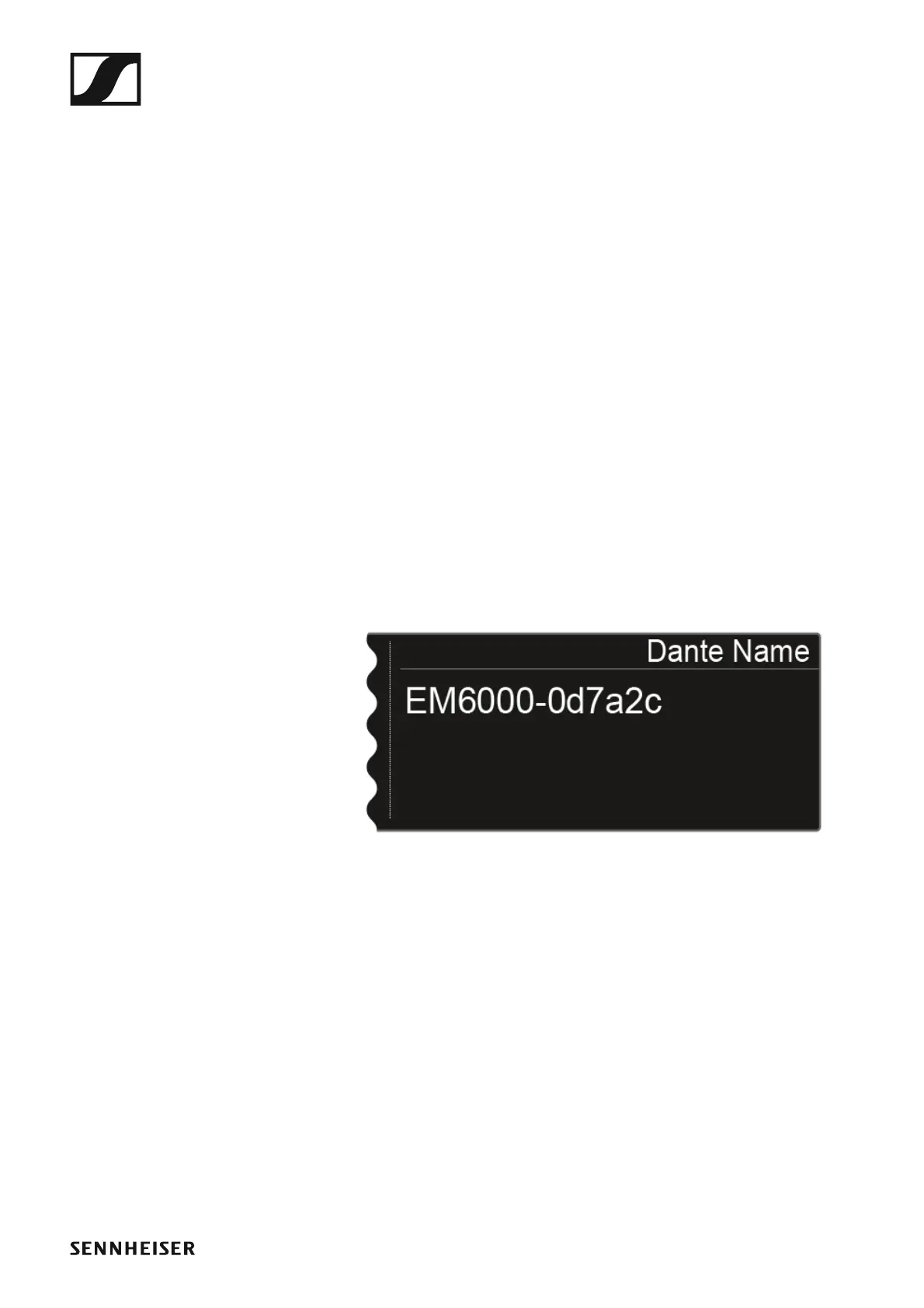
• Device ID: shows the name of the device in the Dante™ network.
• Network: enables the configuration of the network settings for using
the EM 6000 DANTE in a Dante™ network.
• Info: shows the MAC address of the EM 6000 DANTE and the current
version of the Dante™ firmware.
▷ In the Dante Settings menu item, turn the jog dial to navigate to the de-
sired sub-item.
▷ Press the jog dial to open the desired sub-item.
Device ID
This menu item shows the device name under which the EM 6000 DANTE
is available in the Dante™ network. You cannot configure any settings here.
►














 To Next Page