Establishing a radio link
143
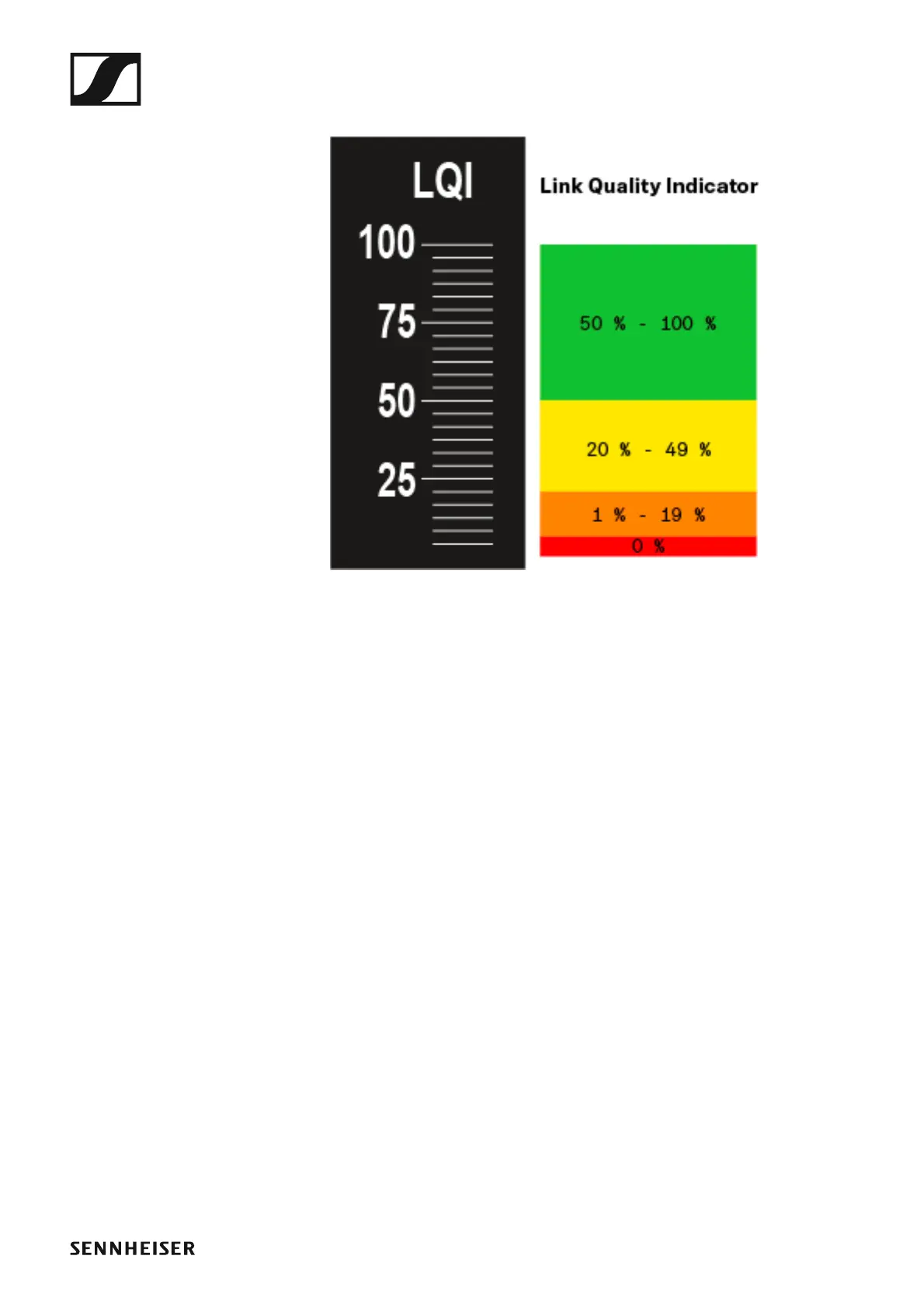
The LQI display shows the following information:
►
Green range from 50% to 100%:
• No transmission errors
The transmission quality is good enough to ensure an audio quality of
100%.
Yellow range from 20% to 49%:
• Individual transmission errors: short-term error correction active
• Individual audio artifacts may be audible
There are initial transmission errors. In rare cases, there are initial audible
audio artifacts. Error correction may be active in this case.
Orange range from 1% to 19%:
• Frequent transmission errors: long-term error correction active
• Risk of audio drop-outs
The transmission errors increase, which means that the error correction
duration also increases. There is a risk of audio drop-outs.
Red range 0%:
• No transmission
In this range, the transmission quality is so poor that audio drop-outs can
no longer be avoided.














 To Next Page