Installing the EM 6000
28
Connecting/disconnecting the EM 6000 to/from
the power supply system
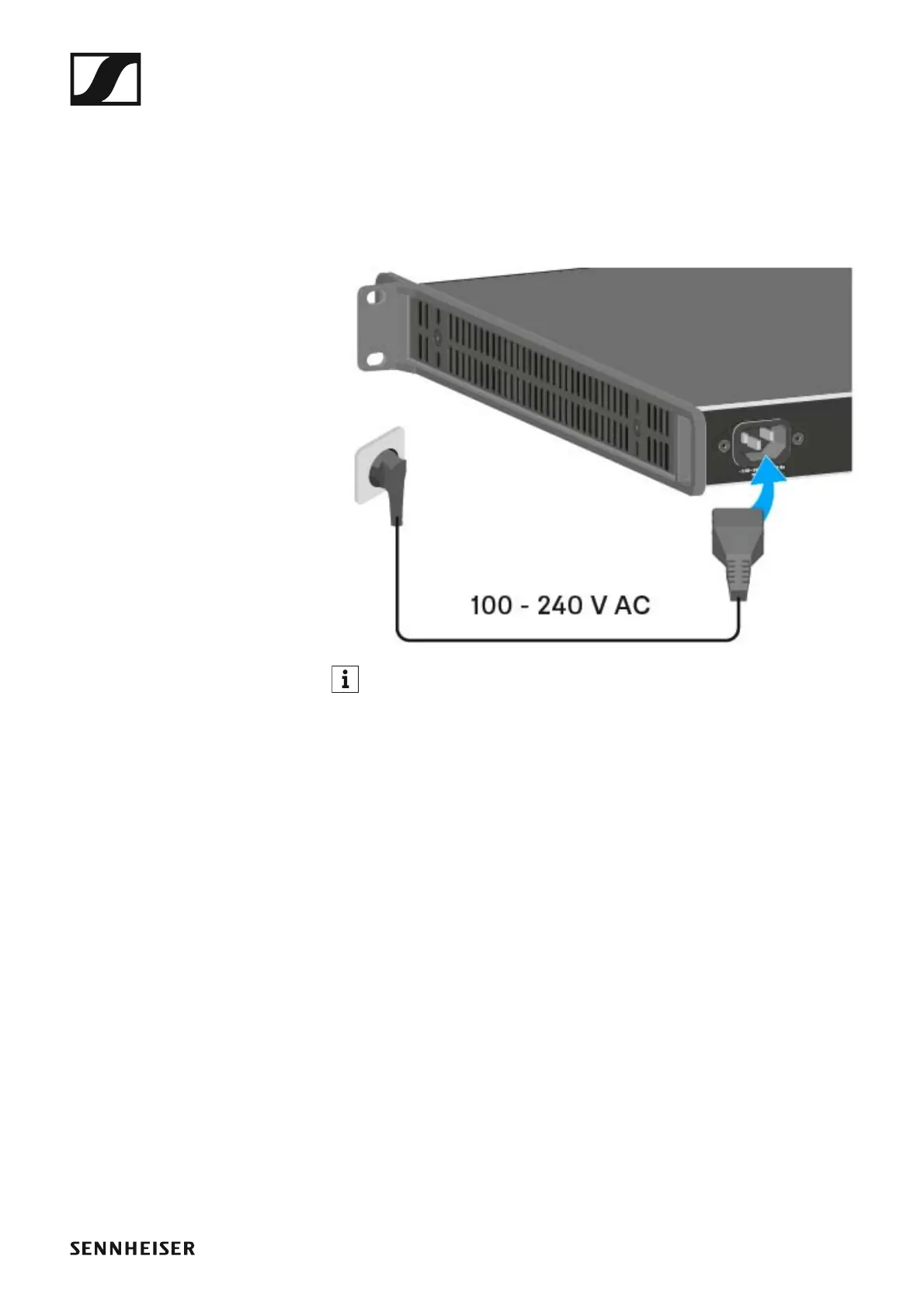
To connect the EM 6000 to the power supply system:
▷ Connect the mains cable IEC connector to the power socket on the rear
side of the EM 6000.
▷ Connect the mains cable plug into a suitable wall socket.
►
Once the EM 6000 is connected to the power supply, the On/Off but-
ton lights up dimmed. If the booster voltage for antennas is activated
in the menu (see “Booster Feed” under “System menu item”), it is ac-
tive already before you switch on and after you switch off the EM 6000.
To completely disconnect the EM 6000 from the power supply system:
▷ Unplug the mains cable plug from the wall socket.
▷ Unplug the mains cable IEC connector from the power socket on the
rear side of the EM 6000.














 To Next Page