Using the EM 6000
75
Frequency menu item
In the Frequency menu item, you can adjust the frequency for the channel
in question.
You can select a frequency from the predefined frequency banks B1 to B6
(up to 65 channels per bank) or manually adjust the frequency.
You can also select frequencies from the user-defined frequency banks U1
to U6. You can adjust these frequency banks in the Bank Edit menu item.
See “Bank Edit menu item”.
You can find a detailed frequency table with all of the channels for
banks B1 to B6 under “Frequency table”.
To open the Frequency menu item:
▷ On the home screen, press the jog dial to open the operating menu.
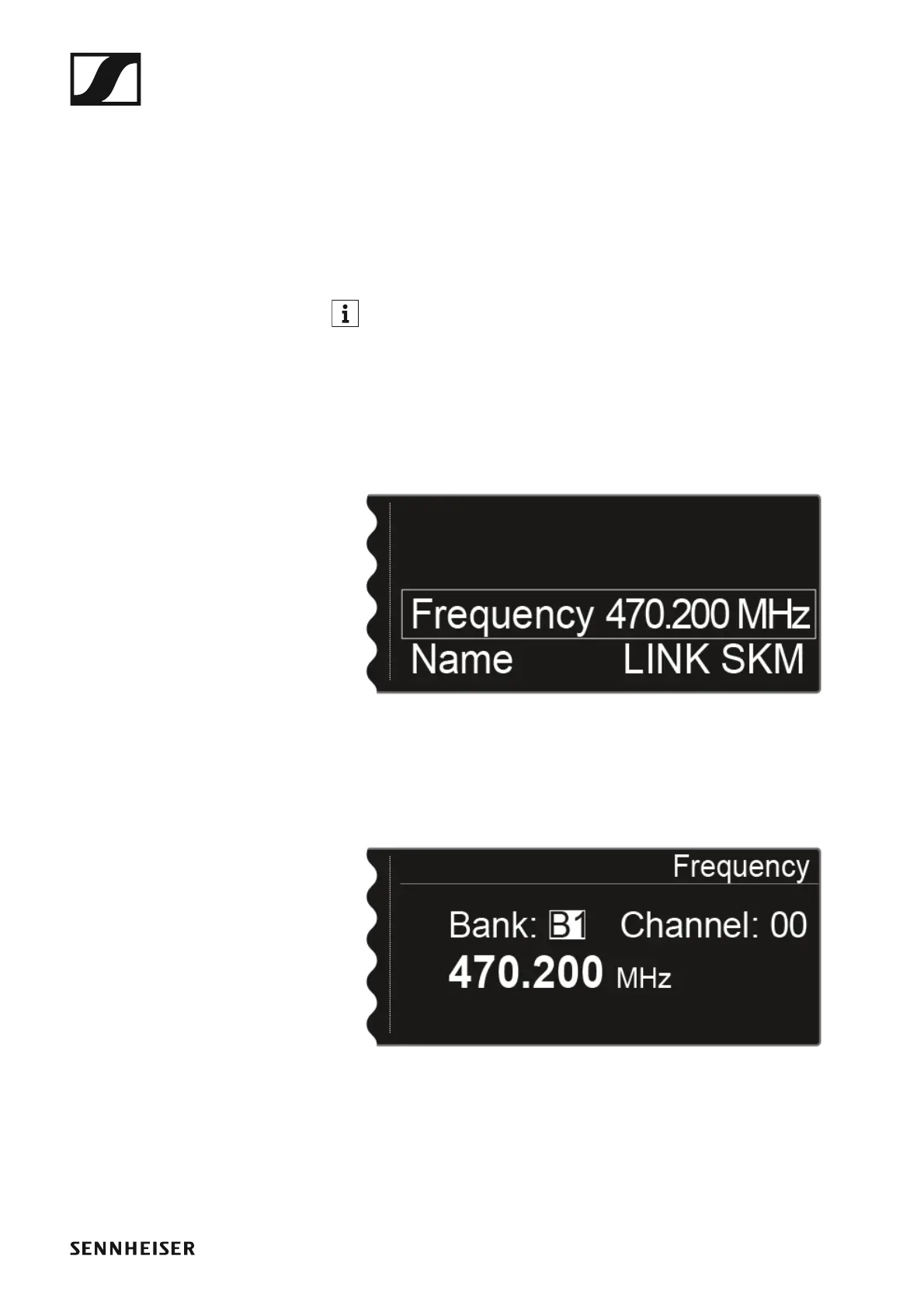
▷ Turn the jog dial until the Frequency menu item appears in the selec-
tion frame:
►
▷ Press the jog dial to open the menu.
The following view is displayed:
►
▷ Turn the jog dial to select a different frequency bank.
▷ Press the jog dial to go to the channel selection:














 To Next Page