Using the EM 6000
77
Name menu item
In the Name menu item, you can define the name of the link for the channel
in question.
This name is the name of the radio link between the transmitter and
receiver. In the network settings, you can enter the receiver name as
it is displayed in a network: see “Device ID” under “System menu
item”.
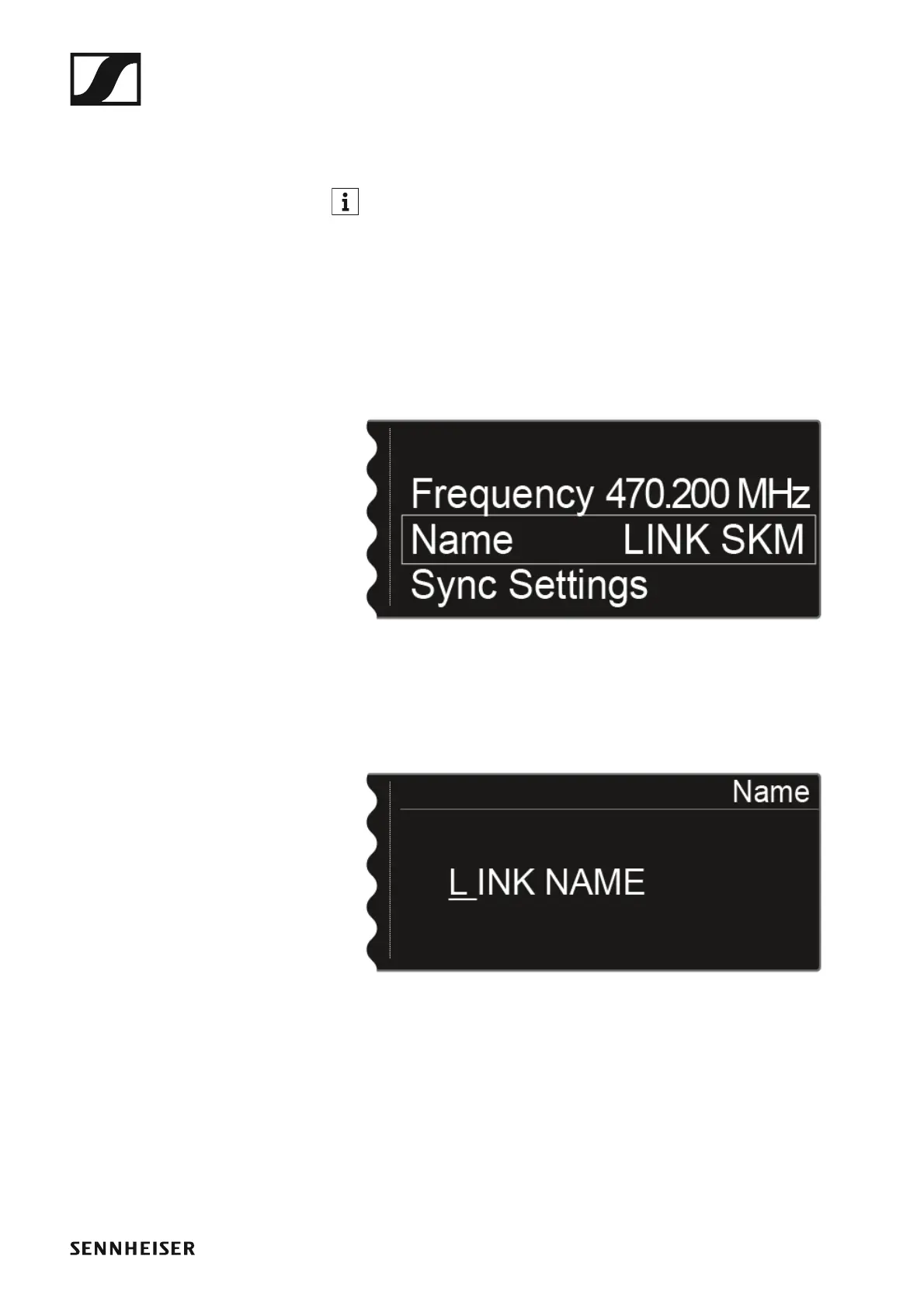
To open the Name menu item:
▷ On the home screen, press the jog dial to open the operating menu.
▷ Turn the jog dial until the Name menu item appears in the selection
frame:
►
▷ Press the jog dial to open the menu.
The following view is displayed:
►
To enter the desired link name:
▷ Turn the jog dial to select the desired character.
▷ Press the jog dial to go to the next position.
▷ Press the SAVE button to save the set name.














 To Next Page