Using the EM 6000
88
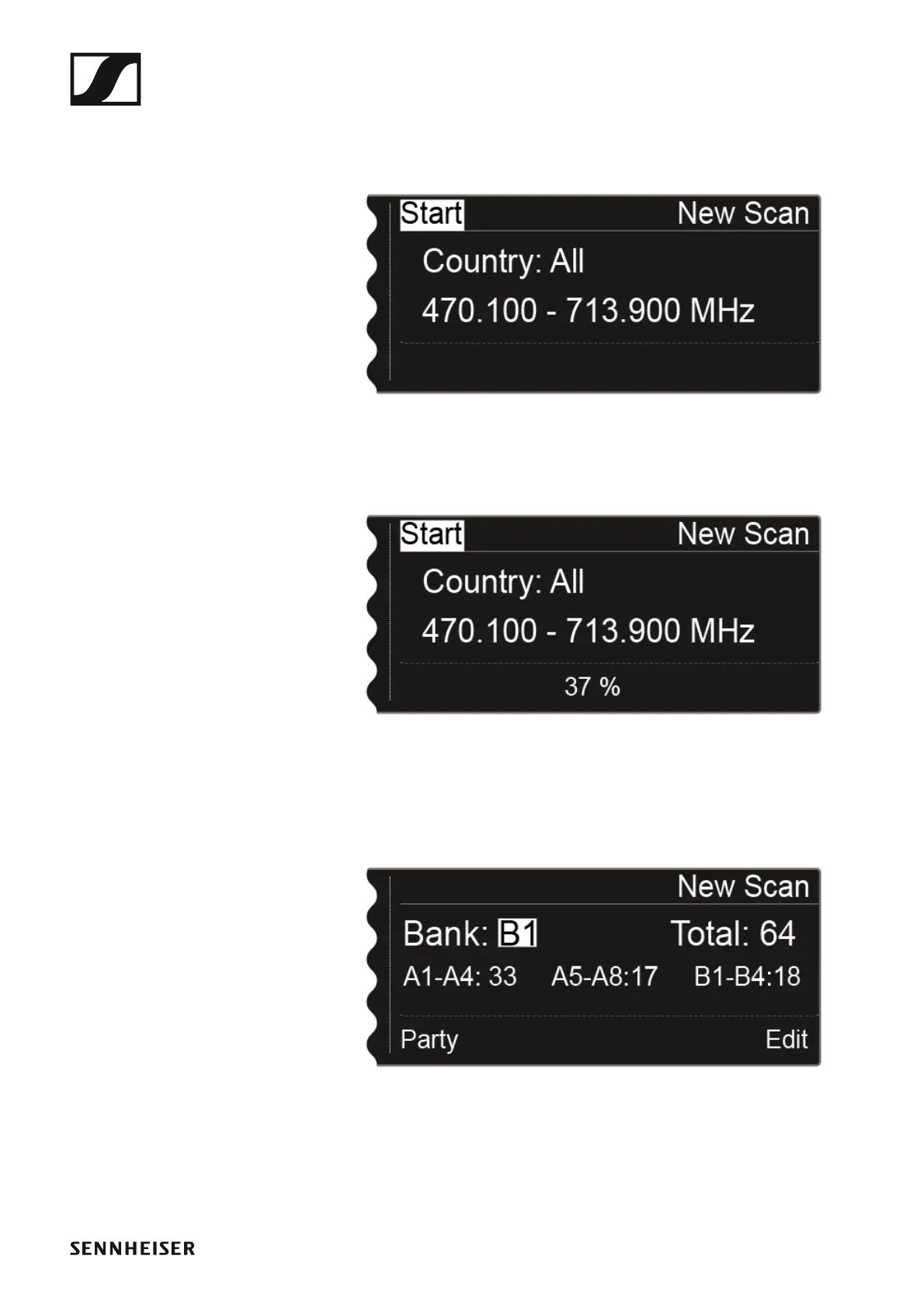
▷ After you set the frequency range to be scanned, press the jog dial until
the Start option in the top left of the selection is displayed with a white
background.
►
▷ Press the jog dial to start the frequency scan.
The scan is performed. The progress is displayed in % on the display.
►
Once the scan is performed, the result is displayed. All of the free frequen-
cies in the selected range are displayed.
►
▷ Turn the jog dial to scroll through the frequency banks and display the
number of free frequencies available for each bank.
Step 1b: Use Old Scan














 To Next Page