Using the EM 6000
103
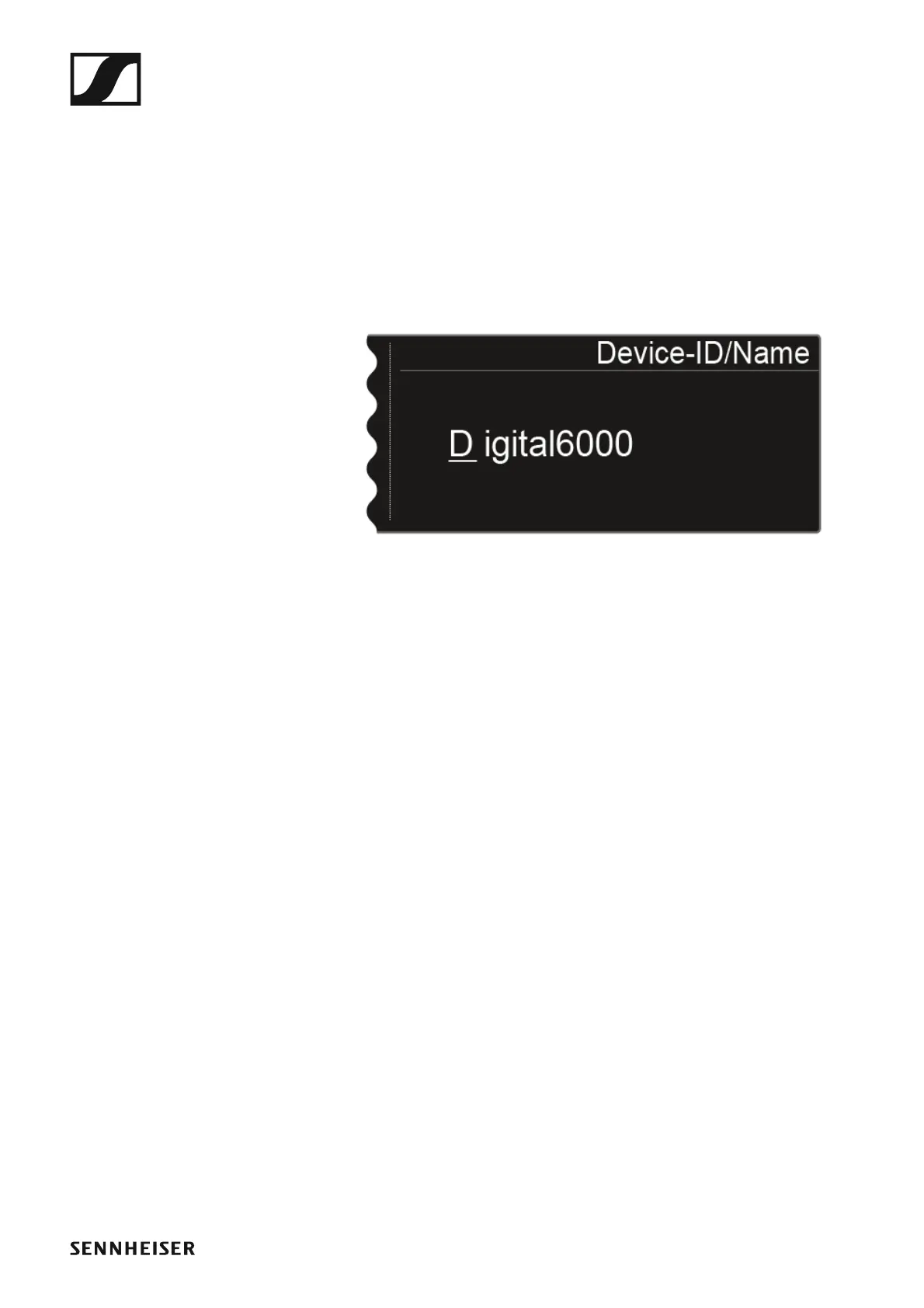
Device ID
You can enter the name of the device in this menu item. This name is dis-
played for this EM 6000 in the network.
To open the Device ID menu item:
▷ Turn the jog dial in the System menu item until the Device ID menu
item appears in the selection frame.
▷ Press the jog dial to open the menu.
The following view is shown on the display.
►
To enter the desired device name:
▷ Turn the jog dial to select the desired character.
▷ Press the jog dial to go to the next position.
▷ Press the SAVE button to save the set name.














 To Next Page