Installing the EM 6000
32
Outputting audio via a Dante™ network (EM 6000
DANTE only)
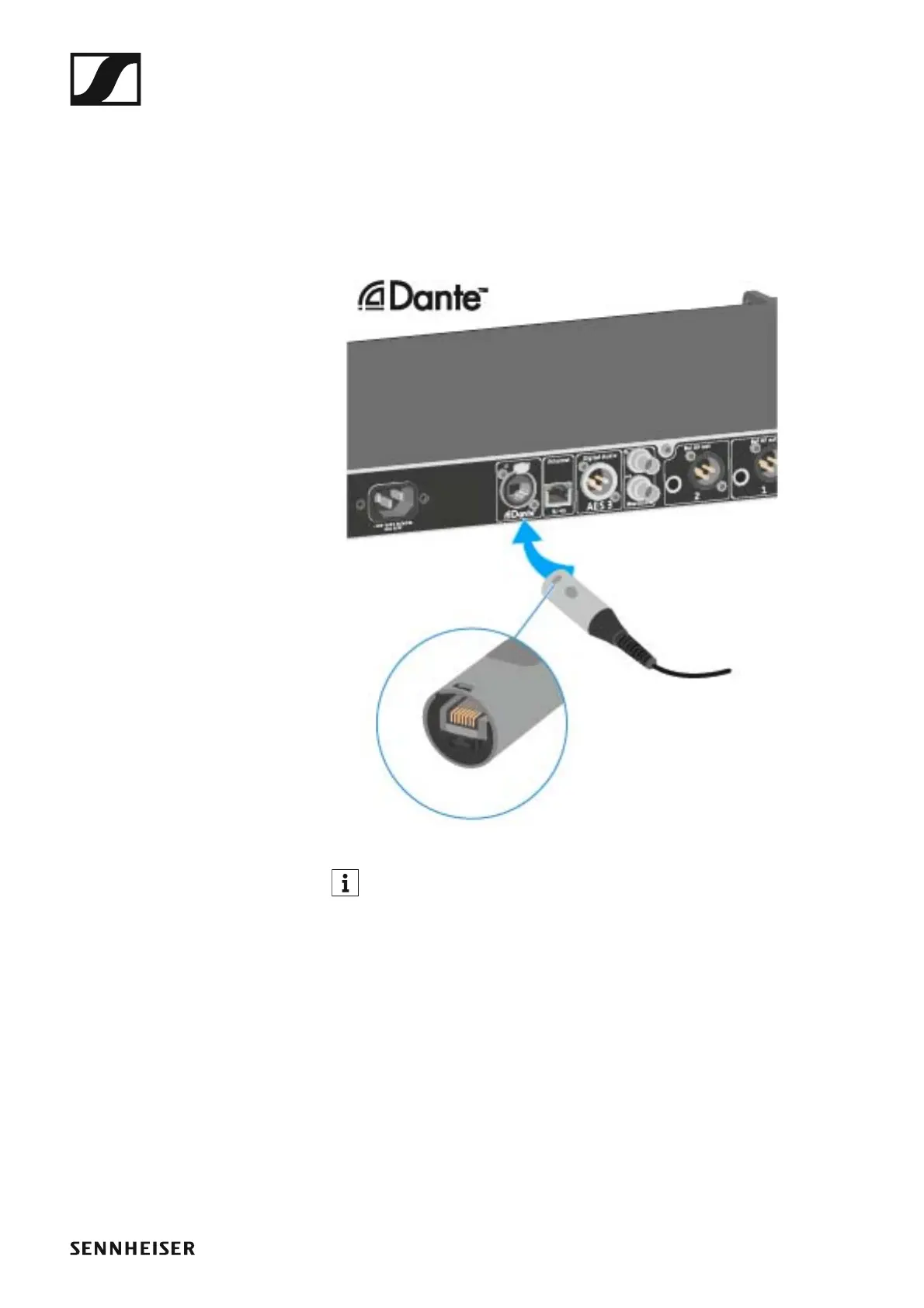
The EM 6000 DANTE has a Dante interface (Audinate Brooklyn II) for out-
putting digital audio signals via a Dante™ network.
▷ Connect a Dante-enabled network cable to the Dante socket on the
rear side of the EM 6000 DANTE.
►
We recommend using an Ethernet connector as shown in the figure.
You can find more information about Dante™ here:
•“Word clock scenarios for digital audio (AES3 and Dante™)”
•“System menu item”














 To Next Page