Using the EM 6000
95
Test Tone menu item
The EM 6000 provides an option for generating a test tone. You can use it,
for example, to check the audio output of the device or level out channels
on the mixing console.
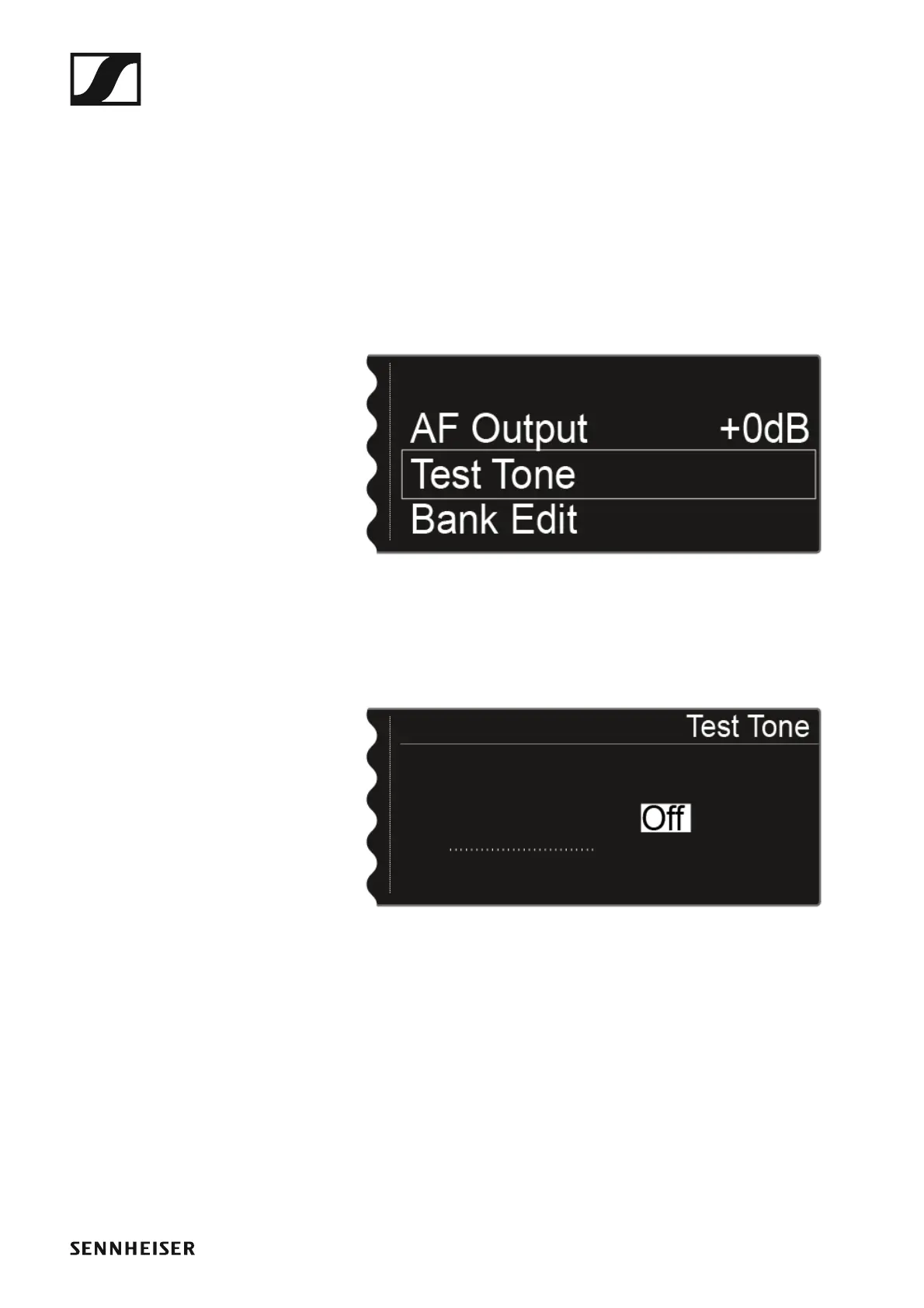
To open the Test Tone menu item:
▷ On the home screen, press the jog dial to open the operating menu.
▷ Turn the jog dial until the Test Tone menu item appears in the selection
frame:
►
▷ Press the jog dial to open the menu.
The following view is displayed:
►
▷ Turn the jog dial to set the volume of the test tone.
You can set the volume of the test tone between -60 dB and 0 dB.














 To Next Page