Using the EM 6000
94
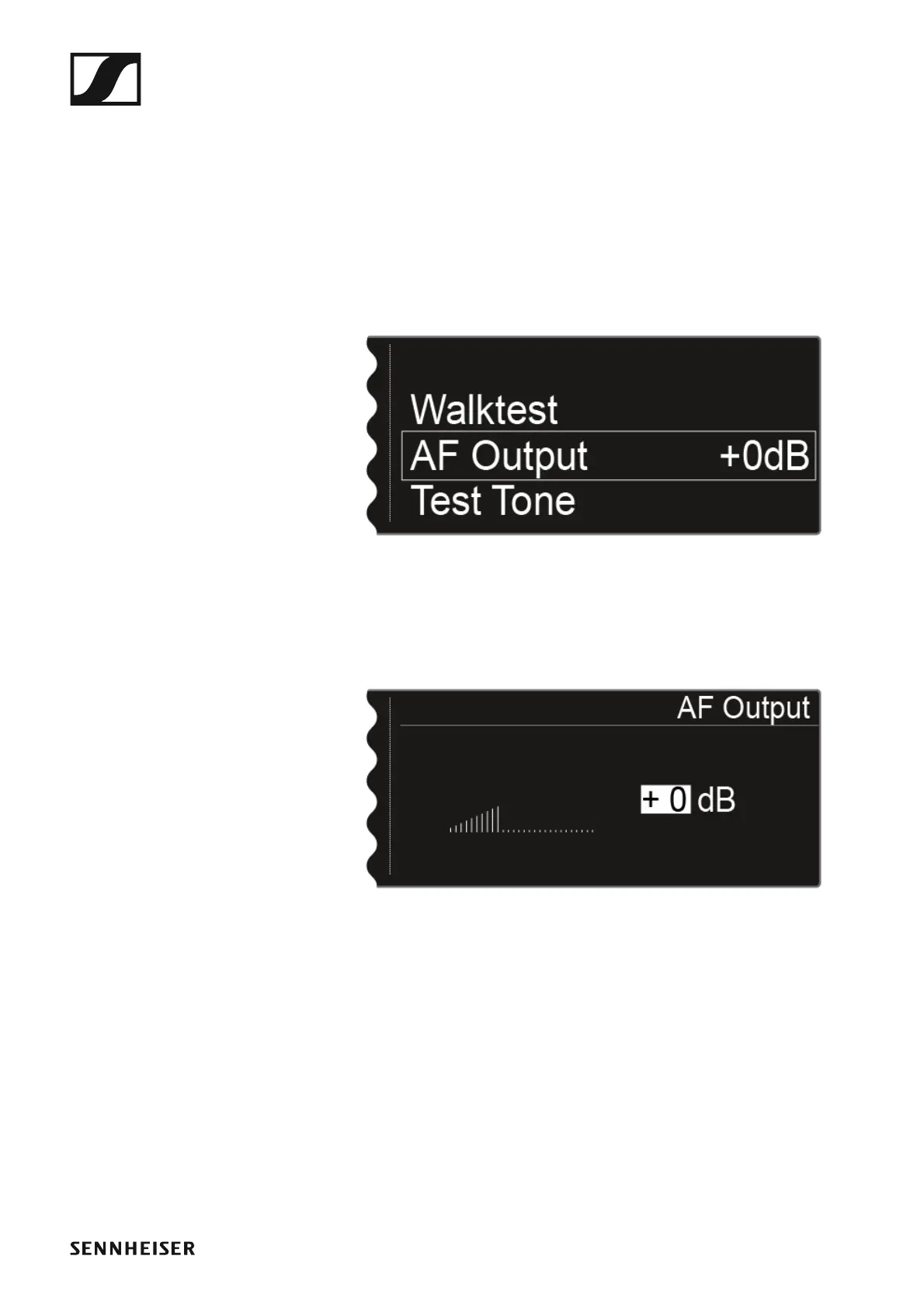
AF Output menu item
In the AF Output menu item, you can set the audio level that is output via
the receiver audio outputs.
To open the AF Output menu item:
▷ On the home screen, press the jog dial to open the operating menu.
▷ Turn the jog dial until the AF Output menu item appears in the selection
frame:
►
▷ Press the jog dial to open the menu.
The following view is displayed:
►
▷ Turn the jog dial to set the desired value between -10 dB and +18 dB.
▷ Press the SAVE button to save the set value.














 To Next Page