Using the EM 6000
100
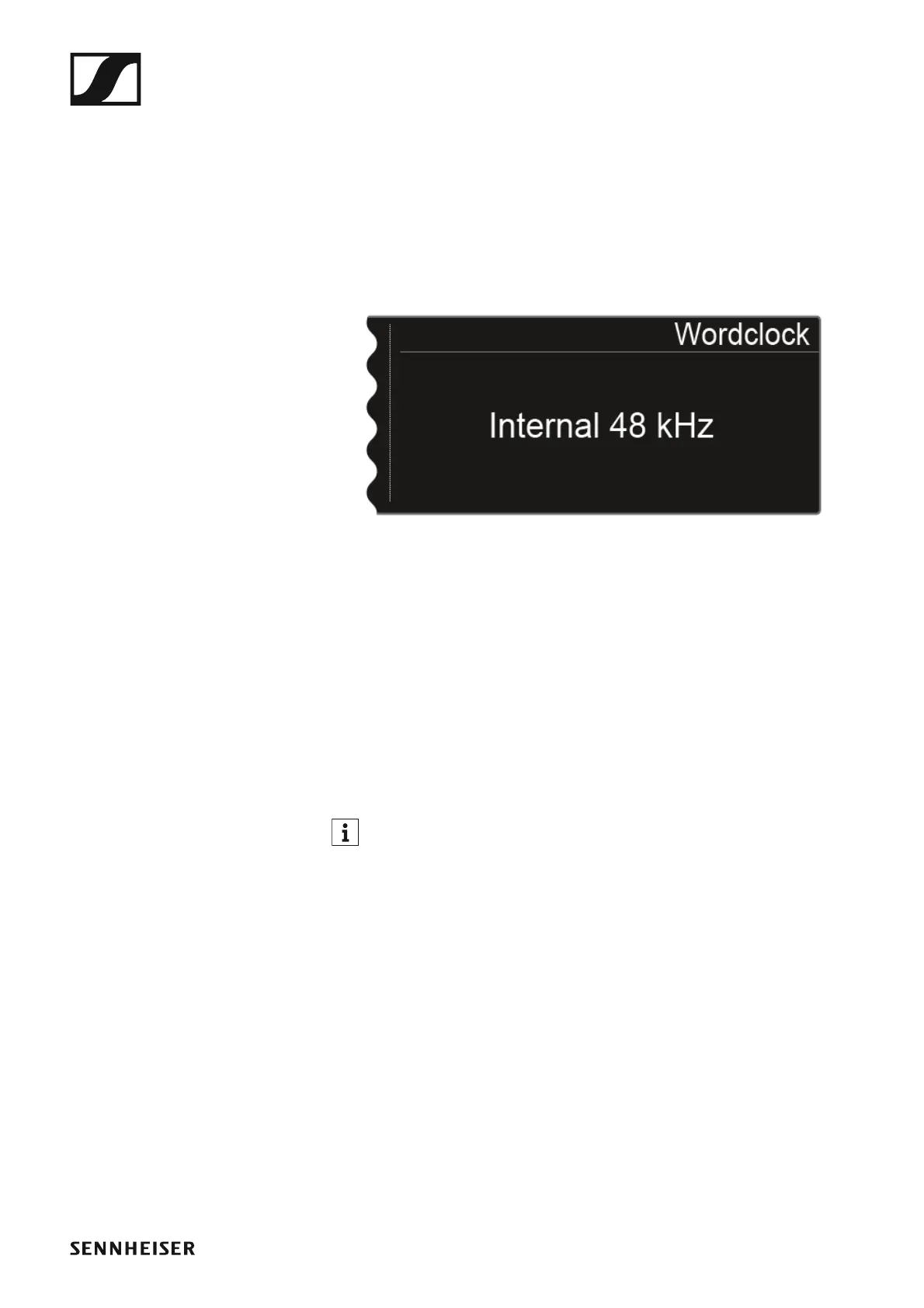
Wordclock
In this menu item, you can configure the settings for the word clock.
To open the Wordclock menu item:
▷ Turn the jog dial in the System menu item until the Wordclock menu
item appears in the selection frame.
▷ Press the jog dial to open the menu.
The display shows you the option that is currently selected.
►
▷ Turn the jog dial to choose between the following options:
• Internal 48 kHz: Choose this option if you want to use the internal
word clock with a clock rate of 48 kHz.
• Internal 96 kHz: Choose this option if you want to use the internal
word clock with a clock rate of 96 kHz.
• External BNC: Choose this option if you use an external word clock
that is connected via the Wordclock In BNC input. See “Connecting
the word clock”.
• External Dante: Choose this option if you use an external word clock
that is connected via the Dante interface. This option is available only
with the EM 6000 DANTE.
▷ Press the SAVE button to save the setting.
For more information about the word clock, see “Word clock scenar-
ios for digital audio (AES3 and Dante™)”.














 To Next Page