Using the EM 6000
72
Home screen 4
►
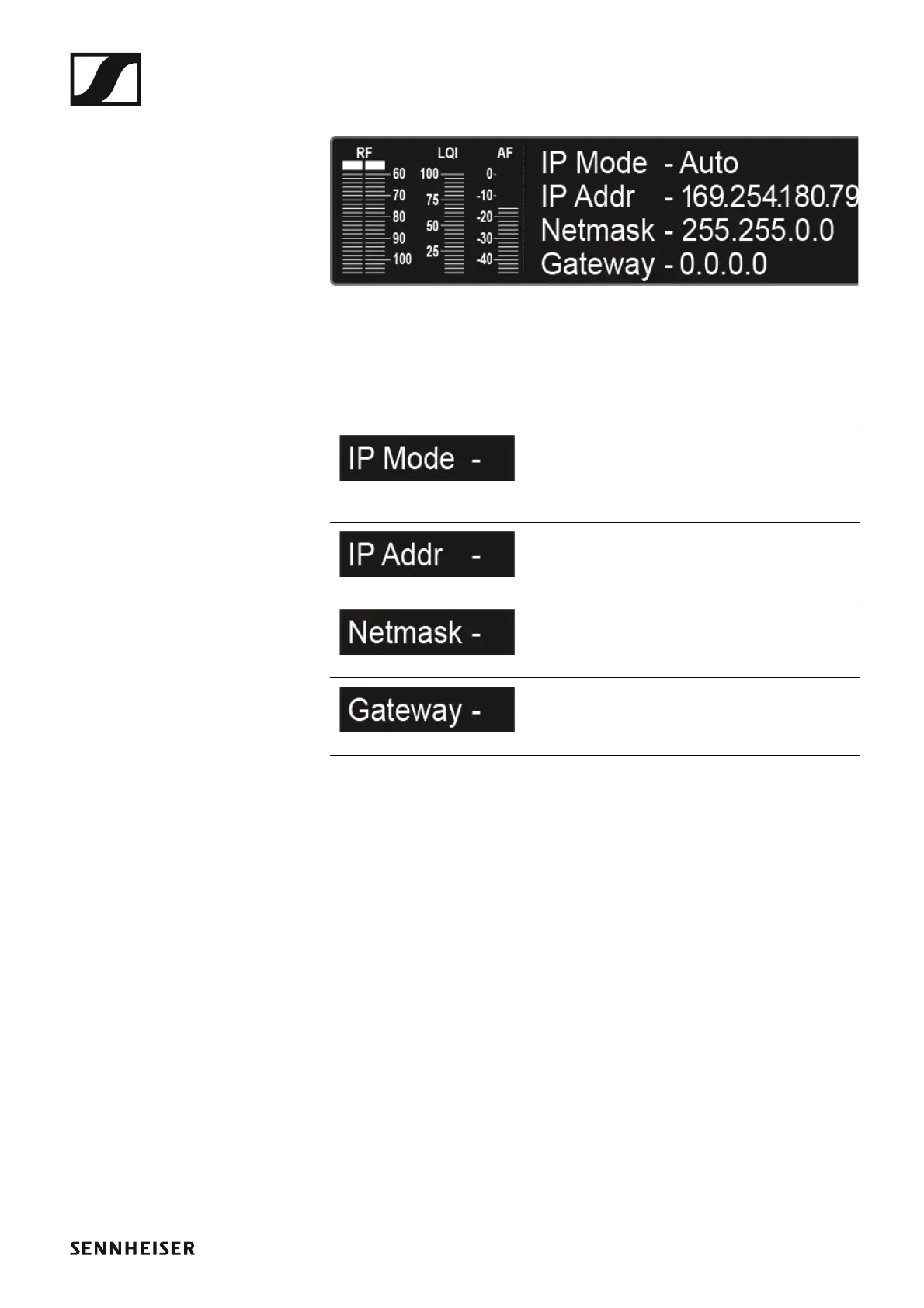
The fourth home screen contains the following status information about
the receiver network settings.
►
Display on the display
panel
Meaning
IP Mode
Shows whether the IP address is assigned
automatically or manually. See “Network”
under “System menu item”.
IP Address
Shows the IP address of the receiver. See
“Network” under “System menu item”.
Netmask
Shows the netmask of the receiver. See
“Network” under “System menu item”.
Gateway
Shows the gateway of the receiver. See
“Network” under “System menu item”.














 To Next Page