Using the EM 6000
97
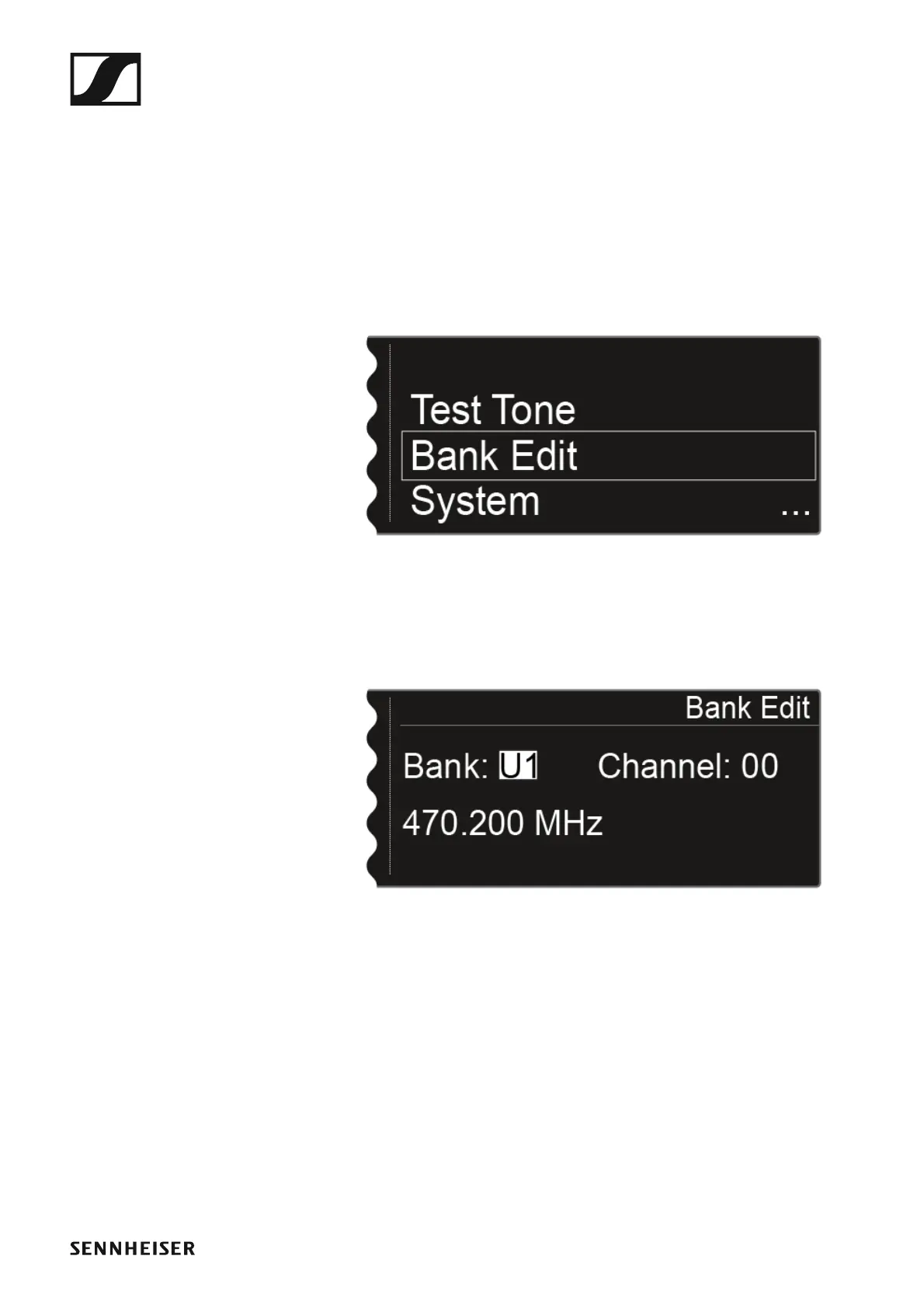
Bank Edit menu item
In addition to the predefined frequency banks B1 to B6, you can assign fre-
quencies to the user-defined frequency banks U1 to U6 yourself.
To open the Bank Edit menu item:
▷ On the home screen, press the jog dial to open the operating menu.
▷ Turn the jog dial until the Bank Edit menu item appears in the selection
frame:
►
▷ Press the jog dial to open the menu.
The following view is displayed:
►
▷ Turn the jog dial to select the desired frequency bank (from U1 to U6).
▷ Press the jog dial to switch to the channel selection.














 To Next Page