Installing the EM 6000
33
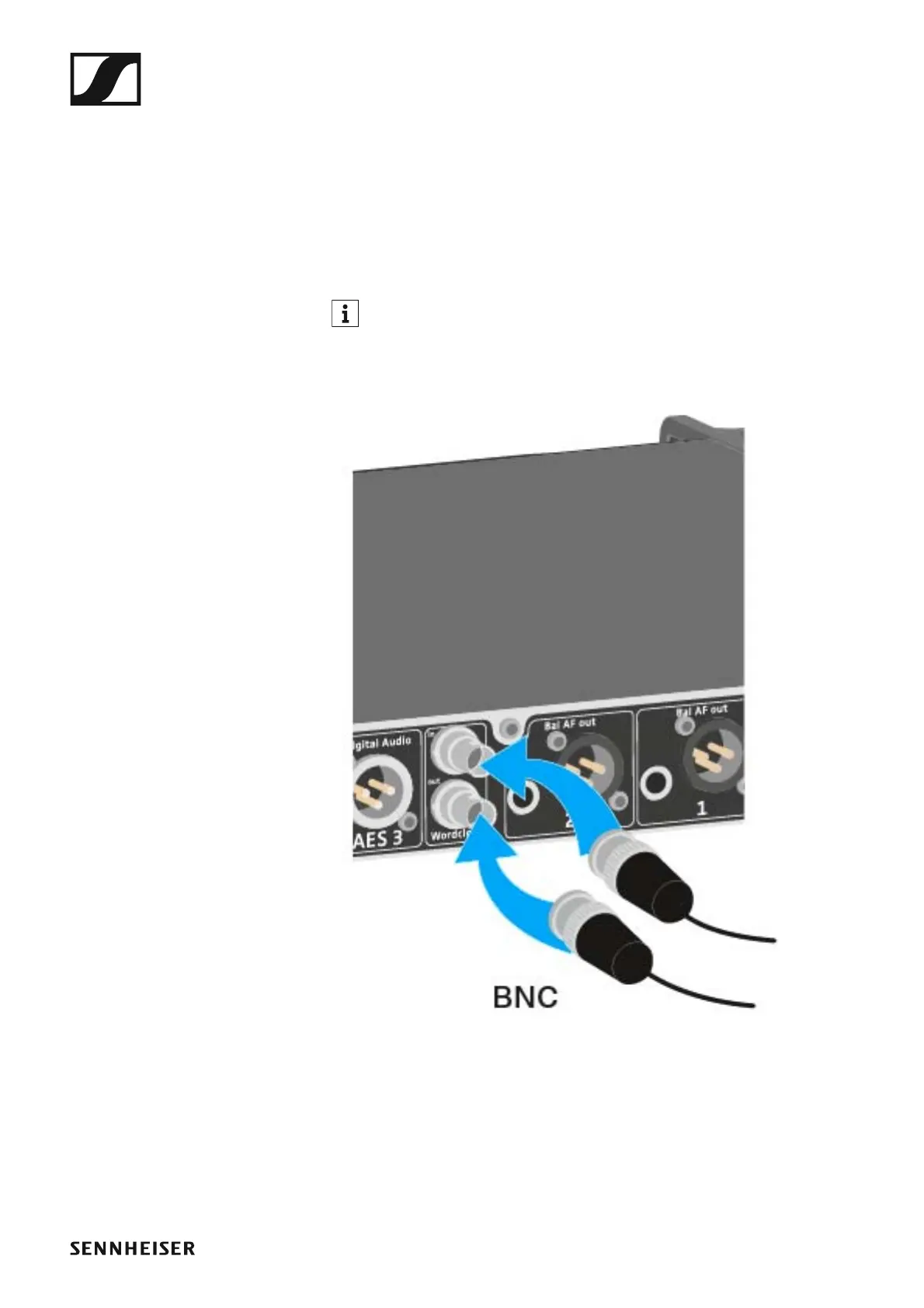
Connecting the word clock
You can use the internal word clock on the EM 6000 or connect an external
word clock.
You can also output the external word clock and cascade it up to 16 receiv-
ers.
The word clock output transmits only the external word clock that is con-
nected via the word clock input. The internal word clock is not output via
the word clock output.
For more information about the word clock, see “Word clock scenar-
ios for digital audio (AES3 and Dante™)”.
To connect an external word clock:
►
▷ Use a coaxial BNC cable (75 Ω) to connect the external word clock to
the Wordclock In input.
A suitable cable is available as an accessory part. See “Antenna ca-
bles”.














 To Next Page