Using the EM 6000
87
Step 1a: New Scan
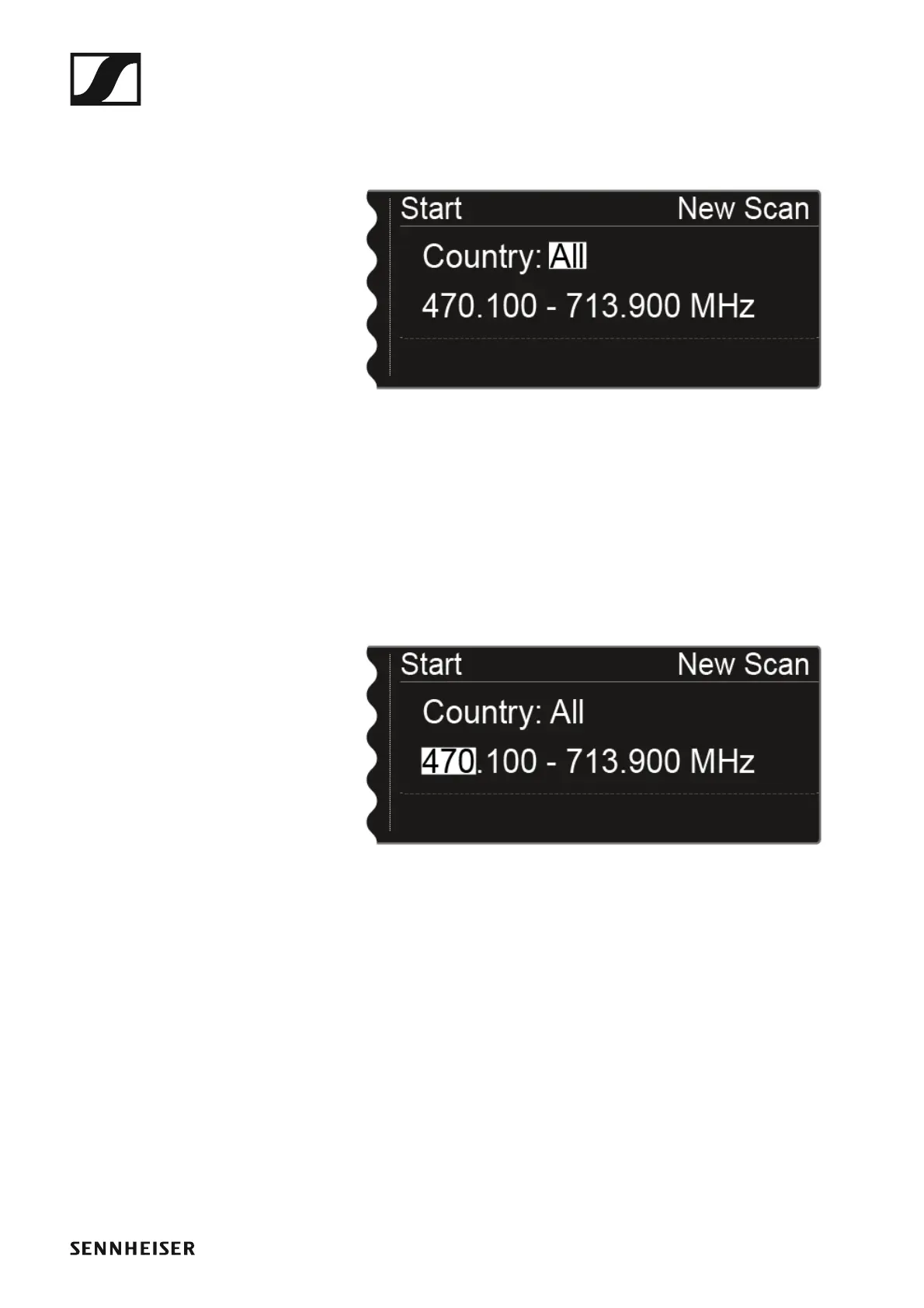
After you choose New Scan, the following view is displayed.
►
▷ Turn the jog dial to select the frequency range to be scanned:
• Choose All for the Country setting to scan the entire EM 6000 fre-
quency range.
• Choose USA, Japan, China, or Korea if you use specific frequency
variants for the transmitters so that only the frequency range that is
actually used is scanned.
or
▷ Press the jog dial to set the frequency range to be scanned manually.
►
You can adjust the value by turning the jog dial. Press the jog dial to
move back and forth between the individual points of the frequencies.














 To Next Page