Using the EM 6000
86
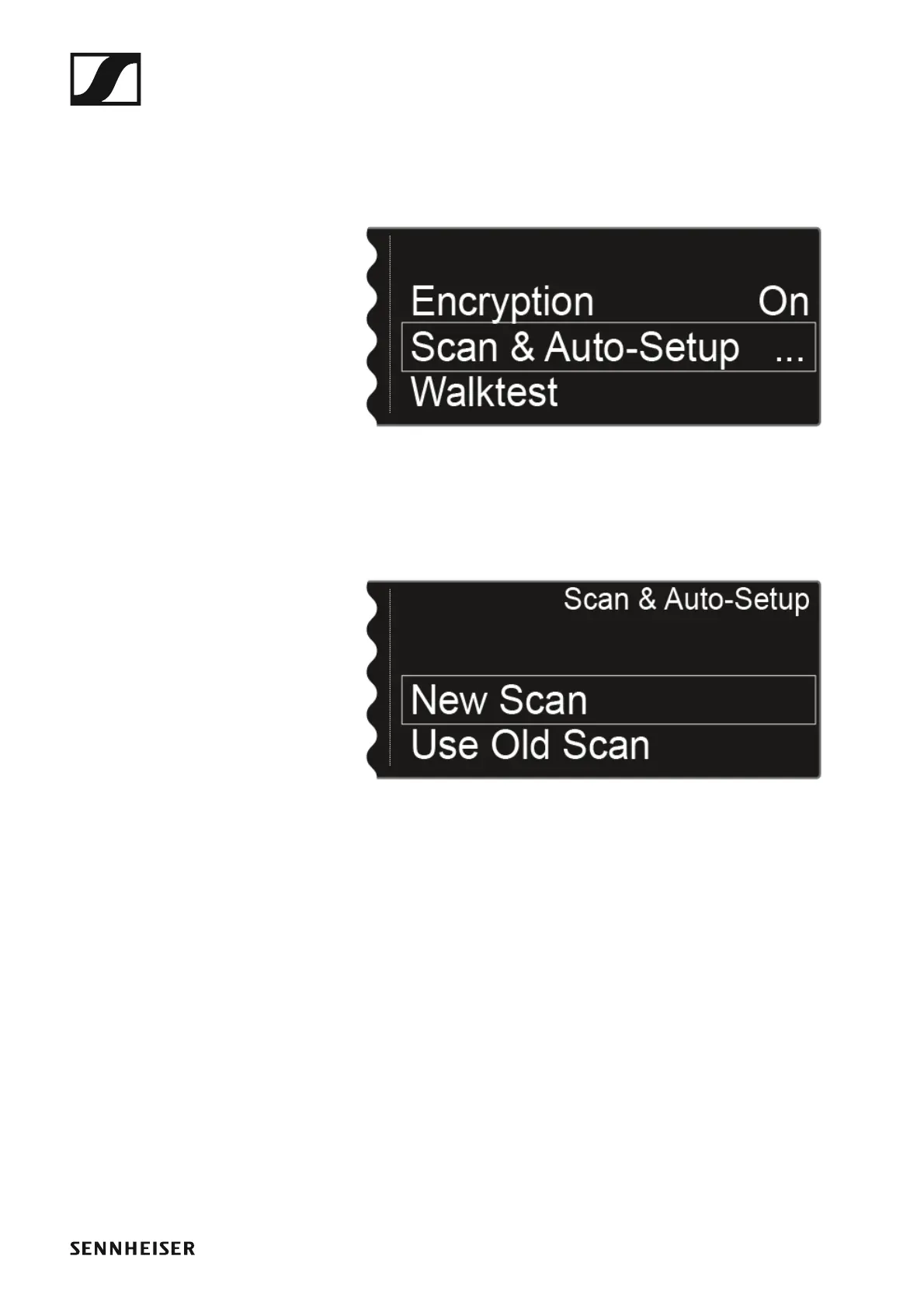
To open the Scan & Auto-Setup menu item:
▷ On the home screen, press the jog dial to open the operating menu.
▷ Turn the jog dial until the Scan & Auto-Setup menu item appears in the
selection frame:
►
▷ Press the jog dial to open the menu.
The following view is displayed:
►
▷ Choose New Scan to perform a complete scan of the environment.
▷ Choose Use Old Scan if you have already performed a scan and you
want to add only a small number of new devices to the existing produc-
tion environment.














 To Next Page