Using the EM 6000
82
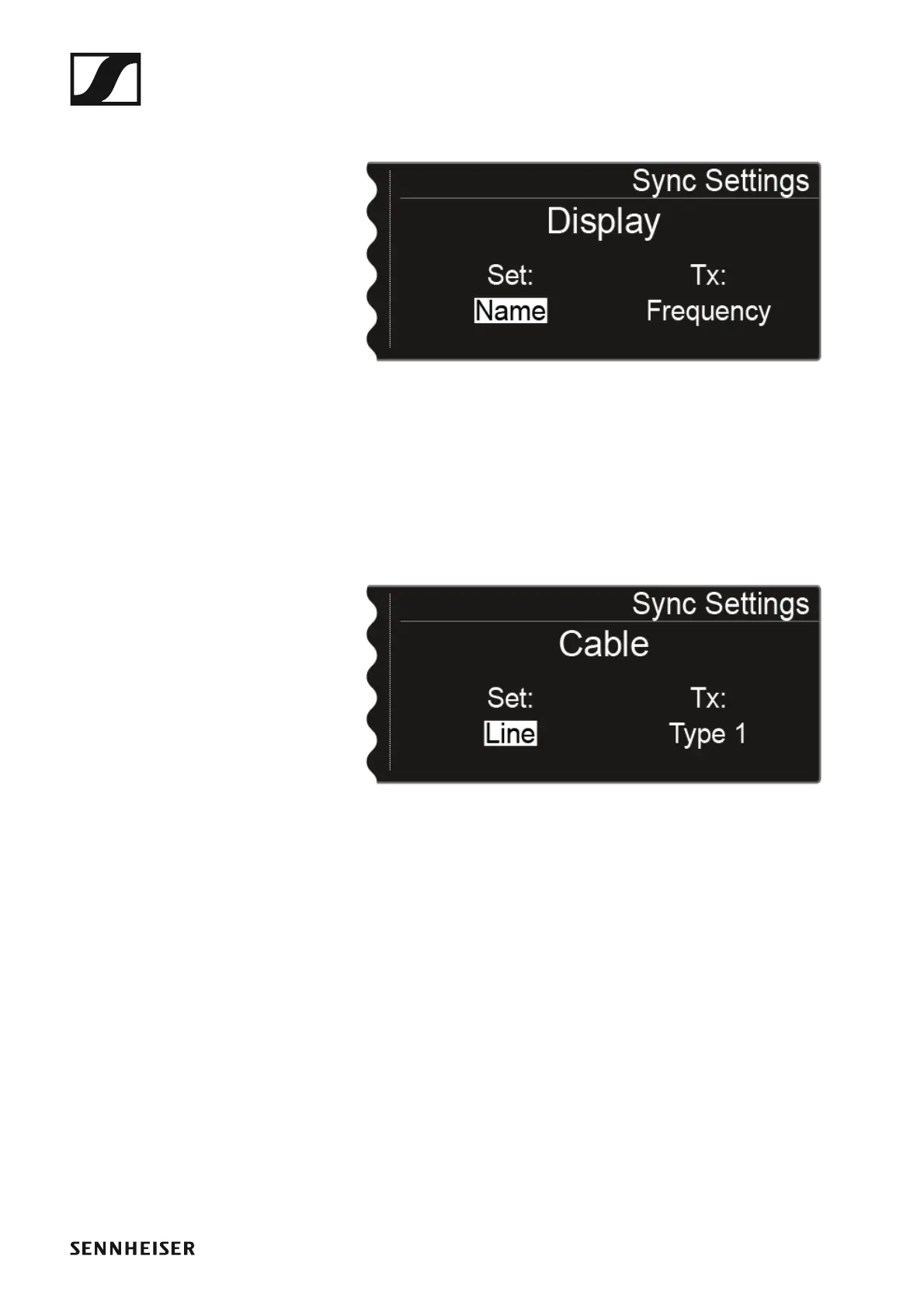
Display panel
►
You can configure the following settings for the Set value:
• Name, Frequency, or Preset
• no sync, so that this value is not synchronized
Cable
►
The Cable function is a cable emulator that you can in 3 stages (Type 1,
Type 2, and Type 3). Cable emulation is switched off with the Line option.
You can configure the following settings for the Set value:
•Line
• Type 1, Type 2, or Type 3
• no sync, so that this value is not synchronized














 To Next Page