Using the EM 6000
64
Switching the EM 6000 on and off
To switch on the EM 6000:
▷ Connect the EM 6000 to the power supply system.
See “Connecting/disconnecting the EM 6000 to/from the power sup-
ply system”.
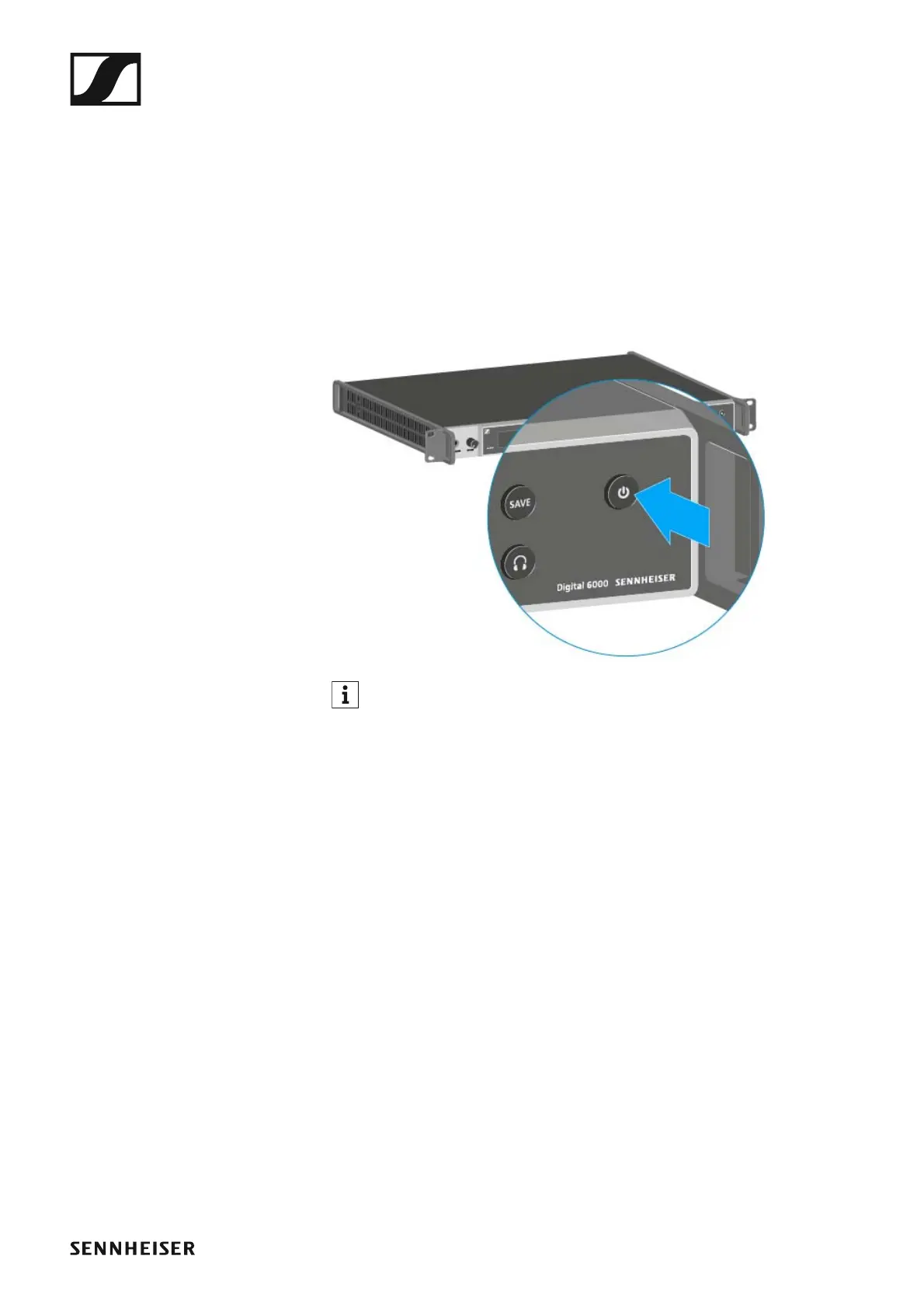
▷ Short-press the On/Off button.
The Sennheiser logo is temporarily displayed on the two displays. The
two displays then show the home screen for the relevant channel.
To switch off the EM 6000:
▷ Hold down the On/Off button until the device switches off.
►
Once the EM 6000 is connected to the power supply, the On/Off but-
ton lights up dimmed. If the booster voltage for antennas is activated
in the menu, it is active already before you switch on the EM 6000.














 To Next Page