Using the EM 6000
79
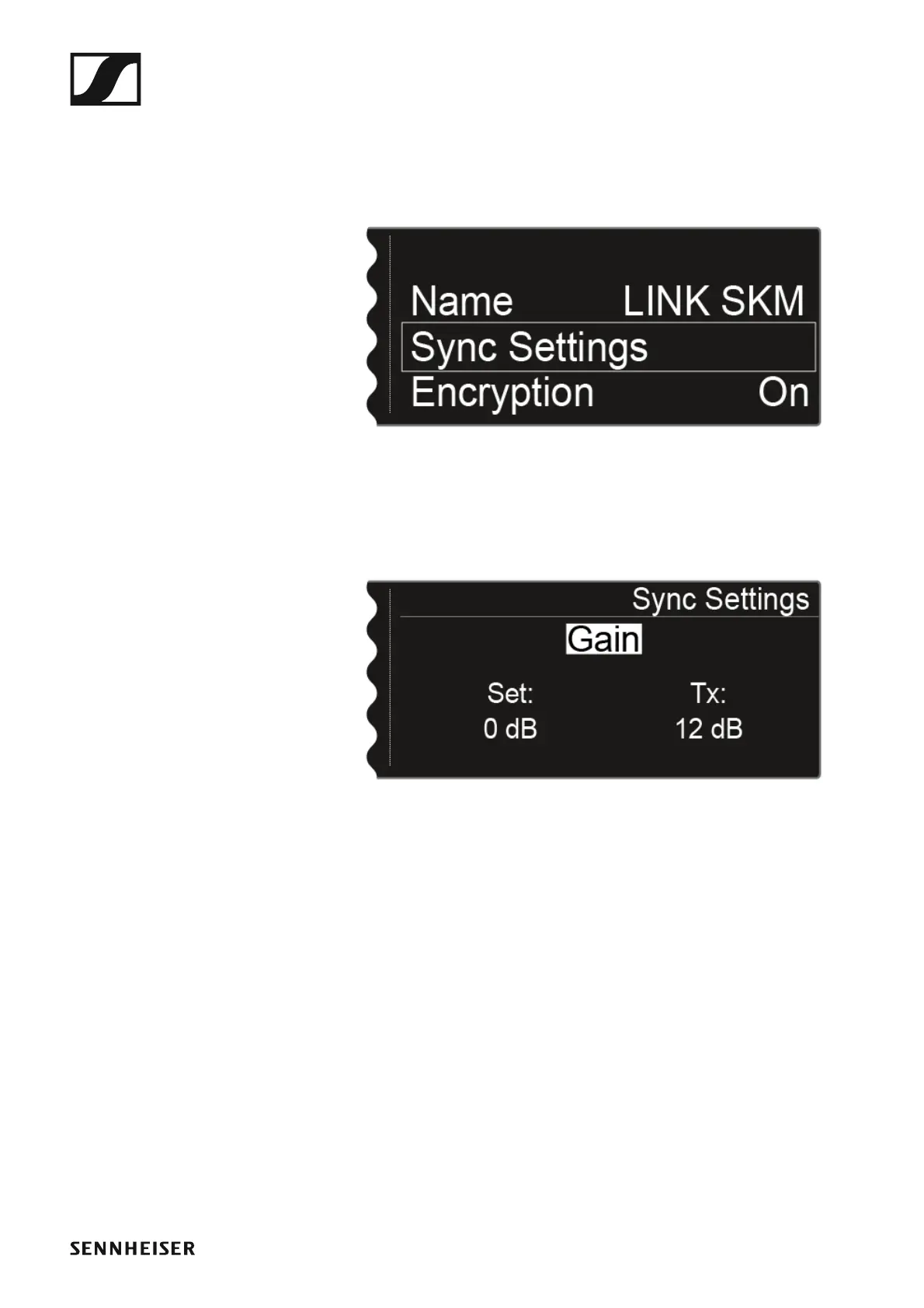
To open the Sync Settings menu item:
▷ On the home screen, press the jog dial to open the operating menu.
▷ Turn the jog dial until the Sync Settings menu item appears in the se-
lection frame:
►
▷ Press the jog dial to open the menu.
The following view is displayed:
►
The top line displays the option that is currently selected (Gain, Low Cut,
Auto Lock, Display, Cable).
The Set value shows the setting that you can select for the synchronization
in this menu item. The Tx value shows the value that is currently set on the
transmitter.














 To Next Page