Using the EM 6000
90
►
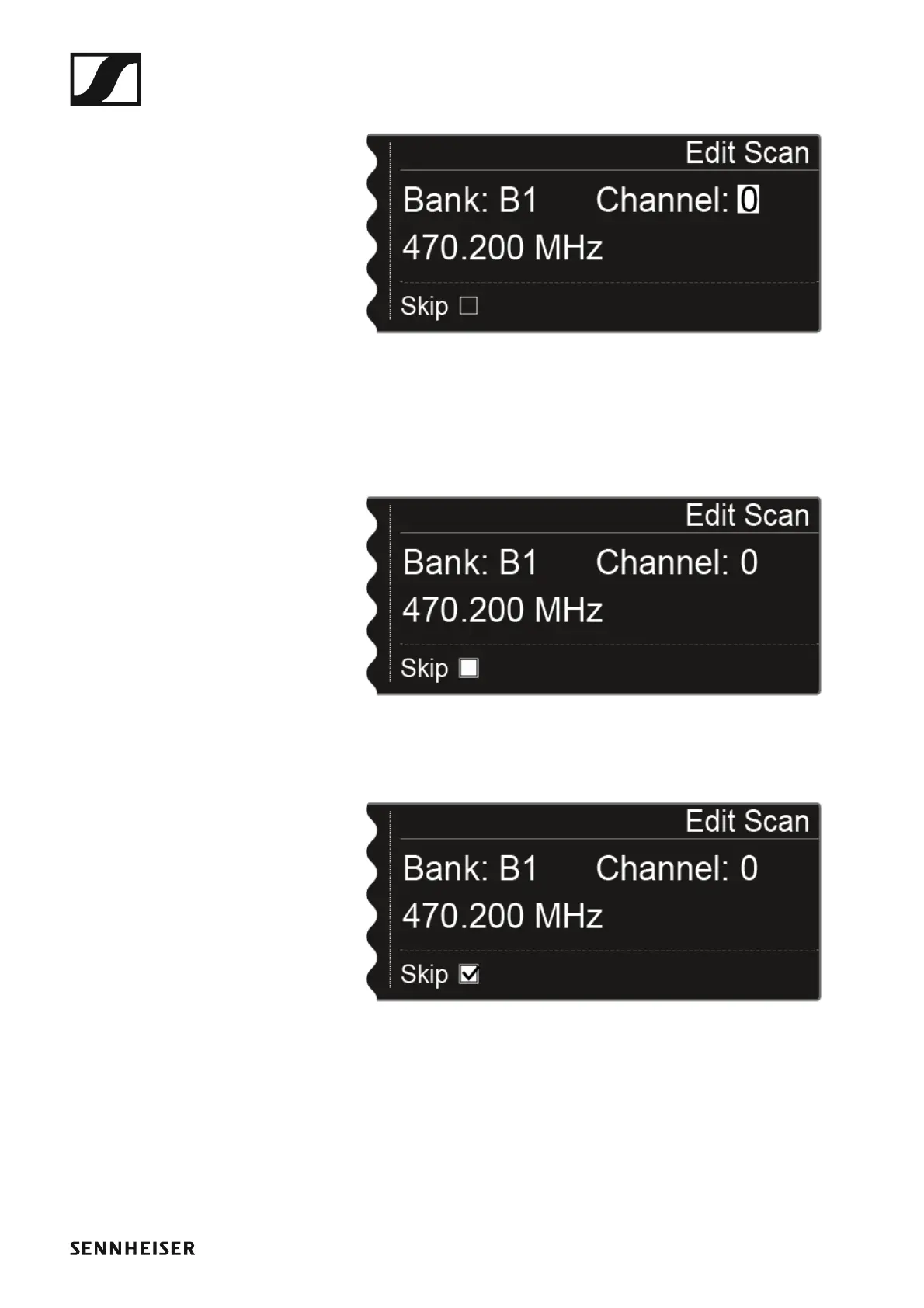
▷ Press the jog dial to search for the channel that you want to skip during
the automatic frequency setup.
▷ Press the jog dial
▷ The checkbox for the Skip option is highlighted in white.
►
Turn the jog dial to activate the Skip option for the selected channel.
►
▷ Press the jog dial to select an additional channel to skip.
Or
▷ Press the SAVE button to save the setting.
You can press the ESC button to cancel the function without saving.














 To Next Page