n Stopping a Time Program
There are two ways to stop the program.
• Forcibly stopping a program being executed
Press [RUN] to stop the program.
[RUN] on the display stops being highlighted and the program stops.
• Stopping a program with the [STOP] command
"Setting a [STOP] command for a time program《STOP》" P.75
3.7.7
Commands Used for Time Programs Only
This section explains about the commands that can be set for time programs only.
n Setting a loop count for a time program《LOOP》
A [LOOP] command can repeat a program
the specified number of times.
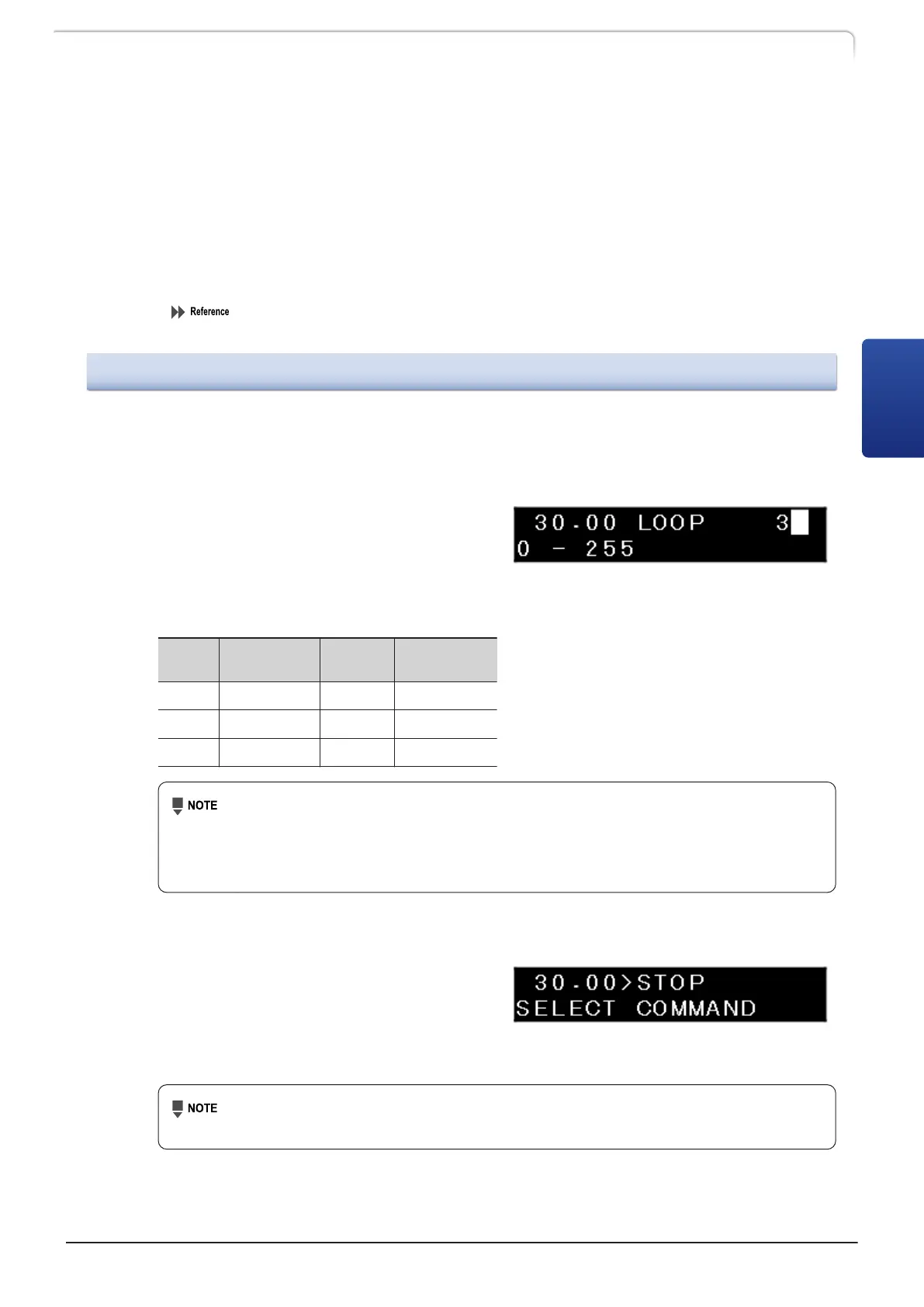
Settings shown in the table repeat steps 1 and 2 three times at intervals of 30 minutes.
Step
TIME
(Minute)
FUNC
VALUE
(mL/min)
1
15.00 FLOW 2.0000
2
20.00 FLOW 5.0000
3
30.00 LOOP 3
• After [LOOP] is repeated the specified number of times, the program
automatically stops.
• The [LOOP] command can be set to a maximum of 255. Note that if it is set
to "0", LOOP is executed 256 times.
n Setting a [STOP] command for a time program《STOP》
This allows the user to set the time to stop
a time program. Input the time in the last
step of a time program and press [↓]
several times until [STOP] is displayed.
Press [Enter] to set a [STOP] command.
When the time program is executed continuously, do not set a [STOP] command
at the end of the program.
LC-40D X3 CL LC-40D XR CL
75
3.7 Creating Time Program
3



 To Next Page
 Loading...