Set Value Delivery Amount per Hour (mL/h) Remark
0 0 The rinsing pump is disabled.
1 30 Half of standard
2 60 Standard
3 120 Twofold amount of standard
4 240 Fourfold amount of standard
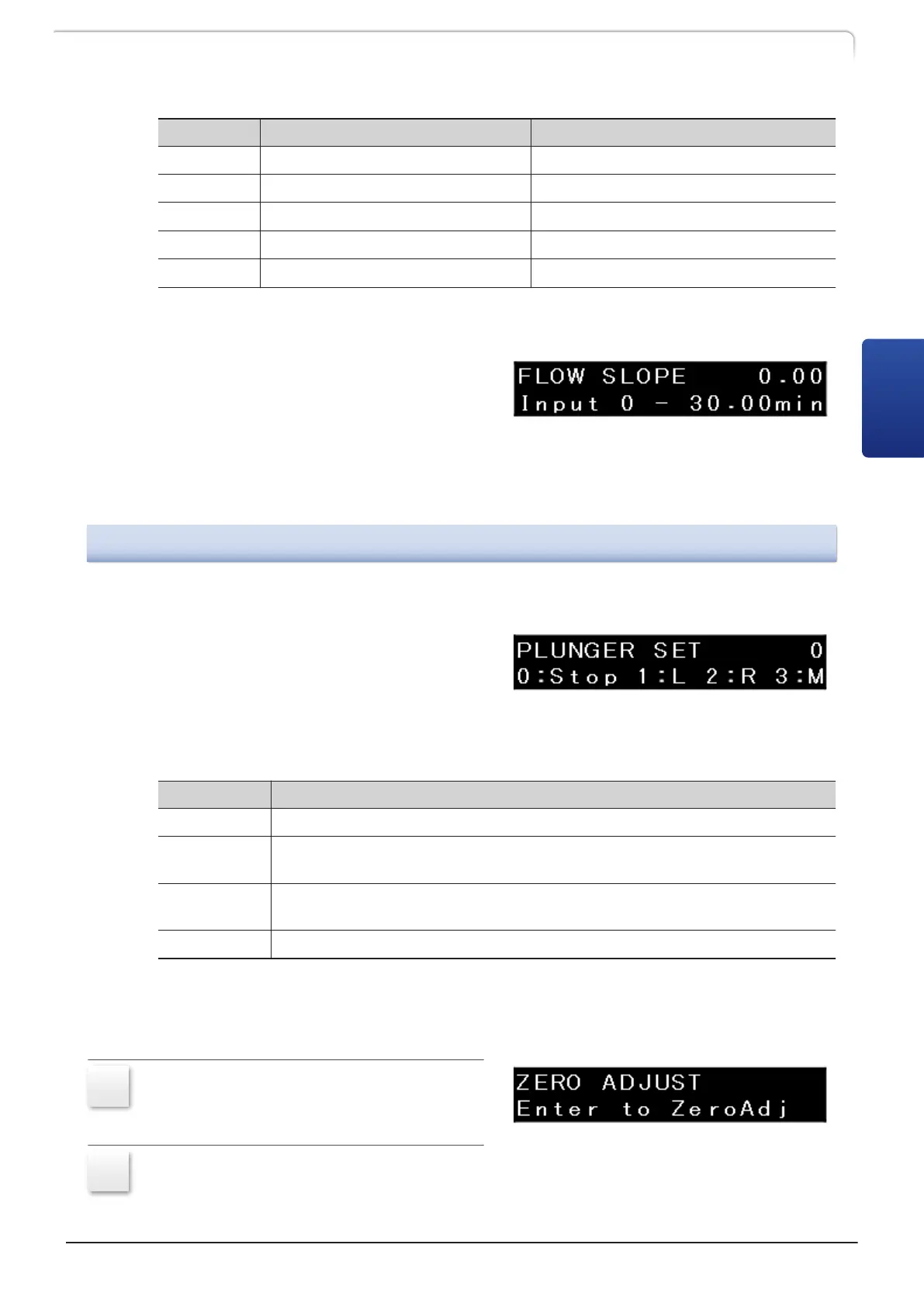
n Setting the time to reach the set flow rate after the start of delivery《FLOW SLOPE》
Set the time to reach the set flow rate
after the start of delivery.
The value can be set in the range from
0 minutes to 30.00 minutes in 0.01 minute
increments.
Selecting "0" disables this function.
3.5.3
[CONTROL] Setting Group
n Setting the plunger stop position《PLUNGER SET》
Set the plunger stop position. This setting
is used for maintenance.
[PUMP] on the display is highlighted and
the plunger starts moving. [PUMP] on the
display stops being highlighted after the
plunger finishes moving.
Set Value Function
0 The plunger stops moving.
1
The plunger on the left when viewed from the front is retracted.
In this state, the left pump head is removed.
2
The plunger on the right when viewed from the front is retracted.
In this state, the right pump head is removed.
3 The plunger stops at the middle position.
n Zero adjustment of pressure sensor《ZERO ADJUST》
Set the reference value for the zero point of the pressure sensor.
1
Open the drain valve to remove
pressure completely.
2
Press [Enter].
LC-40D X3 CL LC-40D XR CL
37
3.5 Auxiliary Functions Screen (FUNCTION)
3



 To Next Page
 Loading...