Com-
mand
Description Setting Range Remark Ref.
INT.SV
Opens or closes the
solenoid valve of the
low-pressure gradient unit
or internal reservoir
switching valve (optional)
1, 2, 3, 4 - P.32
EXT.SV
Opens or closes the
solenoid valve of
FCV-11A/FCV-11ALS
0, 1, 2, 3, 12, 13,
23, 123
Not used in CL model. -
EVENT
Sets ON/OFF of the event
output (relay contact) on
the back of the
instrument
0, 1, 2, 12 Not used in CL model. -
LOOP Repeats program
0 to 255
* 0 means 256
times.
- P.75
STOP Stops program N/A - P.75
GOTO
Switches to other
programs (up to 10 files)
0 to 9 Not used in CL model. -
*1
"Setting the system parameter《PUMP CONFIG (SYS)》" P.40
*2
The total of the settings for [BCONC], [CCONC], [DCONC] may not exceed 100 %.
That is: [BCONC] + [CCONC] + [DCONC] ≤ 100.
The concentration of mobile phase A will be the value subtracted from the total value of the other
concentrations from 100 (%).,
For example: Concentration A = 100 − ([BCONC] + [CCONC] + [DCONC])
"3.7.4 Creating a Low-Pressure Gradient Program" P.73
3.7.2
Time Program Setting Screen
To create a time program, access the edit screen as described below.
1
Press [CE].
The initial screen is displayed.
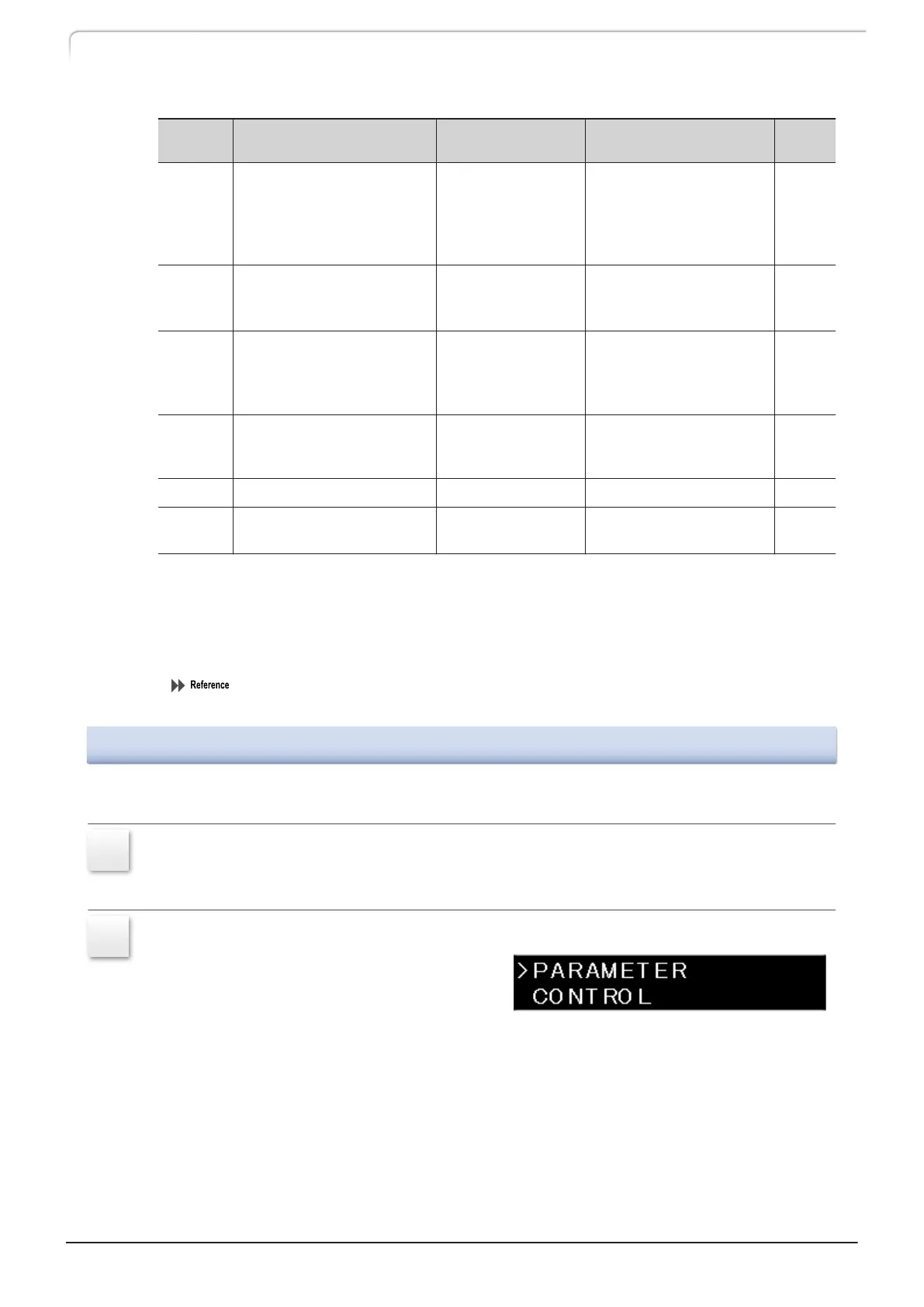
2
Press [→] twice.
The auxiliary functions screen [FUNCTION]
is displayed.
70
LC-40D X3 CL LC-40D XR CL
3 Operation



 To Next Page
 Loading...