9. KFGS control unit
9.1 Display and control elements of
control screen
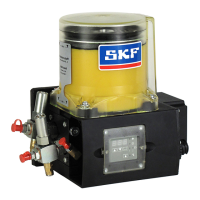
The display and control unit is protected from
water splashes and mechanical damage by a
transparent plastic cover. The cover must be
removed to program the unit and then re-
mounted afterwards.
9. KFGS control unit
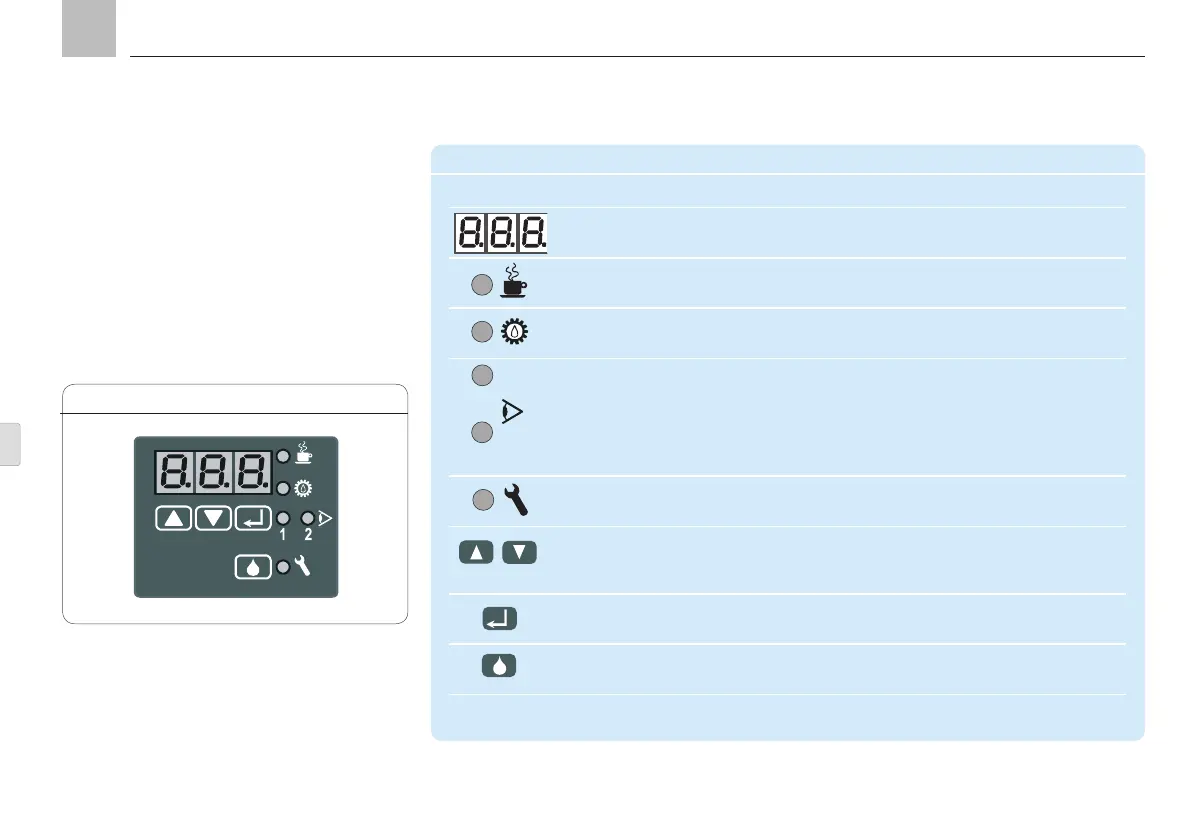
Control screen KGFS, Fig. 10
KFGS
Display and control elements of the KFGS control screen
Symbol Description Function
Three-digit LED display Values and operating status
PAUSE LED Interval time
CONTACT LED Display contact time (pump operation)
1 = CS LED Monitors system function via an external piston detector
CS = Cycle Switch, piston detector
2 = PS LED PS = pressure build-up monitoring on
progressive systems
FAULT LED Fault notification
UP or DOWN key Switch on display
Display values and parameters
Set values and parameters
SET key Switch between programming mode and display mode
Confirm values
DK key
Trigger interim lubrication
Delete fault notification
1
Page 66
EN


 To Next Page