14. Operational and pump faults
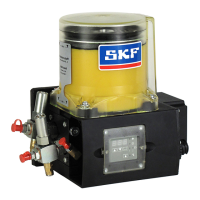
KFGS
14.2.1 Display faults
Start the display mode with one of the
two
keys
Press the
key until you reach the fault
Warning!
Determine and remedy the cause of
The user is liable for damages resulting
from operating the machine without
lubrication.
The time during which the control unit
and pump unit have been operated
without lubrication is stored as fault
hours Fh in the EEPROM and cannot be
deleted.
Fault notification
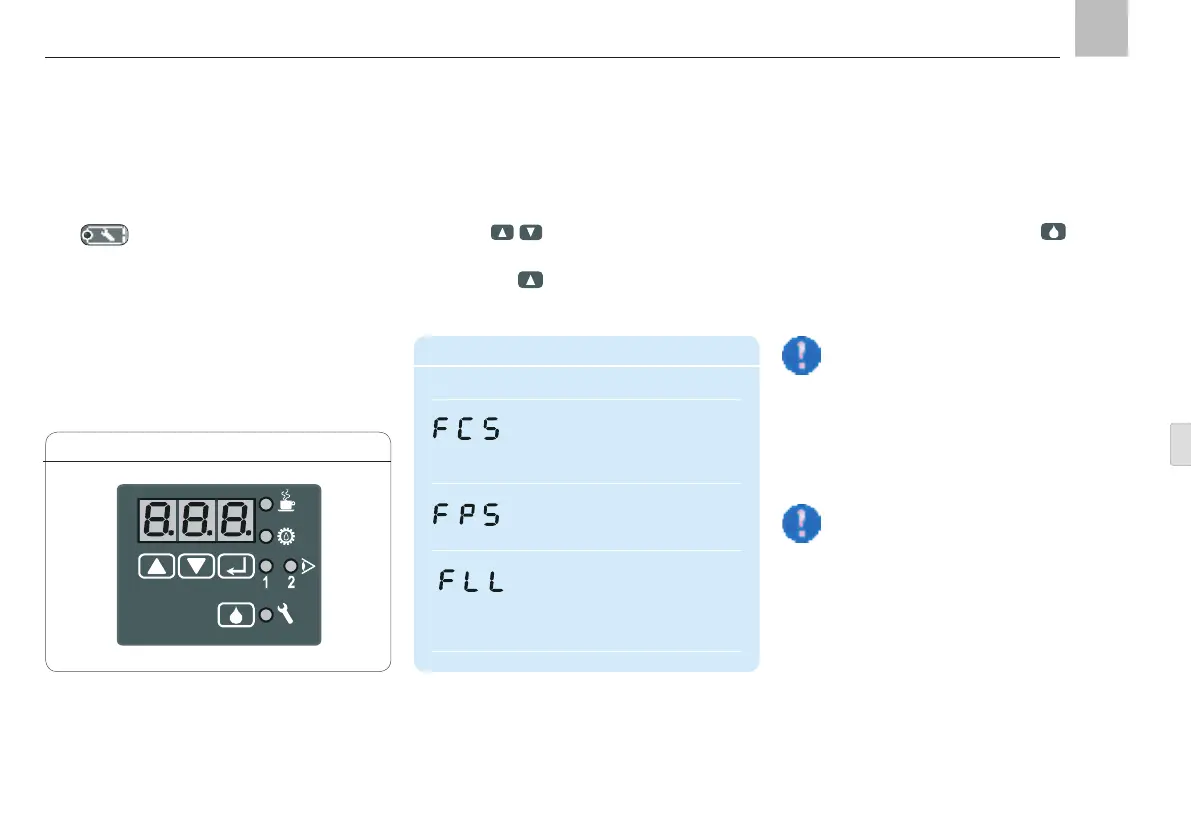
Display Meaning
Fault Cycle Switch:
No signal from piston detector
during pump cycle.
(see Chapter 9, Block Operation)
Fault Pressure Switch:
No signal from the pressure
switch during pump cycle.
Fault Low Level:
The level in the reservoir has
fallen below the minimum fill
level. The further operational
sequence has been stopped.
14.2 Malfunctions on KFGS pump unit
All fault notifications are displayed by the
LED
as a centralized fault notification.
When a fault notification is issued, the control
unit stops the normal operational sequence
and the fault that has occurred is saved and
displayed. The cause of the fault can be read
on the display. This greatly simplifies failure di-
agnostics, though it requires system
monitoring.
LED display, Fig. 24
-
edged and deleted using the
key.
In timer operation, this can also be
performed using an external push-but-
ton, if installed.
Page 97
EN


 To Next Page