9. KFGS control unit
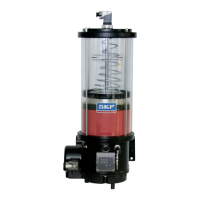
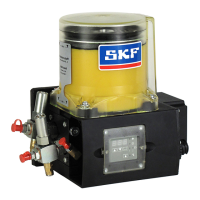
KFGS
9.3 KFGS programming
9.3.1 Start programming mode
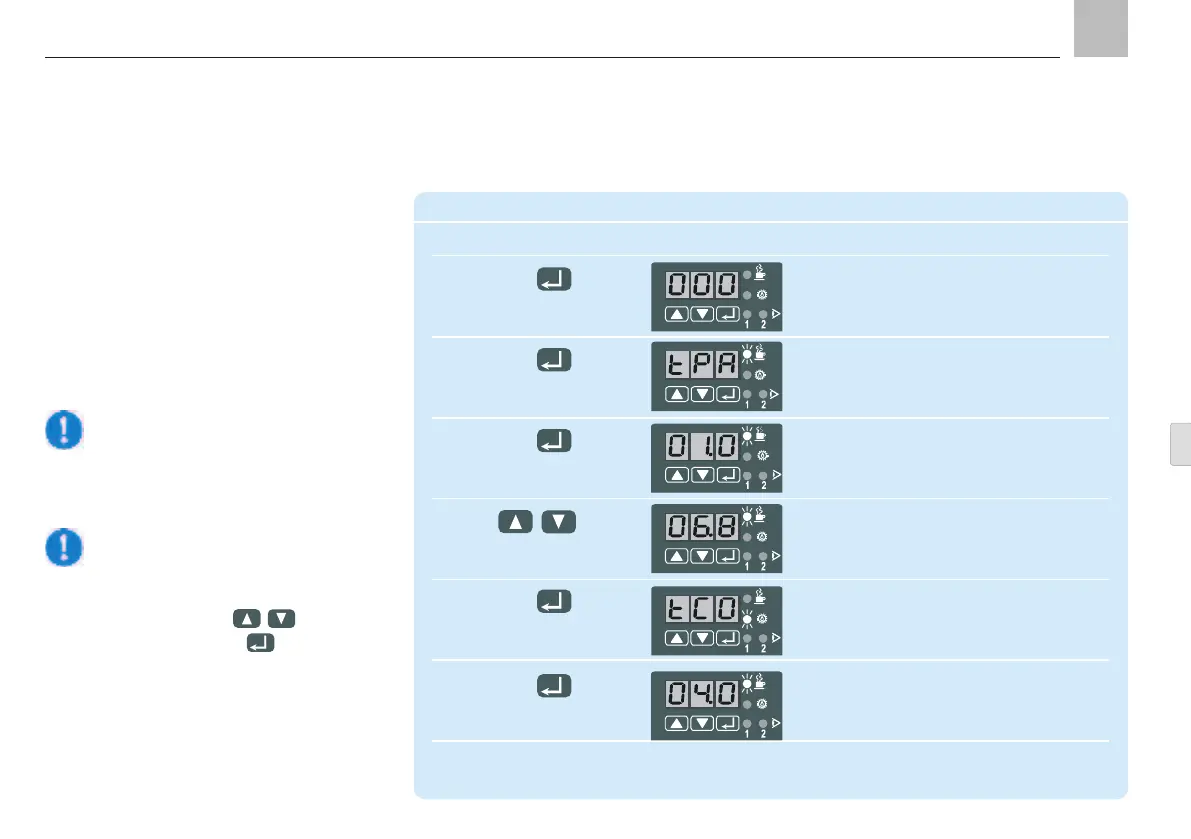
9.3.2 Change lubrication interval times
Note on step 2
If the 000 factory setting has been
changed, the changed code must be
selected using the
keys and
key.
Change lubrication interval times
Step Key Display
1 Display flashes
(000 factory setting)
Press for more than 2 s
2 Automatic display of first parameter:
"pause in timer operation"
Press briefly "PAUSE" LED flashes
(confirm code)
3 Interval time 1 h (factory setting)
(display in hours)
Press briefly
4 Set new value
Example: 6.8 h = 6 h 48 min
5 Display parameter:
"Pump cycle time Timer operation"
Press briefly "CONTACT" LED flashes
(confirm new value)
6 Pump cycle time 4.0 (factory setting)
For the permissible setting range for KFG(S)
90-264 VAC -see Technical Data, Chapter 13
Press briefly (display in minutes)
The working/interval times can be repro-
grammed to adapt the lubrication intervals and
requirements.
Page 73
EN


 To Next Page