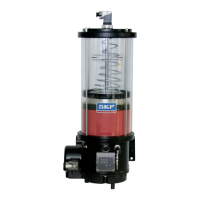
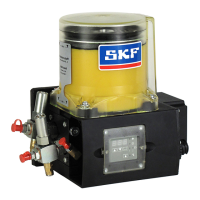
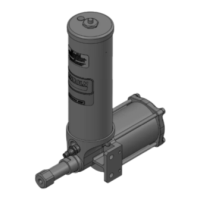
10. KFGL control unit
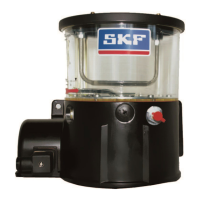
KFGL
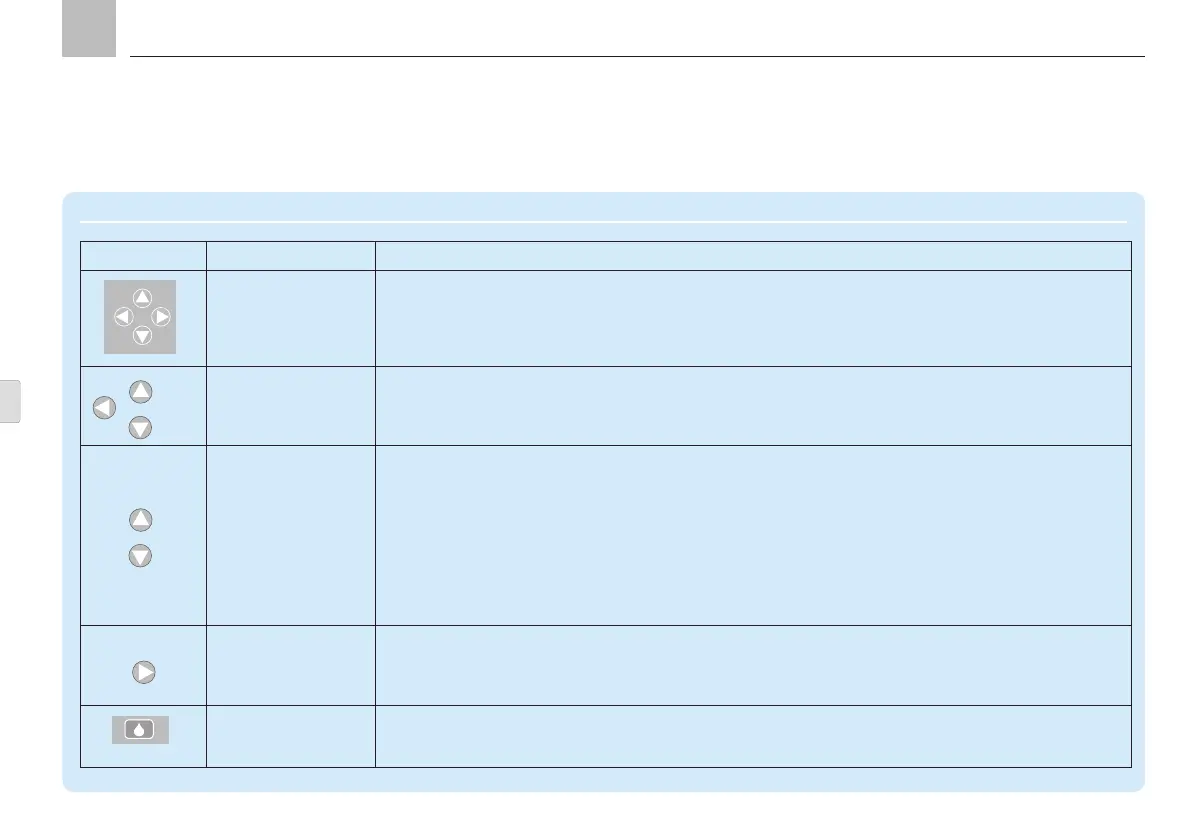
Display and control elements of control screen
Symbol Description Function
Operator keys
Operator keys
for menu selection (navigation)
for editing numerical values
Operator keys Operator keys for menu selection (navigation)
(arrow key up/down/left)
Go to the selected menu based on direction of arrow
Operator keys for editing numerical values
(arrow key up/down)
The numerical value is incremented/decremented based on direction of arrow.
Press <arrow key right> or <arrow key left> to move the cursor position to the adjacent digit. To exit the
editor window without saving the current change, press the key again after reaching the last digit.
Pressing <arrow key up> increments the selected digit by one.
Pressing <arrow key down> decrements the selected digit by one.
The input value for seconds and minutes can be between 0 and 59; a value between 0 and 65535 can be
programmed for hours.
Operator key for editing numerical values
(arrow key right)
Pressing the key moves the cursor one position to the right. If the cursor is on the right edge, the edit
window closes and the changes are discarded.
DK key Pressing triggers an interim lubrication.
Fault notifications are acknowledged and deleted.
Actuations while in configuration mode are ignored.
Page 82
EN


 To Next Page