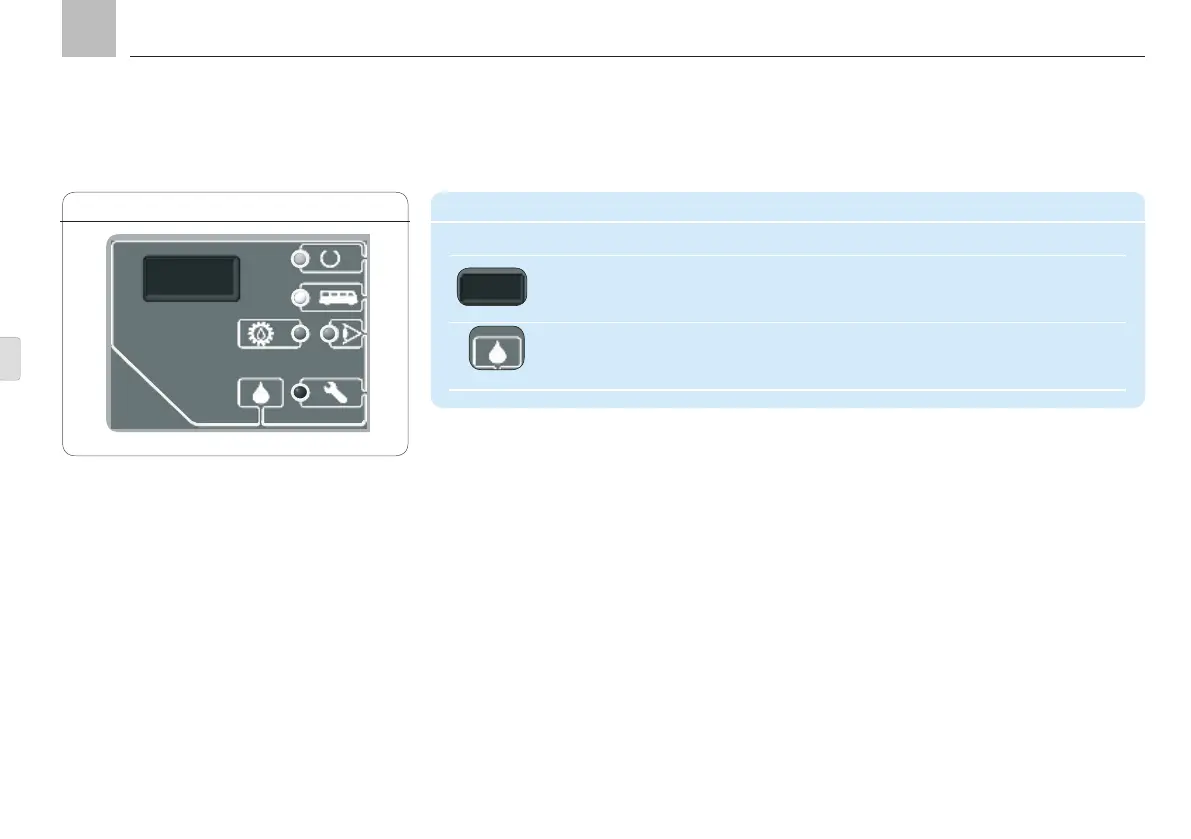
Continuation of "Display and control elements of the KFGC control screen" table
Symbol Description Function
IrDA interface Infrared service interface
Read stored status data and fault notifications
Configure the control unit via PC
DK key
Trigger interim lubrication
Delete fault notification
Halt lubrication
11. KFGC control unit
Display KFGL, Fig. 23
KFGC
Page 90
EN


 To Next Page