25
Copyright 2017 SolarCity Corporation. All rights reserved.
Chapter 1 - Welcome
Mount the Inverter Mounting Bracket as described in
“Installing the Inverter Mounting
Bracket” on page 51
.
3.4 - DC and AC Switches
The SolarCity H6 inverter includes switches that allow you to:
• Disconnect DC power to the inverter.
• Bypass AC power around the inverter.
3.4.1 - DC Disconnect Switch
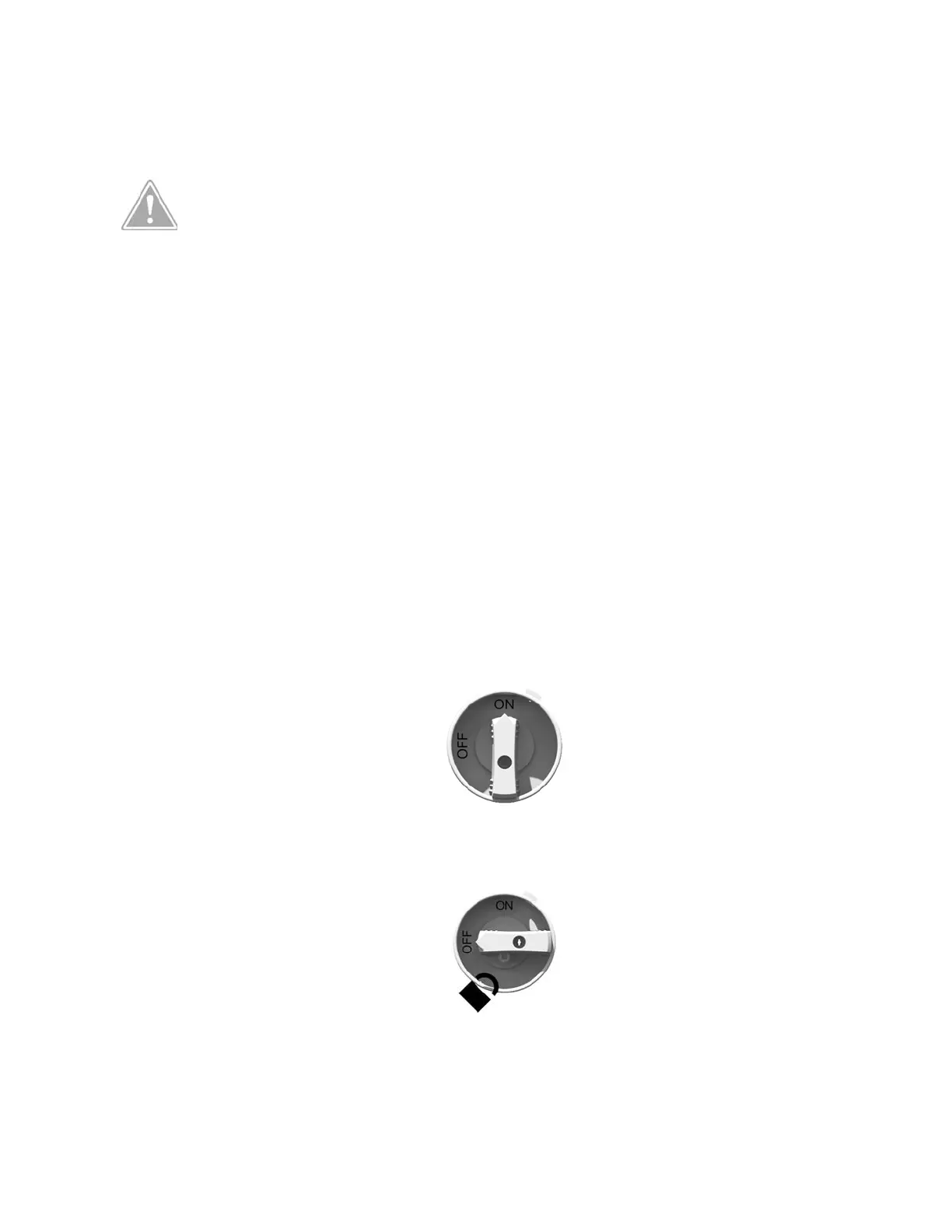
The DC Disconnect Switch turns DC power from the PV array and battery pack to the
SolarCity H6 inverter ON or OFF. The DC Disconnect Switch includes a hole for a padlock to
prevent inadvertently turning power ON or OFF. The DC Disconnect Switch must be set to
OFF in order to remove the wiring box cover. The SolarCity H6 inverter includes a position-
detecting mechanism that reports DC disconnect status.
Figure 3-7: DC Disconnect Switch in ON position
Figure 3-8: DC Disconnect Switch in OFF position
CAUTION: THE WALL ANCHOR(S) MUST BE RATED FOR THE TYPE OF WALL
ON WHICH THE INVERTER MOUNTING BRACKET IS BEING INSTALLED. THE
CONCRETE OR MASONRY MUST BE STRUCTURALLY SOUND AND ABLE TO
SECURELY CARRY THE ENTIRE WEIGHT OF THE SOLARCITY H6 INVERTER
WITHOUT RISK OF FAILURE.



 To Next Page