61
Copyright 2017 SolarCity Corporation. All rights reserved.
Chapter 1 - Welcome
3. Use a 5mm Allen ratchet screwdriver to install the four (4) cover screws (see
Figure 5-3
).
Torque the screws until the cover is tight and securely fastened. Do not over-tighten the
screws.
4. Turn the inverter output AC circuit to the ON position.
5. Place the DC Disconnect Switch in the ON position.
6. Proceed as follows:
- If you are installing the inverter, then continue with the installation/connections
beginning with
“Conduit Plugs and Fittings” on page 61
.
- If the SolarCity H6 inverter is already installed and operating, then power it ON as
described in
“Powering On the Inverter” on page 85
.
5.3 - Conduit Plugs and Fittings
The SolarCity H6 inverter includes pre-installed conduit plugs for all 1”, 3/4” and 1/2”
conduit fittings. To remove the conduit plugs, use a large-bladed flat screwdriver, coin, or
similar implement and turn counterclockwise.
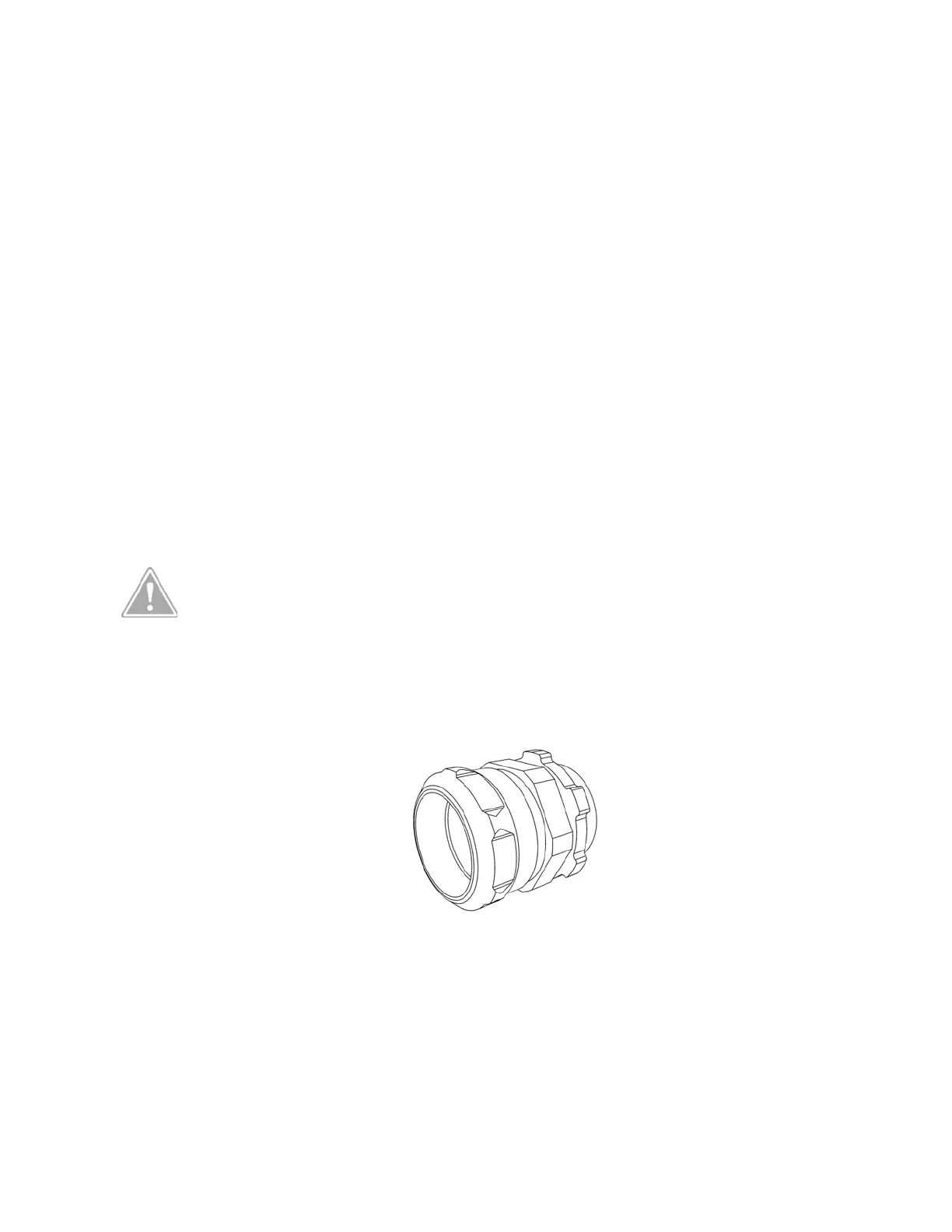
Use rain-tight compression connectors or other approved connectors to ensure a
weatherproof connection between the conduits and the wiring box.
Figure 5.4
displays an
example of such a connector.
Figure 5-4: Rain-tight compression connector
CAUTION: ATTEMPTING TO ENLARGE THE WIRING COMPARTMENT
CONDUIT OPENINGS WILL DAMAGE THE WIRING BOX ENCLOSURE AND
VOID THE INVERTER WARRANTY. THIS MAY ALSO DAMAGE ELECTRONIC
COMPONENTS LOCATED NEAR THE CONDUIT OPENINGS.



 To Next Page