Create a Local Alert Log
The following procedure configures a local alert log on the computer hosting your
SolarWinds NPM evaluation.
1.
Open an alert you want to enable on your network for editing.
Note: For more information about opening an alert for editing, see "Creating
and Configuring Advanced Alerts"
2.
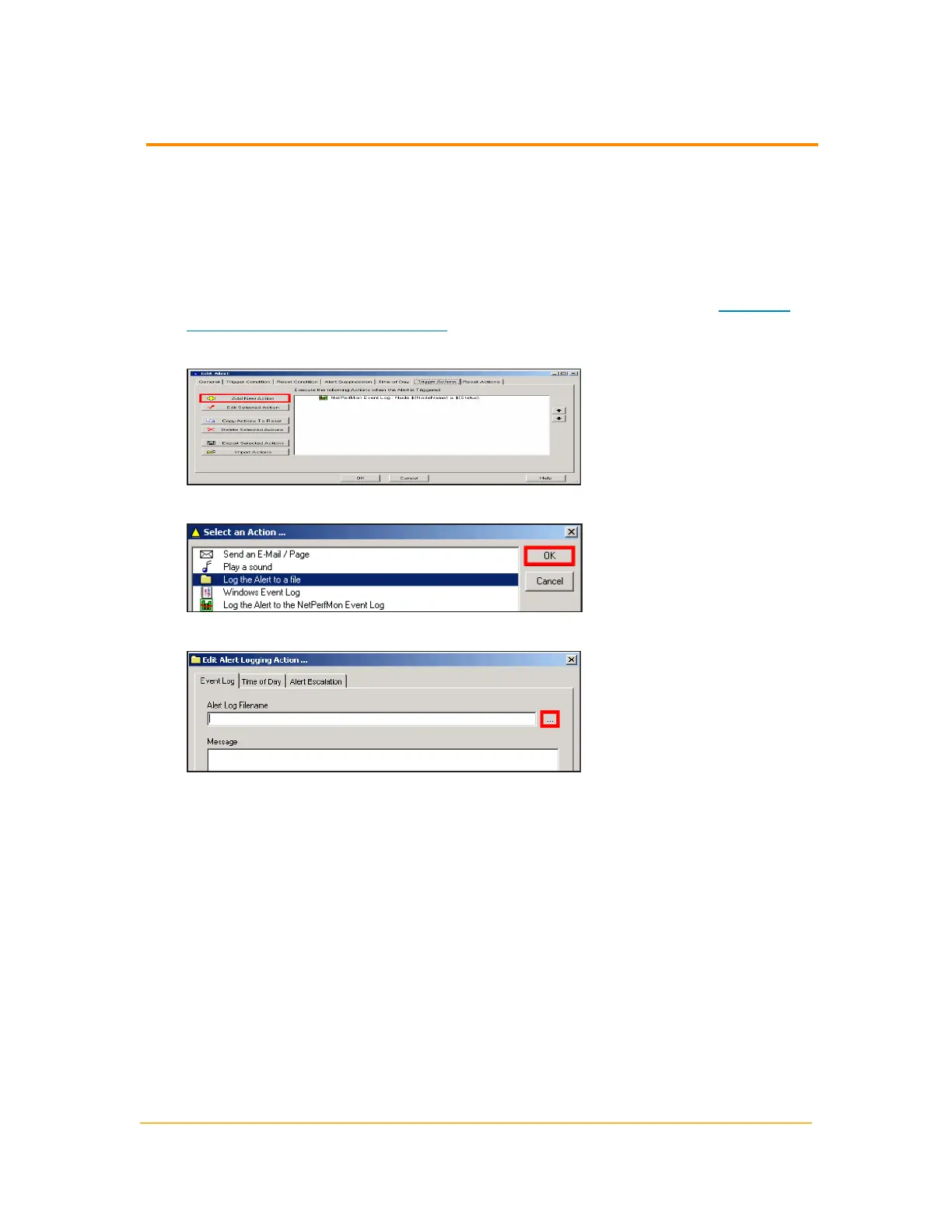
Click the Trigger Actions tab, and then click Add New Action.
3.
Select Log the Alert to a file, and then click OK.
4.
Click Browse (...) to open the default Orion directory.
328
Configuring Alert Actions



 To Next Page