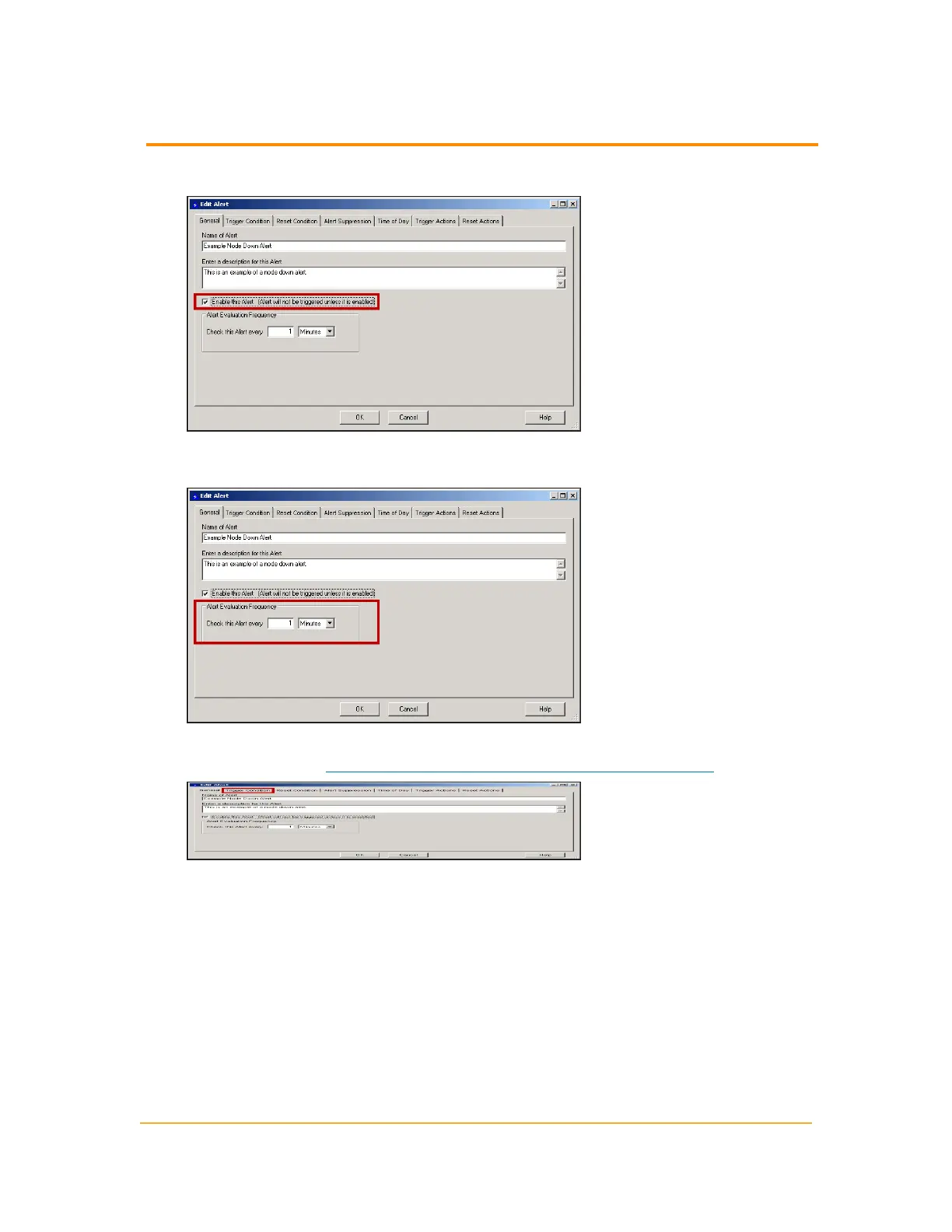
6.
Check Enable this Alert.
7.
Type the Alert Evaluation Frequency and select Seconds, Minutes, or Hours
from the list to set the checking interval for your alert.
8.
Click Trigger Condition to set the trigger condition for your alert. For more
information, see "Setting a Trigger Condition for an Advanced Alert"
Setting a Trigger Condition for an Advanced Alert
You can set the specific conditions for triggering an advanced alert with the following
procedure.
215
Setting a Trigger Condition for an Advanced Alert



 To Next Page