26.
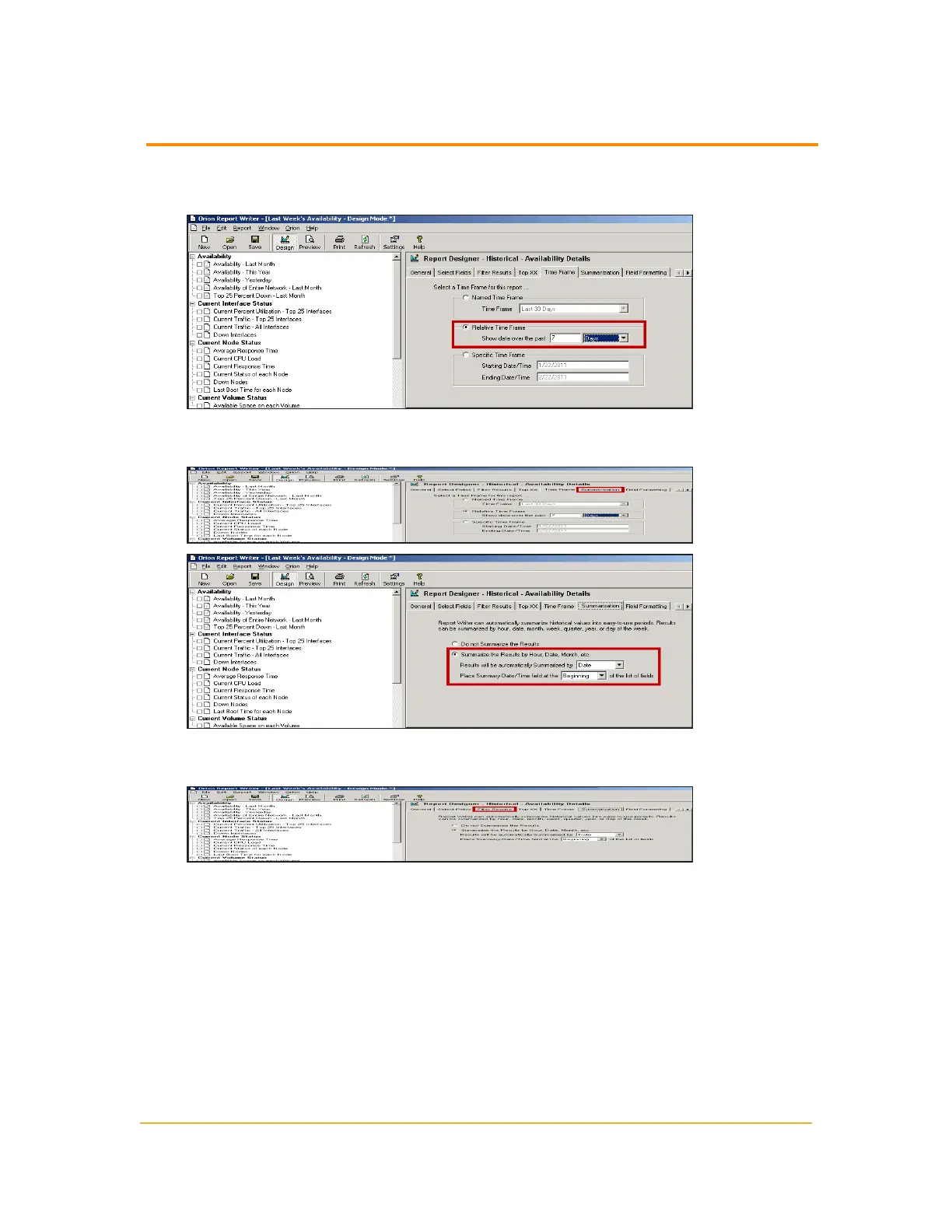
Select Relative Time Frame, type 7 in the text field, and then select Days from
the list.
27.
If you want to break down the report day-by-day, click Summarization and
specify your choices.
28.
If you want to filter your report, click Filter Results and specify filter rules,
as on the Select Fields tab.
29. Click File > Save to save your work.
Using Orion Report Scheduler
Orion provides the Orion Report Scheduler to configure reports for automatic
generation and distribution.
n
Creating a Scheduled Report Job
n
Using Orion Report Scheduler with HTTPS
278
Using Orion Report Scheduler



 To Next Page