Creating and Viewing Reports
19.
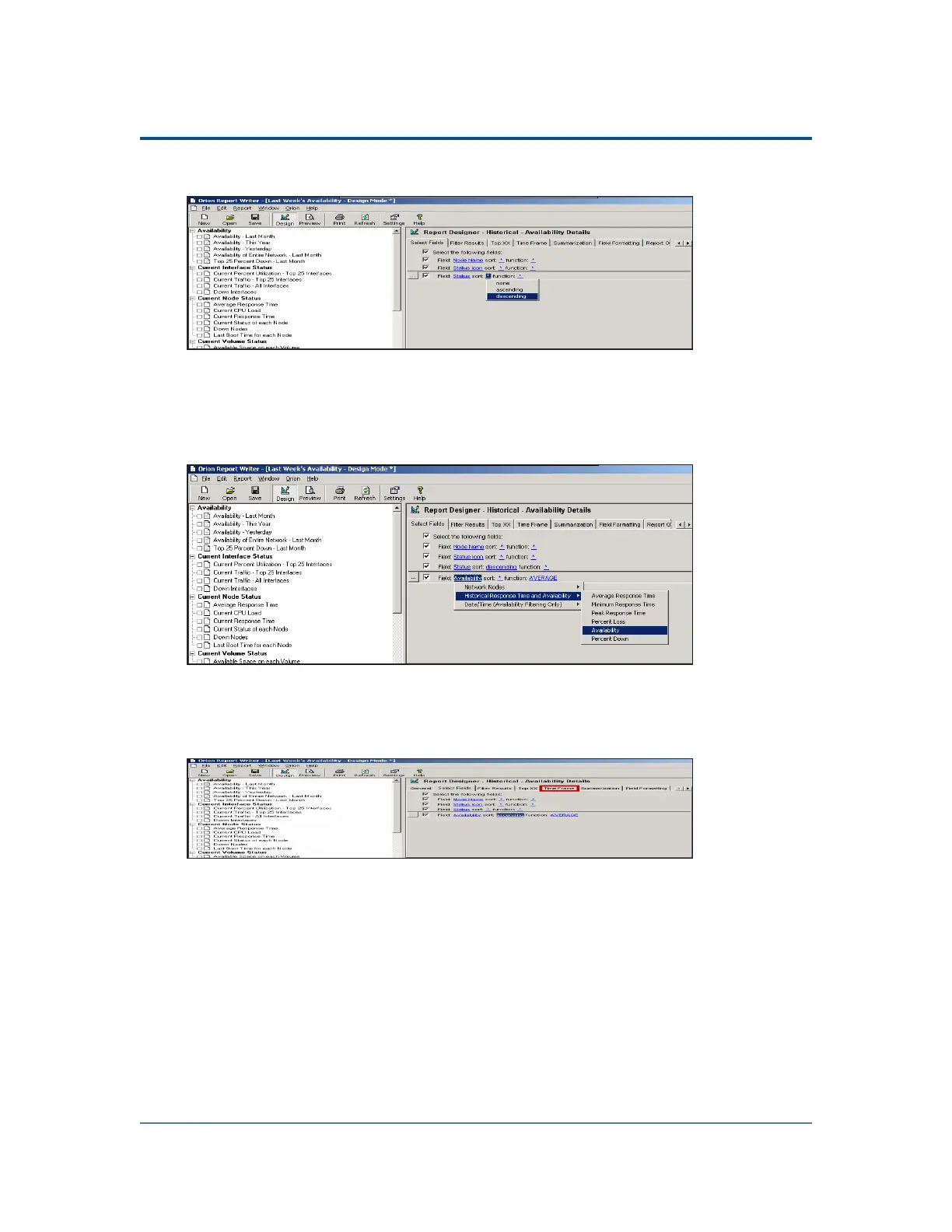
Click the sort asterisk on the Status field line, and then select descending.
20. Click Execute SQL Query to confirm your choice.
21. Click Browse (...), and then select Add a new field.
22.
Click the Field asterisk, and then select Historical Response Time and
Availability > Availability.
23. Click the sort asterisk on the new line, and then select ascending.
24. Click Execute SQL Query to view the report.
25.
Click Time Frame.
277



 To Next Page